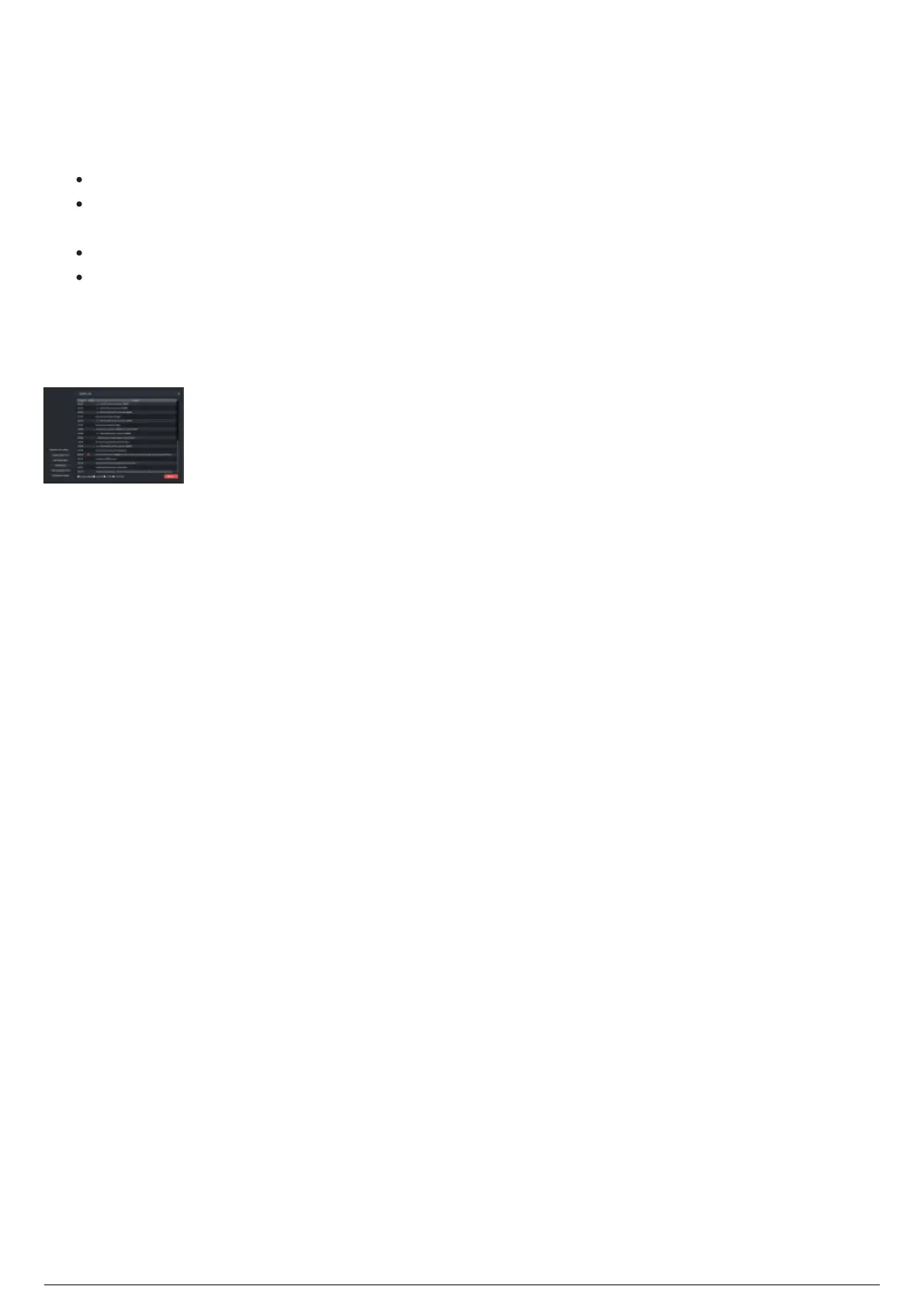
System Log
The System Log widget displays system information about the BlackTrax project. The various features of
the system log are:
Enable Logging: Select this checkbox to log all events in System Log widget.
Log Data: Select this checkbox to record all data transmitted. Used primarily for debugging
purposes.
To File: Select this checkbox to save the System Log to C:\bt_run_time.
Auto Scroll: Select this checkbox to automatically scroll to the latest event when it is created in the
System Log.
Note: If logging data To File is enabled, you may accumulate Gigabytes of data in a single day of use.
We recommend that the log file is removed periodically to conserve BTSystem memory.
To set the system log as a separate window
Double-click the System Log heading.
Result: The System Log window appears as a separate window.
To reattached the system log window to BlackTrax
In the System Log window, on the top right of the window, click Attach.
Result: The System Log window reattaches to the main widget.



 To Next Page