Checking the Connectivity of BTSensors
BTSensors must be connected to the BTSystem for tracking to occur. The connection status of BTSensors
can be determined in the Devices window in Motive.
To determine if BTSensors are connected
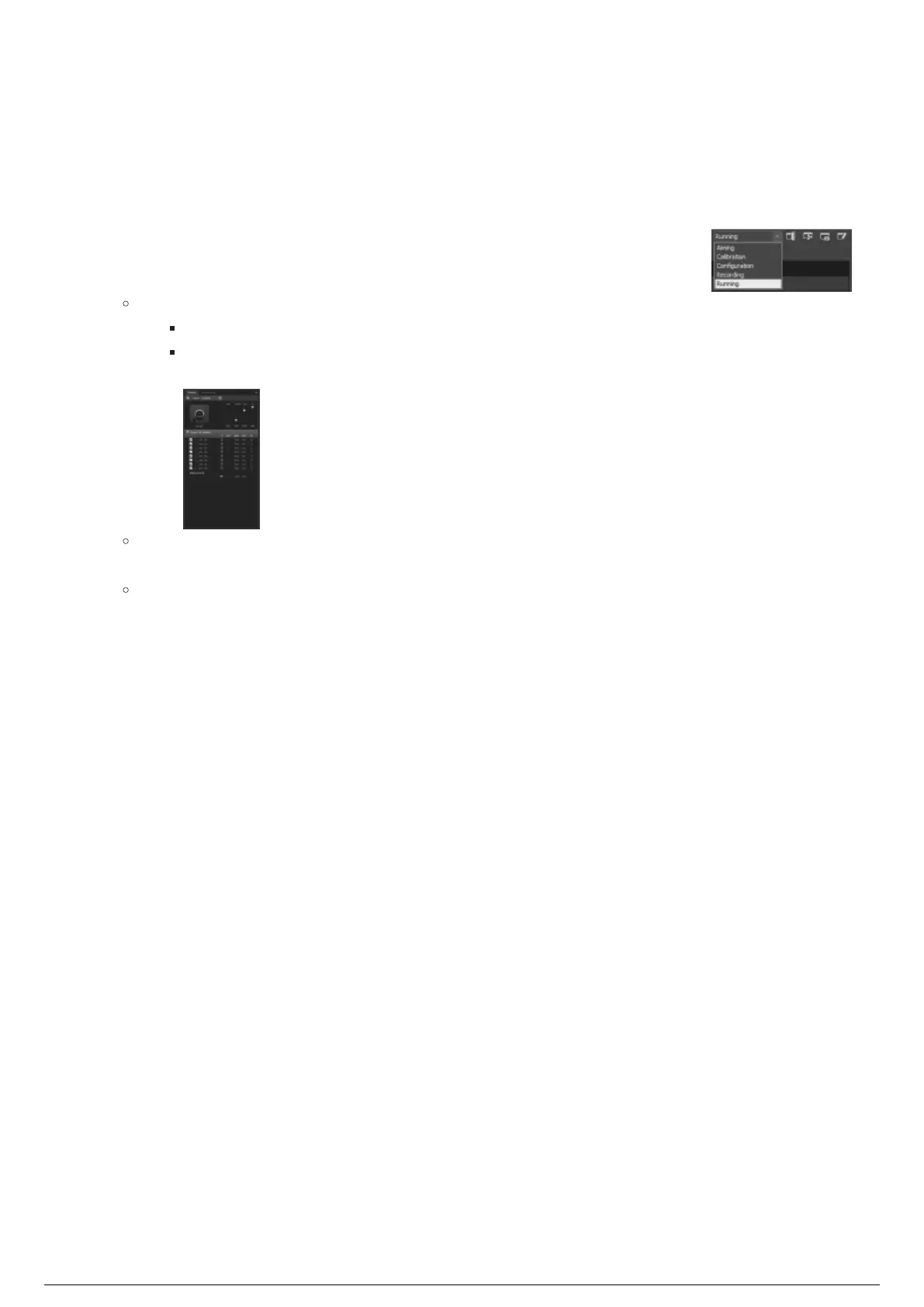
In Motive, click the drop-down box at the right-hand side of the main toolbar and click Running from1.
the drop-down menu of layout presets.
Result:
Motive opens the preset windows in the Running layout.
In the Devices window, all connected BTSensors will be displayed under the Cameras
group.
Note: If a BTSensor is not visible in the Devices window, check the physical connections to
see if any BTSensors are disconnected.
Tip: To help identify BTSensors, you can click the Aim Assist button on a BTSensor in the
Devices window, and the corresponding BTSensor will flash yellow in the Camera Preview
window.



 To Next Page