Patching Trackables in BTWYSIWYG
Patching Trackables Introduction
Important Note: As of BlackTrax v2.2, the Quick Motion Patch Tool is no longer required to patch
Trackables because Trackables are automatically named and patched when inserted.
Trackables that are created need to be patched to a Motion Universe. The patch allows the visualization
of Trackable movement in BlackTrax. This section shows how to easily patch Trackables using the Quick
Motion Patch Tool, as well as the manual way to patch each Trackable.
Note: Read the WYSIWYG Reference Guide’s chapter on Data mode for a complete understanding of
patching manually assigned Trackables.
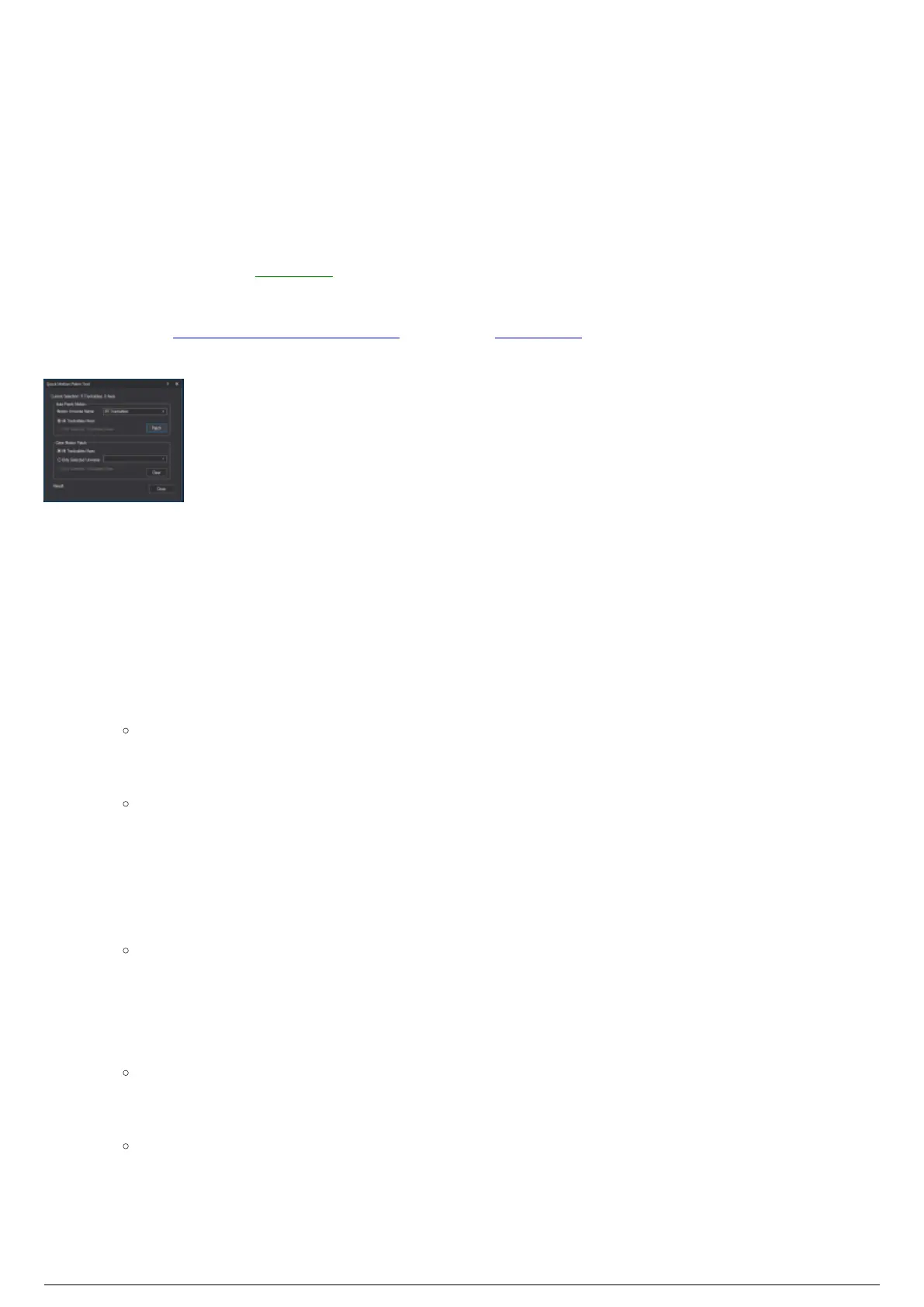
Quick Motion Patch Tool
Patching Trackables Using Quick Motion Patch Tool
To patch all trackables using the quick motion patch tool
From the Tools menu, choose Quick Tools and then choose Quick Motion Patch Tool.1.
Under the Auto-Patch Motion section, ensure that All Trackable/Axes is selected.2.
Click Patch.3.
Note: If the motion universe BT-Trackables does not yet exist in the file, BTWYSIWYG will
ask in a dialog box if you wish to create it. In the dialog box, click Yes to create the motion
universe.
Result: The Trackables are patched to the motion universe. The total number of Trackables
patched will be reported at the bottom of the window.
Click Close.4.
To patch only selected trackables using the quick motion patch tool
Select all Trackables you wish to patch in one of the wireframe views.1.
Tip: Remember that the Trackable is the Cartesian axis associated with the Trackable, not
the Trackable object itself.
From the Tools menu, choose Quick Tools and then choose Quick Motion Patch Tool.2.
Under the Auto-Patch Motion section, ensure that Only Selected Trackable/Axes is selected.3.
Click Patch.4.
Note: If the motion universe BT-Trackables does not yet exist in the file, BTWYSIWYG will
ask in a dialog box if you wish to create it. In the dialog box, click Yes to create the motion
universe.
Result: The Trackables are patched to the motion universe. The total number of Trackables
patched will be reported at the bottom of the window.
Click Close.5.
To clear all trackables' patch using the quick motion patch tool



 To Next Page