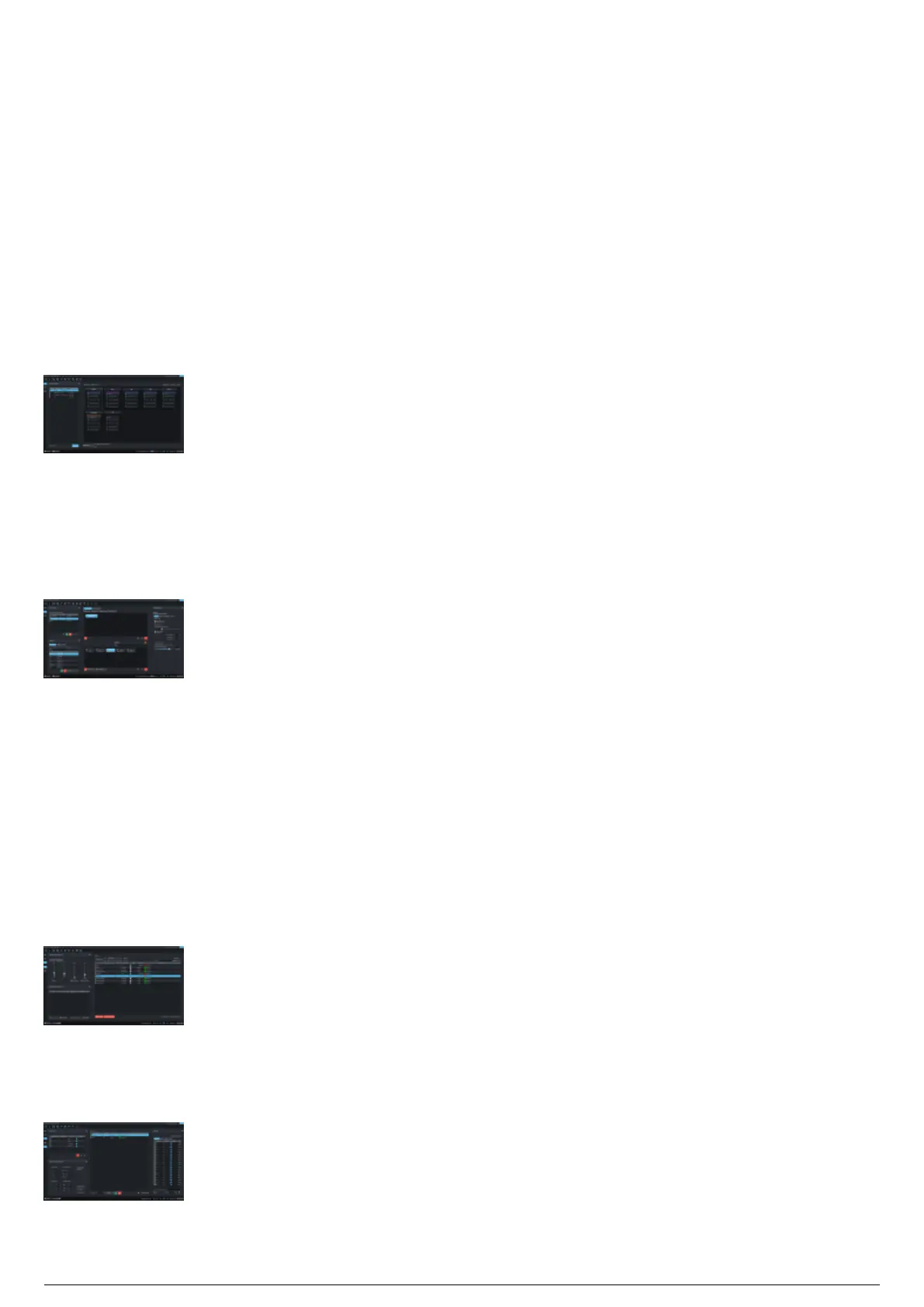
Layout of the BlackTrax GUI
The functions of BlackTrax are divided into three simple core views. You may customize how the GUI lays
out the various toolbars and widgets to your liking, and as such, this documentation refers to the default
layout of the GUI. Along the left of the window are the View toolbar and Sub-View toolbar where you may
click and navigate to the different views. The views of BlackTrax are:
Live view: The Live view is where you monitor a BlackTrax project. From this view, you have the ability
to manually switch between Chapters and Books or enable Chapter Control from a console. You can
connect or disconnect BlackTrax modules to the system as well as view the current BTBeacon patch,
data and their Trackables. You may choose which Trackables are displayed based on group, active
chapter, or all available. Only the information that was saved and applied to the project is displayed in
Live view.
Live View
Edit view: The Edit view is where you assign fixtures to follow Trackables and program your Chapters.
An instance of fixtures and Trackable relationships is called a chapter. Chapters can be edited, saved and
managed on this page. You can also create and manage Books. Books are collections of Chapters. You
may control how a fixture follows a Trackable using Fixture Settings. Various fixture settings and how
they connect to BlackTrax are managed from this view.
Edit View
Calibration view: The Calibration view is the parent of Calibration sub-views. Each sub-view offers
settings and operations specific to the type of calibration. The sub-views available are Fixture Calibration
view and Frame Calibration view.
Note: Calibration view in itself is not a view, but automatically defaults to the last active sub-view once
clicked.
Fixture Calibration sub-view: Fixture Calibration sub-view allows you to correct and adjust approved
movable fixtures connected to BlackTrax, ensuring precision when following Trackables. Features of
fixtures that can be calibrated are the pan and tilt settings and pan and tilt motor mapping (DMX to
angle). The calibration profiles can be created, exported and imported for use as needed.
Fixture Calibration sub-view
Frame Calibration sub-view: Frame Calibration allows you to create and edit Rigid Body and Soft Body
Frames. A Frame is a collection of beacons and LEDs that form an object. From this view, you
can construct, offset, and move the centroid and orientation of a Frame as well as rename them.
Frame Calibration sub-view



 To Next Page