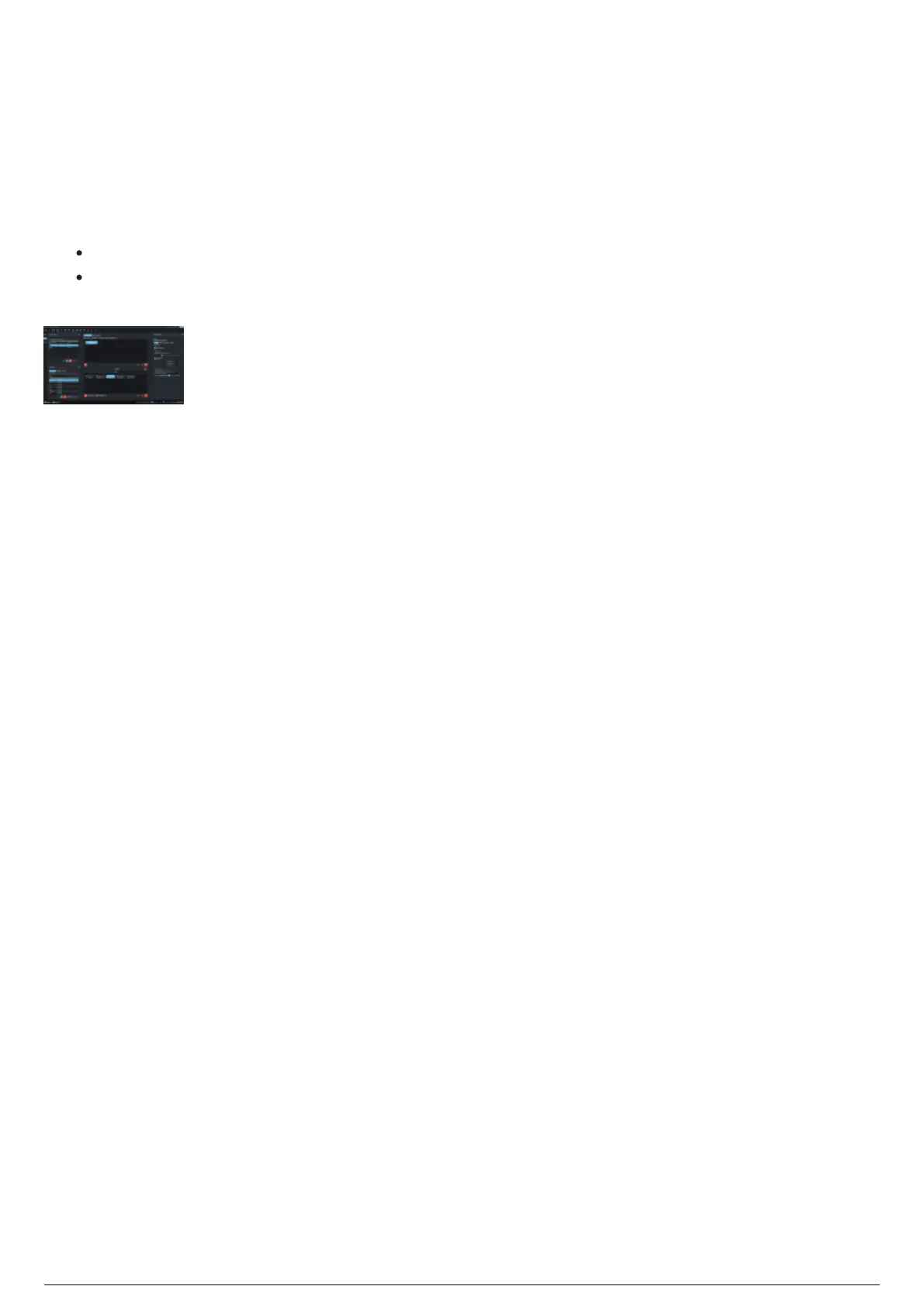
Full Screen Mode
BlackTrax can display the GUI in a full screen mode. You can hide the Windows interface and focus
directly on your programming/tracking work.
To switch between full screen or windowed mode
From the View menu, choose Full Screen Mode or Windowed Mode.1.
Tip: You may click the Enter(Exit) Full Screen Mode icon on the Main Toolbar or click F11.
Result: BlackTrax GUI switches to full screen from the default windowed mode, or BlackTrax GUI
switches back to the default windowed mode from full screen.
Note: If you are in full screen mode, and launch one of the BT Modules via the Modules menu,
BlackTrax will switch to windowed mode upon launching the module.



 To Next Page