Error Codes for Unsupported Fixtures
When you add new fixtures in BTWYSIWYG, fixture configuration updates are applied to BlackTrax when
you Apply BTWYG Updates and Apply Changes.
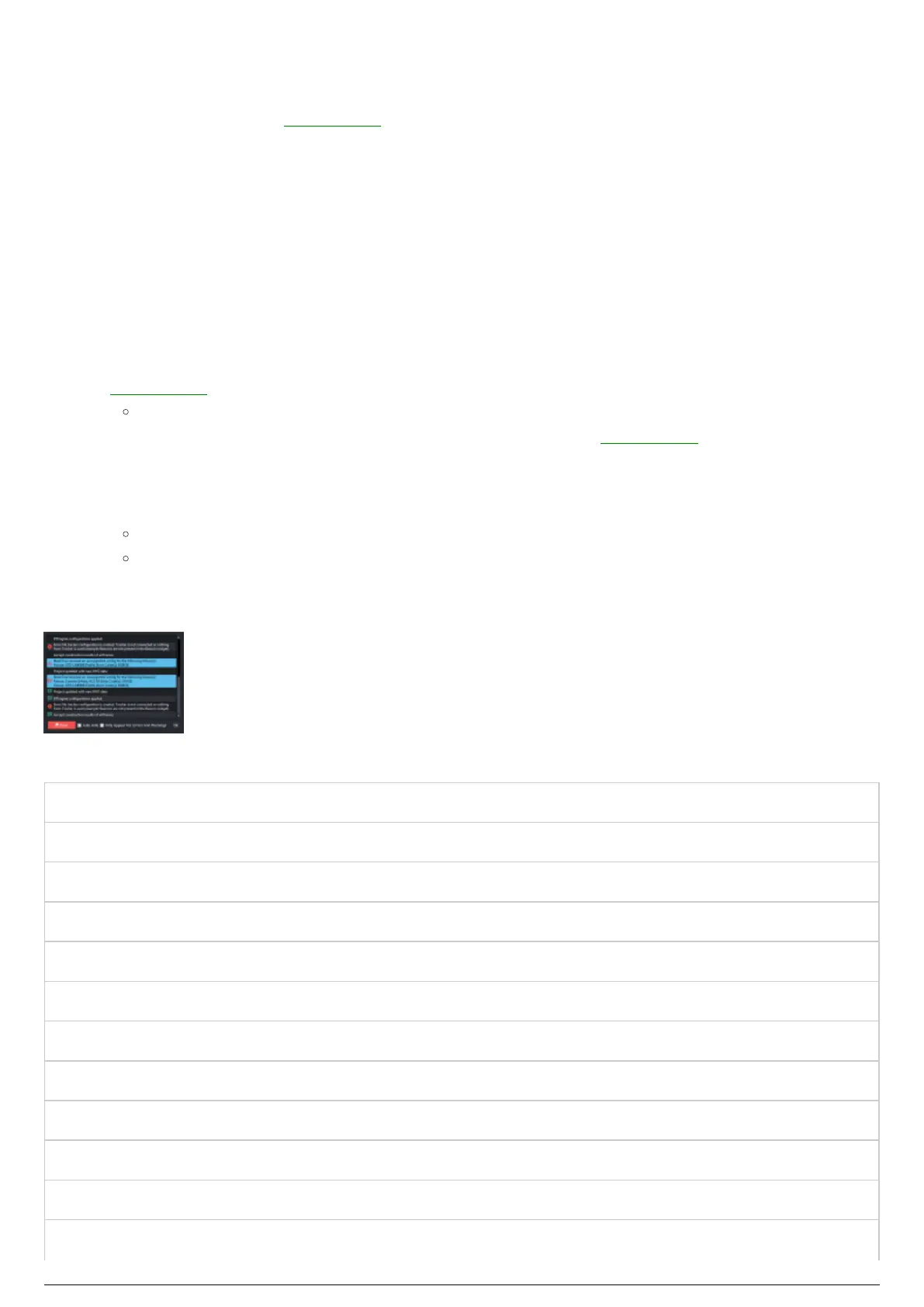
The Messages dialog box will confirm the project update with the new BTWYG data that has been added
to BlackTrax.
The Messages dialog box will confirm that it has received unsupported fixture configuration displaying
the fixture model profile and the error codes. The descriptions of the error codes are listed below. If you
receive an unsupported fixture error code, please report it to BlackTrax support, with the model, and any
error codes received.
To apply fixture configuration updates from BTWYSIWYG to BlackTrax
In BTWYSIWYG CAD mode, from the BLACKTRAX menu, choose BTX Apply.1.
Results:
The configuration of the fixture(s) that was added in BTWYSIWYG is applied to1.
BlackTrax.
In BlackTrax, the Incoming BTX Update icon in the Status Bar turns to blue.2.
In the Status Bar of BlackTrax, click on the Incoming BTX Update icon and Apply Changes.2.
Note: You can also apply this via the keyboard shortcut CTRL+W or from the File menu.
Result: The configuration of the new fixture(s) is applied to BlackTrax and the Messages
dialog box appears confirming the update. If applicable, the Messages dialog box will display
the fixture model and error codes for unsupported fixtures.
Error Codes for Unsupported Fixtures:
NPS No Pan Stepping
NTS No Tilt Stepping
PTOI Pan Tilt Offset Incorrect
ZOI Zoom Offset Incorrect
NZS No Zoom Stepping
IROI Iris Offset Incorrect
NIRS No Iris Stepping
INOI Intensity Offset Incorrect
NINS No Intensity Stepping
NRCS No Red Channel Stepping
NGCS No Green Channel Stepping
NBCS No Blue Channel Stepping



 To Next Page