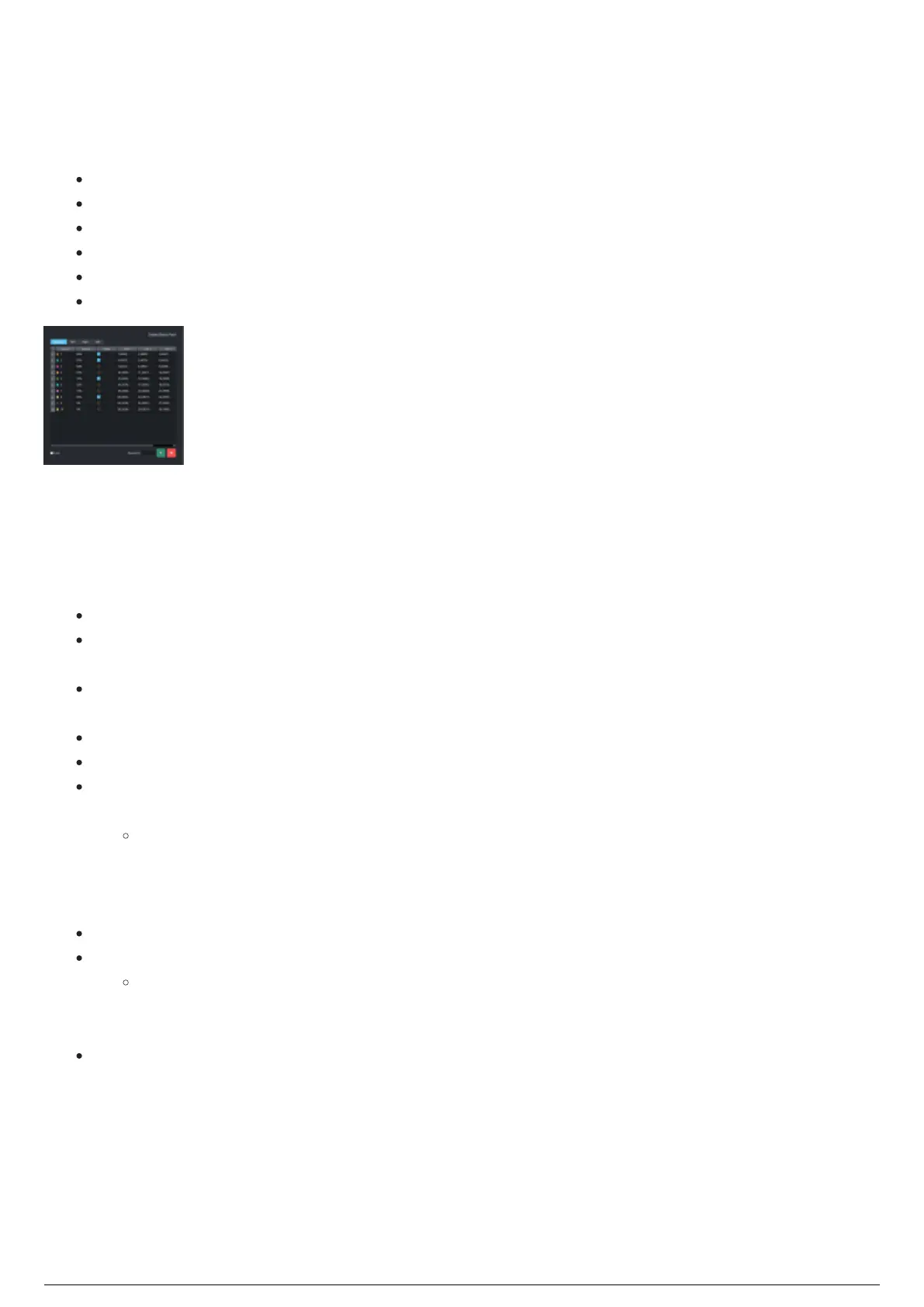
Beacons
The Beacons widget is where an overview of the Beacons in the BTSystem is displayed and where
Beacons in the BTSystem are controlled.
Beacons, Mini Beacons, Rigid Frames and Soft Frames seen by the BTSystem.
Battery percentage per Beacon (Mini Beacon does not show Battery Percentage).
Status if the Beacon, Mini Beacon, Rigid Frame or Soft Frame is visible or not.
LED indexes with the corresponding bit codes (binary values) for every Beacon.
You can lock or unlock the Beacon list from the Lock checkbox.
You can add and remove classic Beacons from the new add and remove buttons.
Beacons widget
Beacons Widget Filtering
In the Beacons widget, you can click on either the Beacons tab or the Mini tab or the Rigid tab or the Soft
tab to select the Beacon type that you want to show in this widget.
Detailed Beacon Patch: Click this button to open the Beacon Patch widget.
Beacons tab: Click on the Beacons tab to show Regular or Classic Beacons, which are the physical
BTBeacons connected to the stringer.
Mini tab: Click on the Mini tab to show Mini Beacons, which are the physical Mini Beacons with an
LED embedded on top of the device.
Rigid tab: Click on the Rigid tab to show only the Rigid Frame 'virtual' BTBeacons.
Soft tab: Click on the Soft tab to show only the Soft Frame 'virtual' BTBeacons.
Lock: Select this checkbox to lock the Beacons list and disable the Beacon ID box, adding and
deleting Beacons in the table.(Available only in the Beacons tab.)
Notes:
When the list is locked, Beacons will not update automatically from radio data.1.
By default, the list is locked when a new project is loaded and when Apply Changes is2.
pressed.
Beacon ID: Assign a unique name for the Beacon. (Available only in the Beacons and Mini tabs.)
Add button: Adds a Beacon to the list in the table. (Available only in the Beacons and Mini tabs.)
Notes:
All Beacons follow a preset rule. (Beacon 1 = LED 1, 2, 3; Beacon 2 = LED 4, 5, 6, etc.)1.
When adding Beacons, you can enter either a single Beacon ID or range. (e.g. 10-45)2.
Delete button: Deletes a Beacon to the list in the table. (Available only in the Beacons and Mini
tabs.)
Specific BTBeacons, Mini Beacons, Rigid Frames or Soft Frames can be assigned to Trackables for specific
chapters. These settings will override any assignment made on the Beacon Patch page.
To assign a BTBeacon, Mini Beacon, Rigid Frame or Soft Frame to a Trackable for a specific
chapter
In the Chapters tab, select the chapter the Trackable is in.1.



 To Next Page