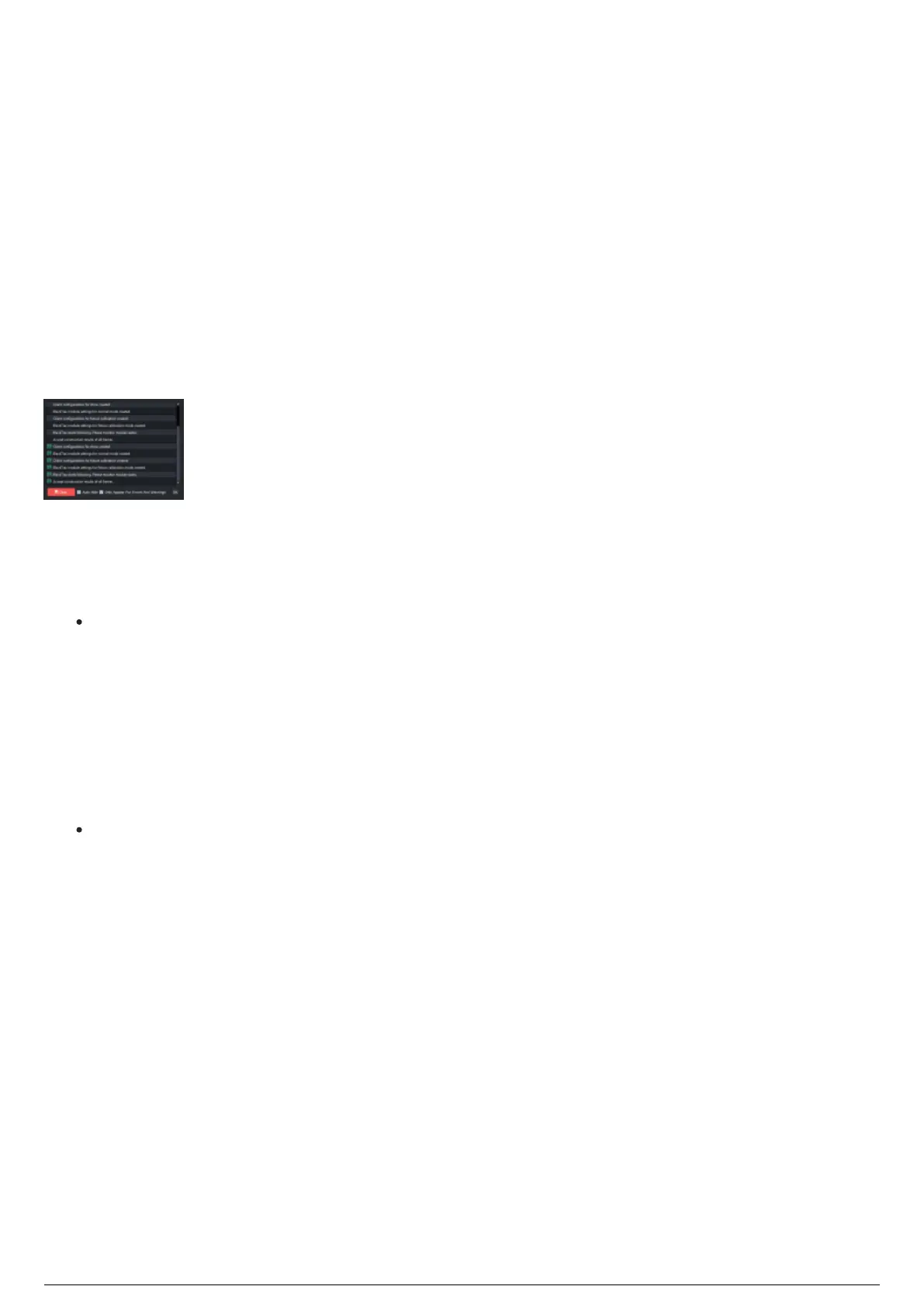
Messages
The Messages widget is where the history of error warnings and status updates of the state of the system
are displayed.
By default, the Messages widget will auto hide from view after 5 seconds of display. You can toggle on or
off the auto hide in the Messages widget.
The Messages widget will appear whenever there is a change to the state of the system, or an error has
occurred. As an alternative, you can manually open the widget by selecting the speech bubble on the
Status Bar.
The Messages widget can be set to appear only when a warning or error message has been generated. In
this mode, the color of the Messages Icon on the Status Bar turns blue when information is added to the
Messages widget.
Messages widget
To disable auto hide
In the Messages widget, clear the Auto Hide checkbox.1.
Click OK.2.
Note: Clicking the OK button will hide the Messages widget manually.
To enable only appears for errors and warnings
In the Messages widget, select the Only Appears For Errors and Warnings checkbox.1.
Click OK.2.
To clear all information
In the Messages widget, click Clear.1.
Result: The Messages widget will be cleared of all the information listed.



 To Next Page