Toolbars
Main Toolbar in Live View
MainToolbar in Edit View
Main Toolbar in Calibration View > Fixture View
Main Toolbar in Calibration View > Frame View
View Toolbar
View and Sub-View Toolbar
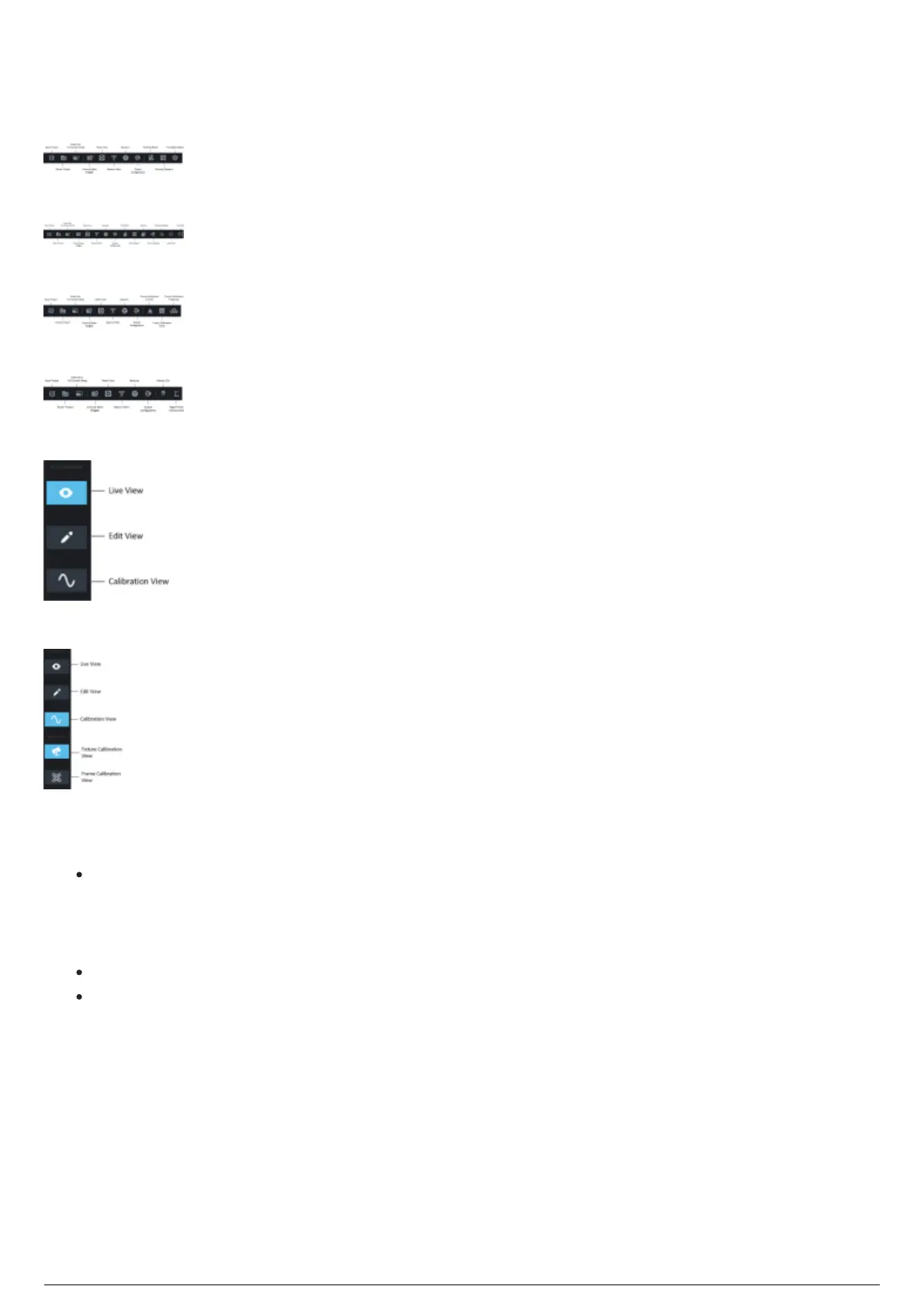
There are three toolbars in the BlackTrax GUI: Main, Views, and Sub-Views.
Main: On top of the left side, contains basic operations such as saving , as well as common
functions found throughout the software such as Reset View, Beacon Patch, and a fullscreen option.
On the right side, you have access to the most used docking widgets found in your current view.
The right side of the toolbar will change depending on which view you are currently in.
Views: The ability to change between the three core views: Live, Edit, and Calibration.
Sub-Views: Sub-views are available for the Calibration View. Each sub-view offers functions
related to a specific type of calibration.



 To Next Page