Patching Universes to BlackTrax
When a new BTWYSIWYG project is created from BlackTrax, DMX universes are automatically created
and patched to BlackTrax 1:1 by default.
You can also patch the DMX universes to the BlackTrax Network in the Device Manager window in
BTWYSIWYG.
After universes are created, be it motion or DMX, this information will need to be patched to BlackTrax.
This will inform BlackTrax which of its ports are in use and which ports will transmit information.
To patch universes to BlackTrax
In BTWYSIWYG LIVE mode, from the Managers menu, choose Device Manager.1.
Result: The Device Manager window appears.
In the Device Manager window, click New.2.
Result: The Library Selection window appears.
In the Library Selection window, in the Search field, type BlackTrax Network and then click the3.
Search icon.
Result: The device BlackTrax Network will be displayed in the search results.
Click on BlackTrax Network from the list to highlight it, then click Insert.4.
Result: The BlackTrax Network appears in the Device Manager.
With the BlackTrax Network name still selected, click Properties.5.
Result: The Properties window appears.
You must bind output ports from the BlackTrax Network to BTWYSIWYG patch universes. Bind a6.
Port output to the appropriate universe by clicking the Universe field next to the output.
Result: A drop-down list of available Universes is displayed.
Select the appropriate Universe from the list.7.
Repeat the above steps to bind all ports to their appropriate patch universes.8.
Click Close to close the Properties window.9.
Click Close to exit the Device Manager.10.
Result: BlackTrax will know what ports are in use.
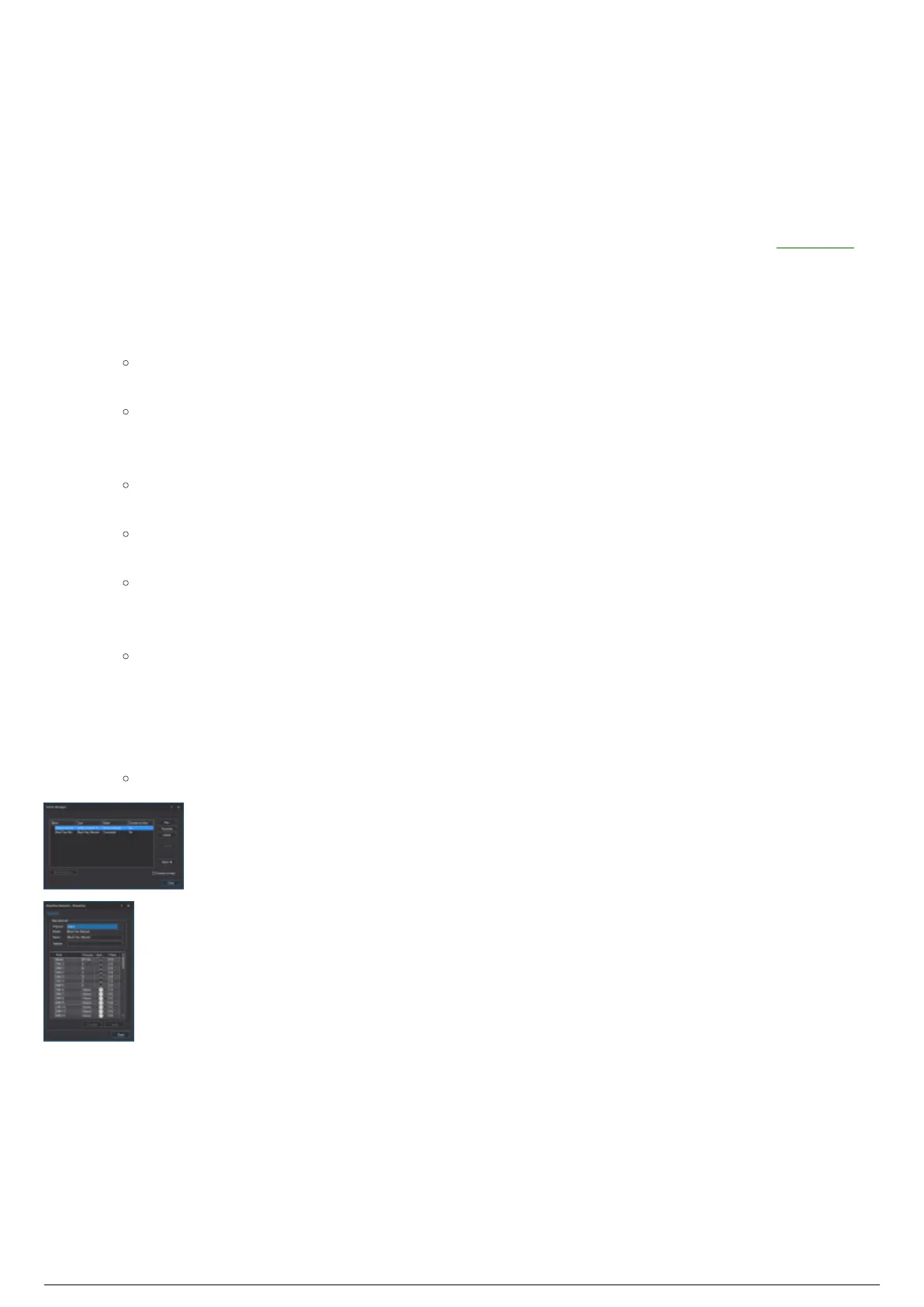
Device Manager with an Art-Net device and a BlackTrax console
The BlackTrax Console with Motion and DMX universes patches



 To Next Page