BTSensor Presets
BTSensor Introduction
BTSensors are required to be configured in certain ways to complete specific tasks: tracking objects,
referencing the BTSensor’s real-time location or aiming BTSensors. These settings can be entered in
manually, or automatically configured in Motive by selecting a preset from the Preset drop-down menu
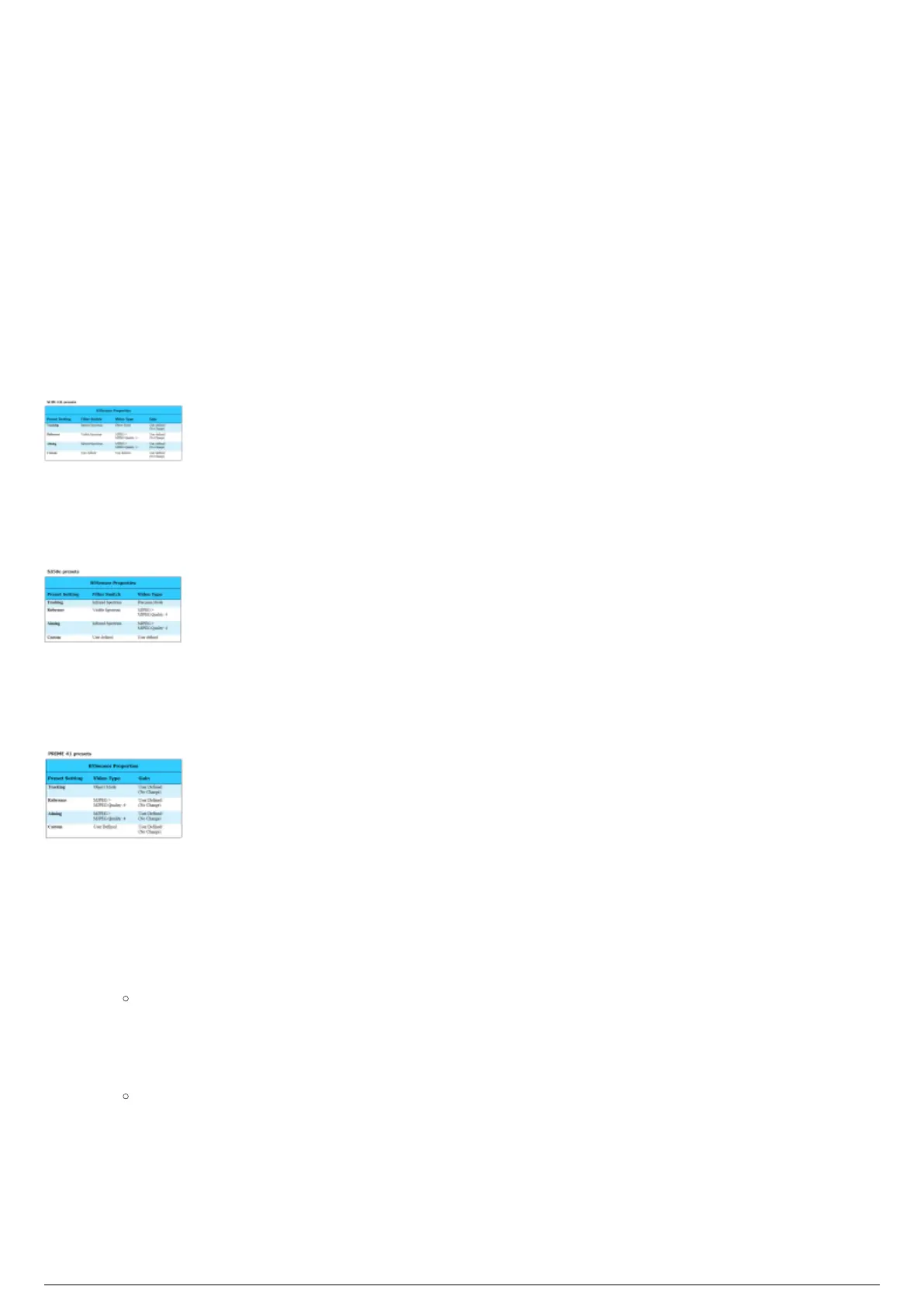
on the Devices window. The following tables explain what BTSensor settings are changed when you
select a preset.
SLIM 13E Presets
S250e SLIM Presets
Prime 41 Presets
Note: Prime 41 BTSensor does not have a Filter Switch.
To select a preset setting for a BTSensor
In Motive, go to the Devices window.1.
Tip: To open the window, from the View menu, choose Devices Pane.
In the Devices window, select a single BTSensor, or select all BTSensors in the group by clicking the2.
group name.
At the top of the Devices window, click the Preset drop-down menu and select the desired preset.3.
Result: The selected BTSensors will have their settings changed to that of the selected
preset.
Note: BTSensors have been custom designed for BlackTrax, which removes the illumination ring.



 To Next Page