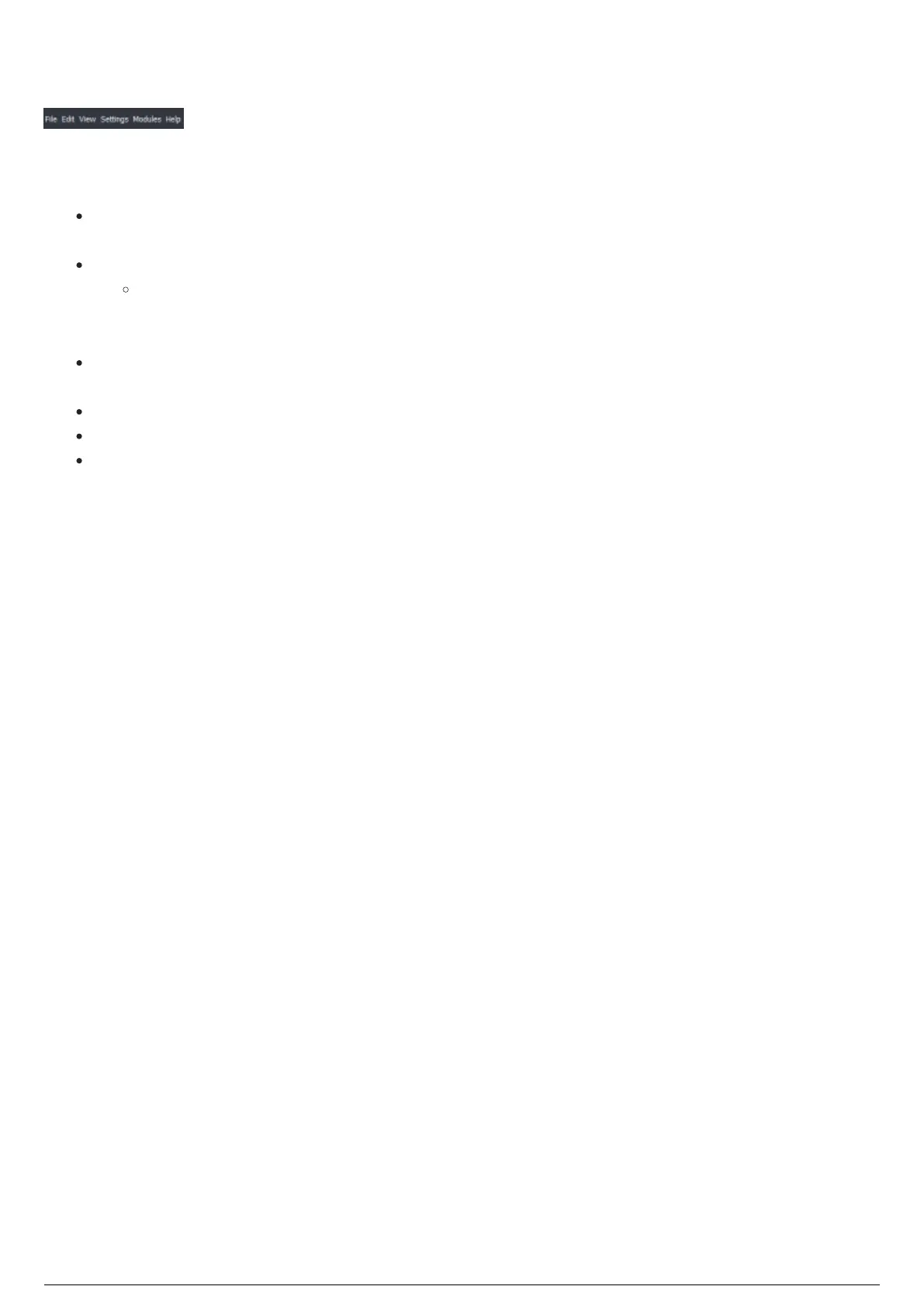
Menu Bar
BTGUI Menu Bar
The Menu Bar across the top of the GUI is where you will find access to all functions of the software. The
different menu bars are:
File: Saving of projects, as well as updating BTWYG information. You can also export various
functions such as fixture calibration data and a programming report.
Edit: Undo, Redo and Discard Changes can be found here.
Discard Changes will rollback changes made in the BlackTrax project to the last savepoint
created. If no savepoint was created, the project will revert to as it was when originally
opened.
View: All docking widgets for the current view can be found here as well as options to
manipulate saved views.
Settings: Modify system and project settings.
Modules: Access to the various modules of the BlackTrax System, including BTEngine and BTWYG
Help: About information for your current release of BlackTrax and quick access to the License
Folder.



 To Next Page