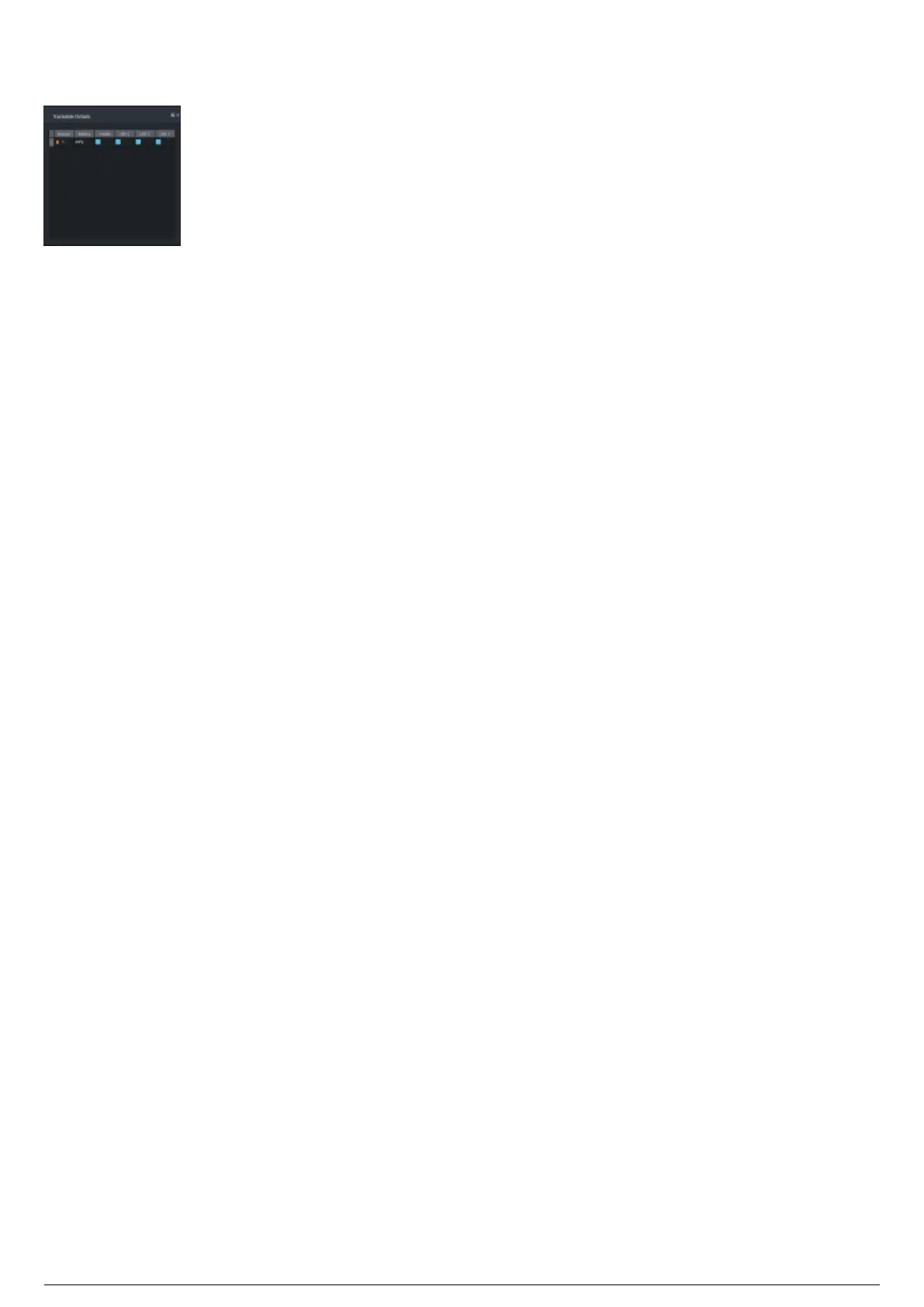
Trackable Details Widget
Trackable Details Widget
Overview
This widget is used to monitor the details of beacons assigned to any Trackables in the currently selected
Chapter that have a Rigid or Soft frame assigned to them. Selecting a Trackable with a Rigid or Soft
frame assigned to it in the central widget of the Live View will display all the beacons which the Rigid or
Soft frame is assigned. The widget lists the name of all the beacons assigned to the frame, as well as the
battery status, and a visibility icon (Blue for visible, red for not visible, grey for inactive).



 To Next Page