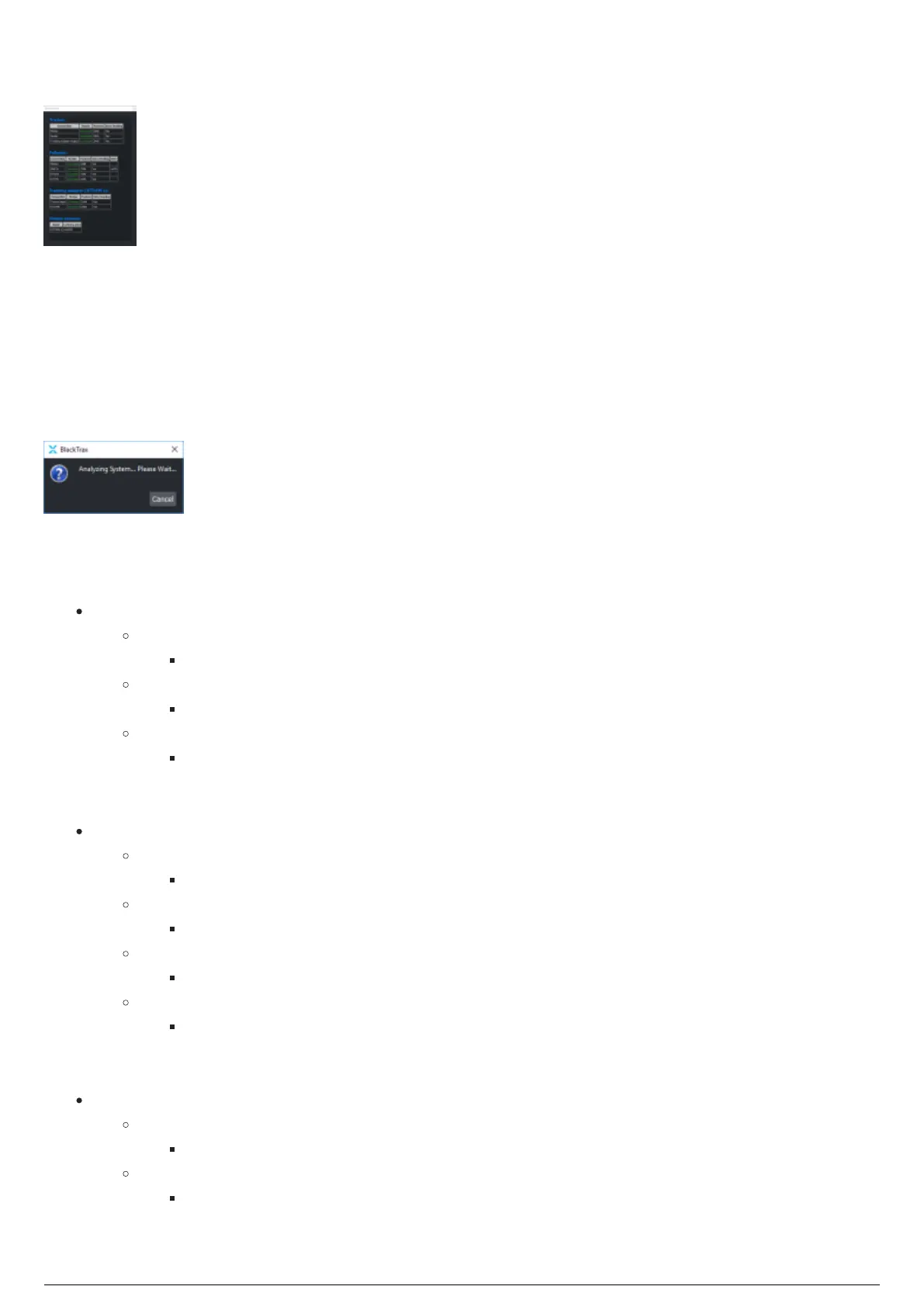
System Status Widget
System Status Widget
System Status displays the connection status, and data information for Tracker, Follower and Tracking
Adapter outputs. You can click Alt+S on the keyboard to launch the System Status widget. System Status
checks for any RTTrPM outputs when the widget opens, and if so, a pop-up dialog appears before opening
and displays the text Analyzing System...Please Wait.... You may click on the Cancel button to abort the
operation, otherwise the pop-up dialog appears for one minute. If you decide to skip the system being
analysed, the widget will still be displayed, however any output latency will display as "No Information" in
Red.
System Status pop-up dialog box
Each connection has the following information.
Connection:
Tracker
Motive
Internal input from Motive for motion data
Router
Input from physical Router for battery and button pushes from Beacons
Tracking Adapter Output
Internal output to Tracking Adapter(s)
Follower
Motion
Internal input from Tracker for motion data
DMX in
Input from a lighting console for sACN/Art-Net
BTWYG
Internal output to BTWYG for lighting visualization
RTTrPL
Output to a DMX Merge node for sending to a physical lighting system
Tracking Adapter
Traker Input
Internal input from Tracker for motion data
RTTrPM
Output to a third party using the RTTrPM protocol



 To Next Page