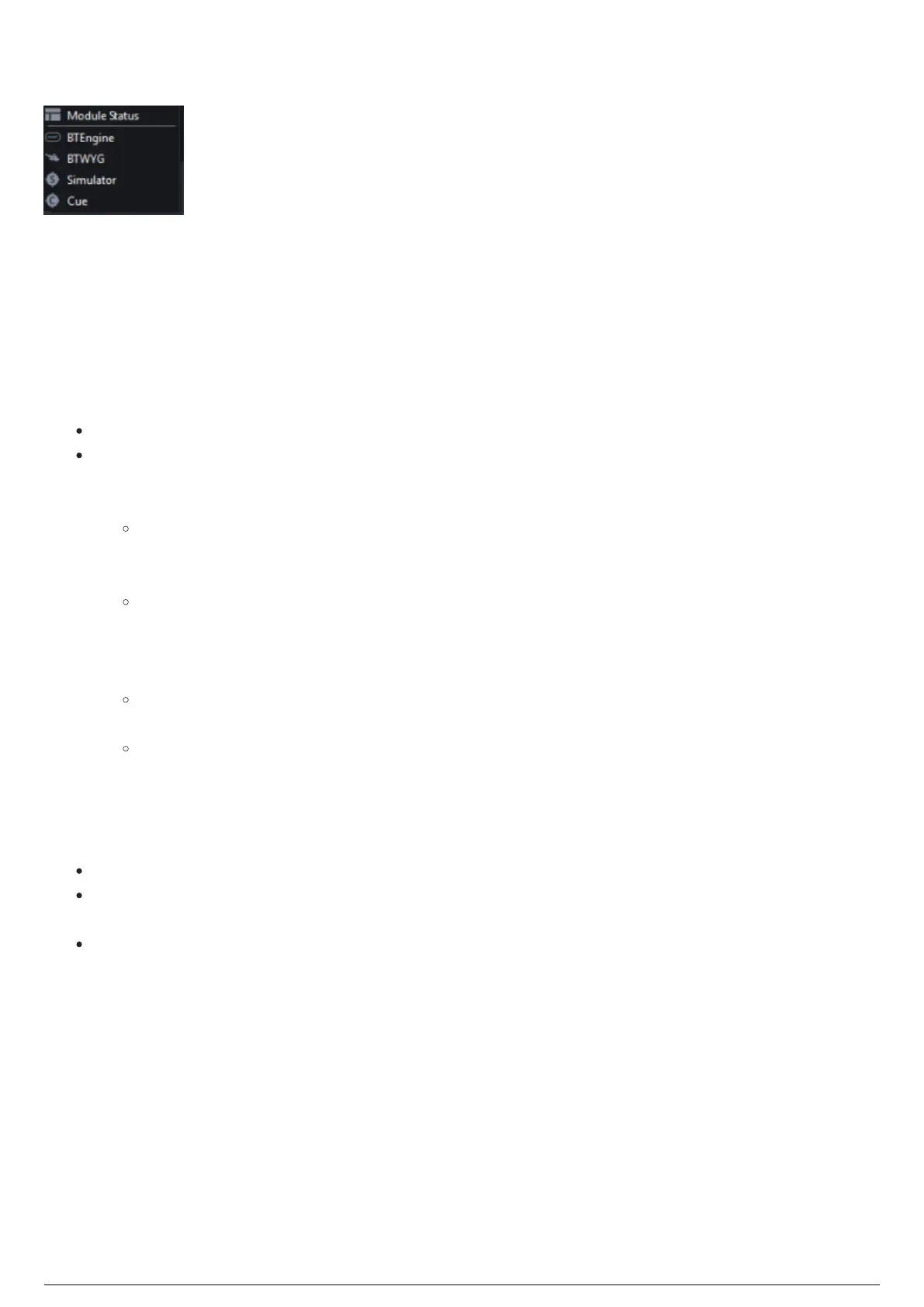
Modules Menu
BlackTrax Modules Menu
Introduction
The Modules menu launches these modules that are used with BlackTrax. If you are in full screen mode,
selecting a module will exit full screen mode.
Modules
Module Status: Displays the list of currently active modules. See Module Status page.
BTEngine: Launches the Tracker, Follower, and Monitor modules as background tracking modules
with settings that are integrated within the Output Configuration window of the Settings menu.
Tracking Adapter module is launched when an output is present in the project.
Tracker module is a background process that takes the positional data of a BTBeacon from
the Motive module, the corresponding BTBeacon idetification data from the BTRouter, and
combines this data together.
Follower module is a background process that takes positional data from the Tracker,
generates angle and DMX values for moving light fixtures, and forwards the data to other
modules for their own use. BTWYSIWYG uses the data from Follower to virtualize real-time
lighting tracking. Follower also listens to ArtNet/sACN from a console or from other sources.
Monitor module is a background process that maintains communication and command
settings of multiple Tracking Adapters that were set in the Output Configuration window.
Tracking Adapter module is a background process that is an extension of Tracker's RTTrPM
output. It is used by the BTSystem to customize RTTrPM data for Third Party use. The
Tracking Adapter receives data provided by the Tracker module and customizes this data
based on preferences configured in the Tracking Adapter. This customized data is then sent
off to designated Third Party programs for their use.
BTWYG: Launches the BTWYG file associated with the currently open Portfolio.
Simulator: Identification and positional data of BTBeacons can be created, configured and
managed in simulation. See Simulator Module page.
Cue: Realtime or simulated tracking data in BlackTrax can be recorded and saved as Chapters for
playback. See Cue Module page.



 To Next Page