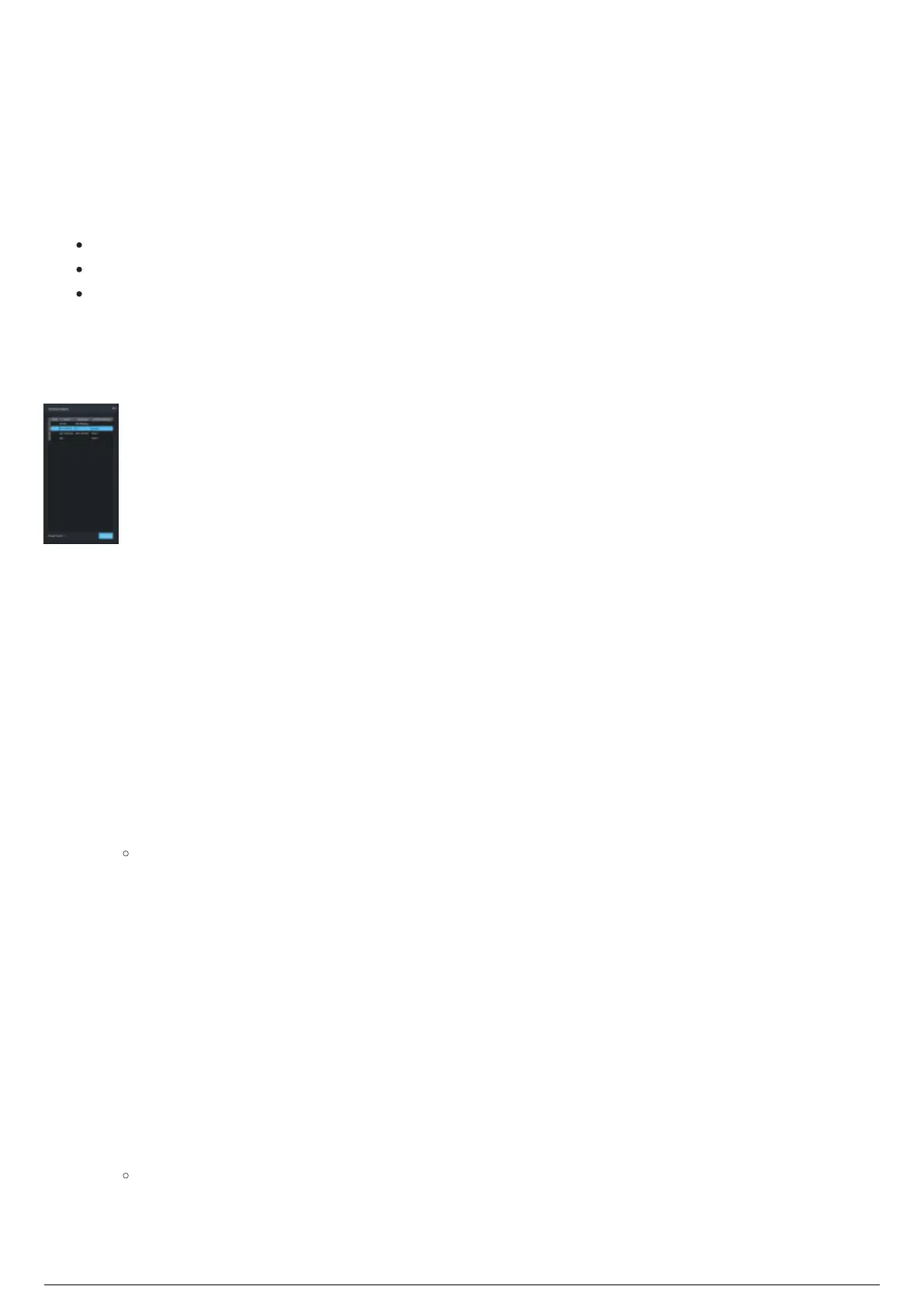
Running Chapters Widget
Overview
The Running Chapters widget contains the list of recalled Chapters, which can be selected to become
active. The Running Chapters widget displays:
Names and descriptions assigned to the recalled Chapters.
Tracking status of the recalled Chapters.
Fixture calibration preset that was applied to the recalled Chapter.
When Tracking is active, assigned fixtures will follow the Trackables assigned to the selected active
Chapter. Selecting which Chapter to activate can be controlled by using manual control in BlackTrax, or
using DMX via Art-Net or sACN from a connected lighting console.
Running Chapters Widget
Manual Chapter Control
Manual control enables control of chapters from within the BlackTrax GUI.
To enable manual control of chapters
In the center widget of Live View where the Icons are displayed, click on the drop-down menu at1.
the bottom left-hand corner.
On the drop-down menu, click Manual.2.
To select a chapter to be active using manual control
In the Running Chapters widget, from the list of saved Chapters, click on the Chapter.1.
Result: The selected Chapter will have an Active icon in the Active field to show it is
currently active. Fixtures assigned to the selected Chapter will follow the assigned Trackables
in the Space.
DMX Chapter Control
With DMX control enabled, the selection of which chapter is active can be controlled from a lighting
console.
To enable DMX control of chapters
In the center widget of Live View where the Icons are displayed, click on the drop-down menu at1.
the bottom left-hand corner.
On the drop-down menu, click DMX Input.2.
Result: The connected lighting console has control over the selected Chapter. The Universe
and Address used to control the Chapters from the lighting console are displayed in the
bottom left-hand corner of the center widget and in the Status Bar. The Chapter Control DMX
value is also displayed at the bottom left-hand corner of the Running Chapters widget.



 To Next Page