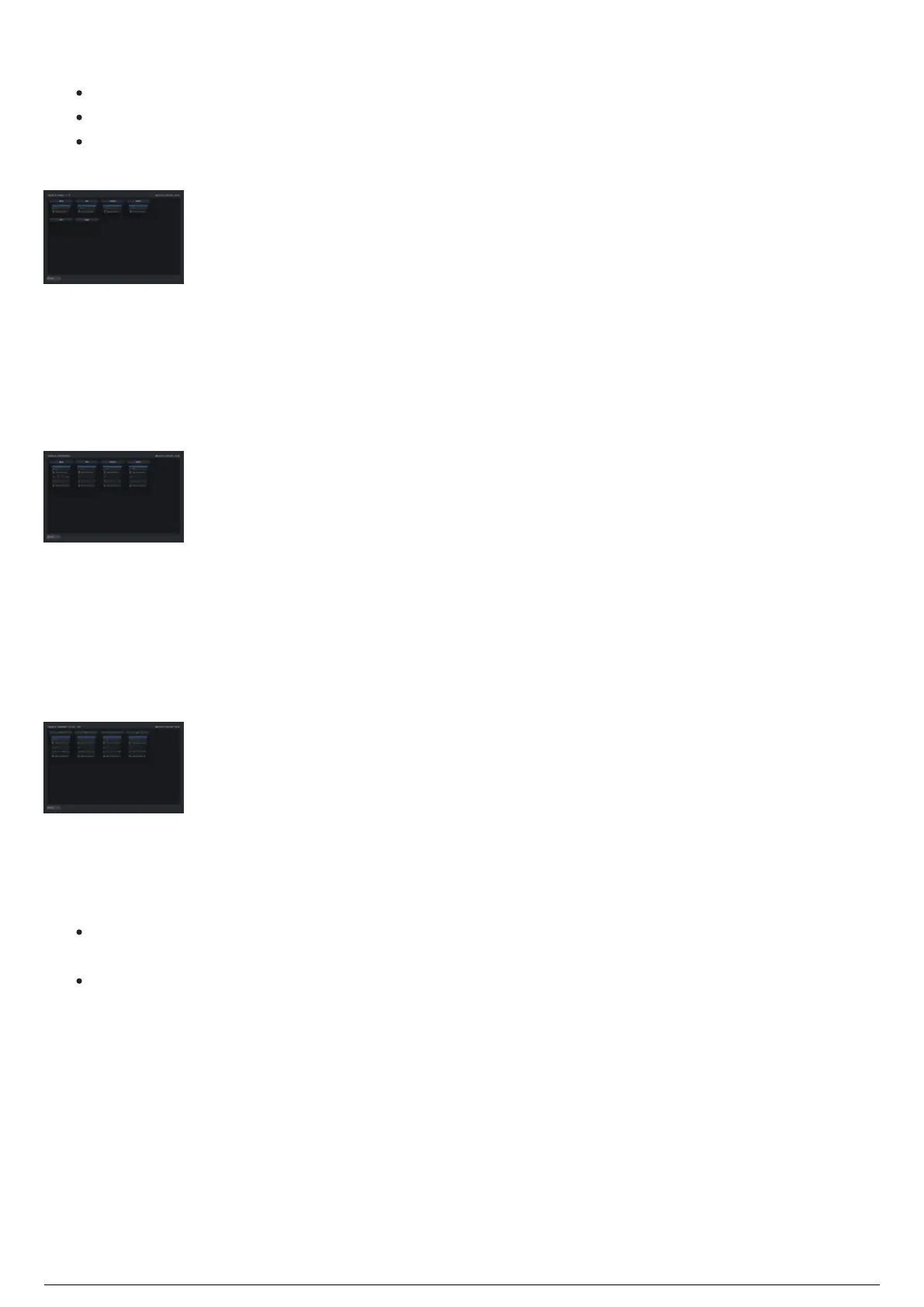
display option. Displayed are:
Small Trackable container icon with Trackable Name
Any assigned beacons with their relevant information
An indicator beside the beacon number to indicate if the beacon is currently visible (Blue) or not
(Grey)
In addition to the views mentioned above, there are further sorting options available to show the relevant
data as the user prefers. They are:
Show per Chapter
This option will show only trackables currently assigned to the currently running chapter.
Per Chapter Live Trackables using the Icon View
Show by Group
This option will show any trackables that have been assigned to a group through the Trackables docking
widget. When showing by group, an additional drop-down menu appears to allow the selection of groups.
For information on Trackable group creation, refer to Grouping Trackables in the Libraries widget section
of this manual.
Displaying Trackables in a selected group
Tab Views
There are also two options for displaying trackable information while using the Icon View.
Centroid Tab will display battery information, as well as the XYZ Calculated centroid of a trackable,
as well as Roll, Pitch, Yaw and BTBeacon information.
LED Tab will display battery information, as well as the XYZ information of individual LED Stringers
connected to the beacon.



 To Next Page