Record Tracking and Lighting Data
This feature enables BlackTrax to automatically record tracking and lighting data in the form of packets
while receiving incoming tracking data from Motive. This data will save in the C:\bt_run_time folder as a
.rec file. The recording can be played back in the Cue application.
To start/stop record tracking and lighting data
On your keyboard, click the shortcut Ctrl+R once to start recording.1.
Result: Tracking and Lighting Data starts recording automatically and the status bar displays
the record icon.
Record icon
Click the shortcut Ctrl+R again to stop the recording.2.
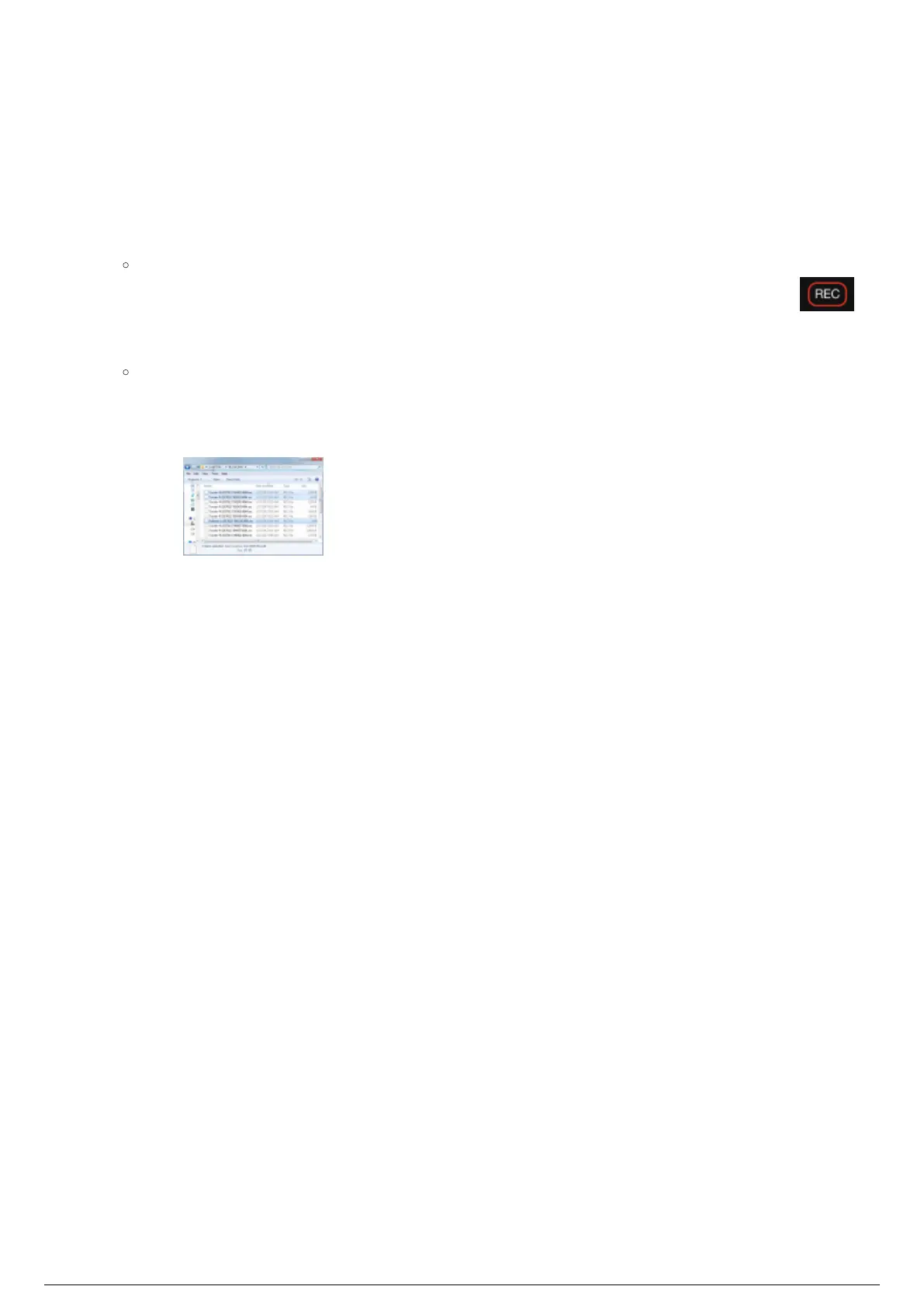
Note: Three files are saved in C:\bt_run_time.
Motion data: Tracker-N1.
Radio data: Tracker-R2.
RTTrPL packets: Follower-L 3.
Sample files saved in C:\bt_run_time



 To Next Page