BTSystem Configuration
System Configuration Overview
Hardware modules that connect directly to the BTServer should be located in the same location outside
of the tracking area. BTSensors must be positioned where they will not be disturbed and have the best
unblocked view of the tracking area. TimeKeeper, BTRouter and eSync 2 Controller can be positioned
closer to the tracking space.
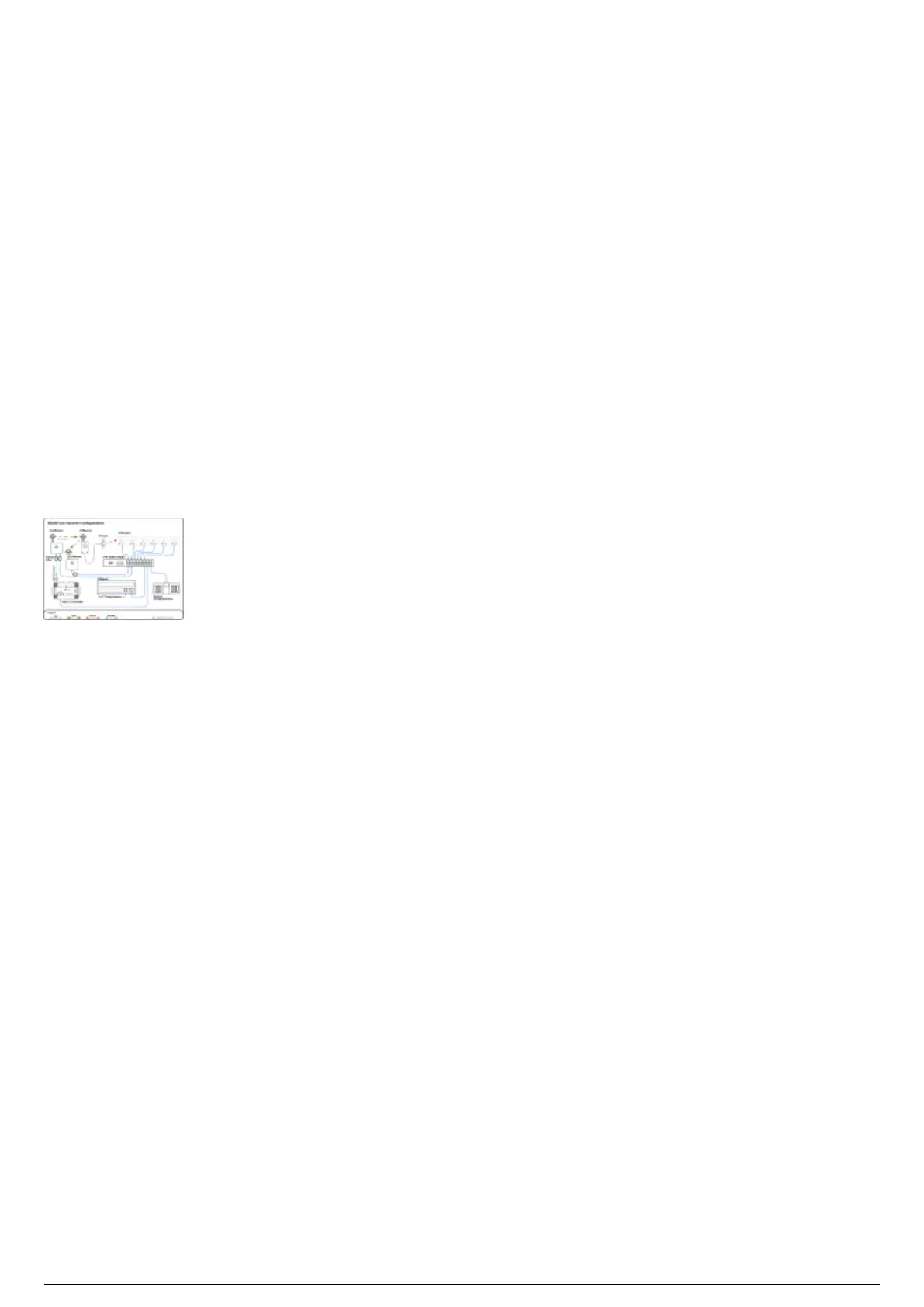
The following diagram outlines a typical hardware configuration and demonstrates how all BlackTrax
hardware modules are connected together.
Attention: The Timekeeper and BTRouter Ethernet port are designed only to connect to a commercially
available Power over Ethernet (PoE) network switch. The TimeKeeper and BTRouter are not designed to
be a peripheral device to a Class B personal computer. As such, the Ethernet port shall not be connected
to a Class B personal computer in any operating configuration.
BlackTrax System Configuration Diagram



 To Next Page