To play back a recording in Motive
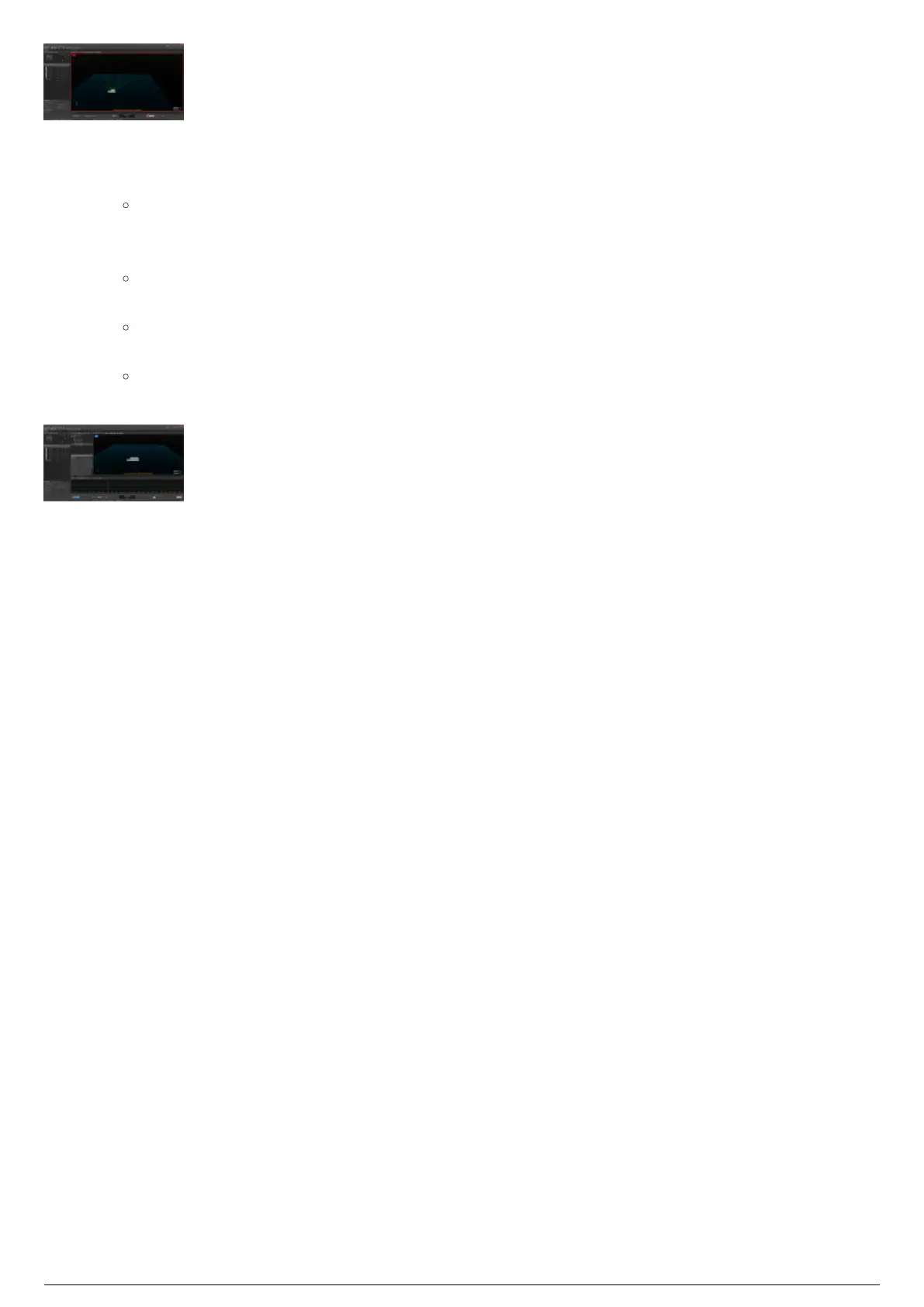
In Motive, from the View menu, choose Timeline and Project (or click Layout > Recording).1.
Result: The Timeline and Project windows will open.
Open the previous recording you want to use by double-clicking the .tak file from the list in the2.
Project pane.
Result: Motive will enter EDIT mode and the Timeline window will change to EDIT mode
functions. A timeline of the recording will be displayed.
Note: By clicking at any point in the timeline, the recording will jump to that point.
Click the Play button (arrow icon) to play the recording in the Timeline pane.3.
Result: The recording of what BTSensors saw will be replayed for the system. The BTSystem
will act as if the recording were actually happening in real-time.



 To Next Page