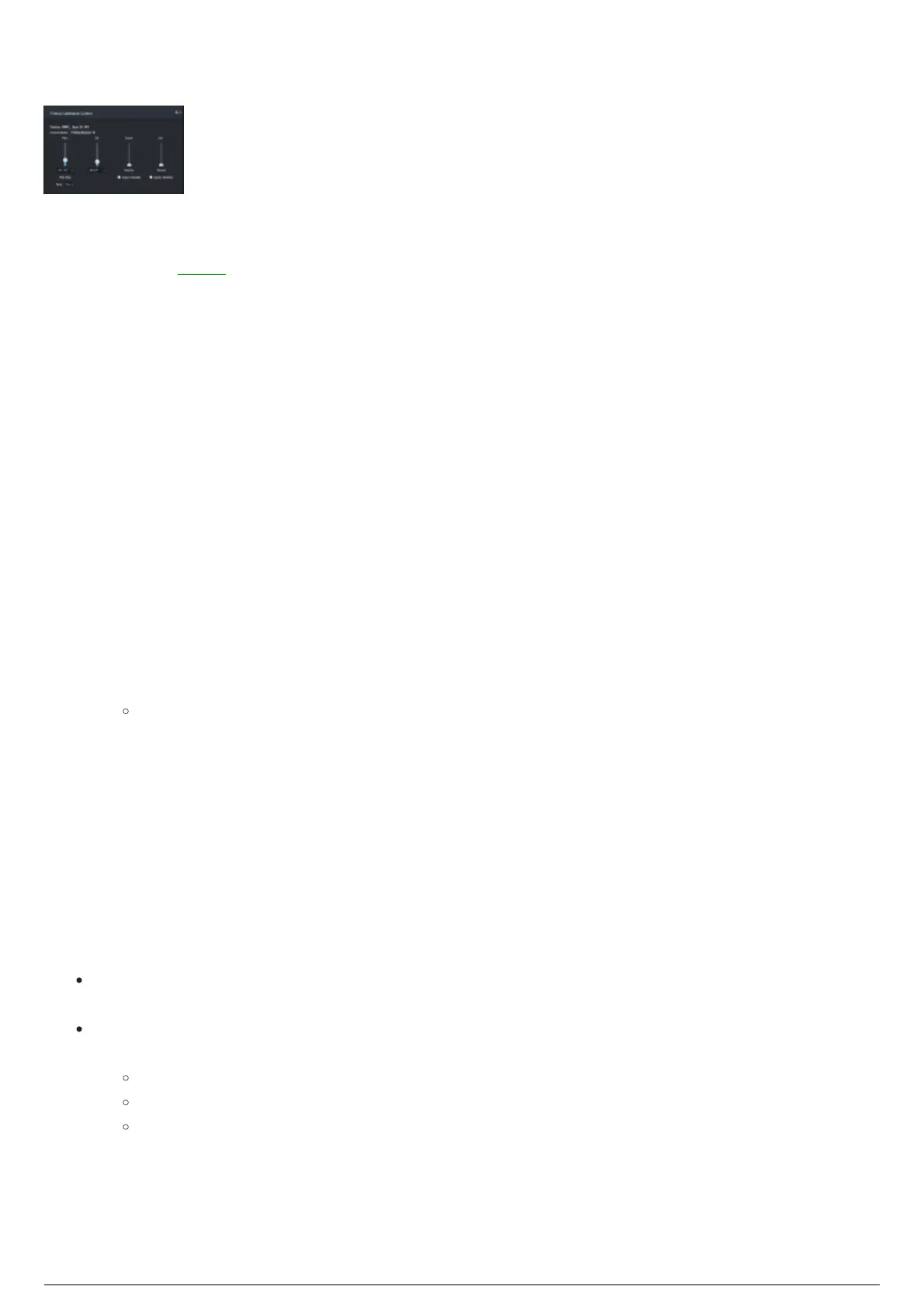
Fixture Calibration Control Widget
Fixture Calibration Controls Widget
To calibrate a fixture, measurement points must be collected. Measurement points are samples of fixture
and BTBeacon data collected by the BTSystem. Typically this involves a fixture attempting to lock onto a
BTBeacon in the Space. Then with the fixture’s beam frozen in place, moving the Stringer LED so that it is
in the center of the beam.
There are two ways to control how fixtures move for fixture calibration: Follow Beacon, and Pan/Tilt
Sliders.
Follow Beacon: Using this control method, a fixture that has been assigned a beacon, and is currently
active, will attempt to follow a BTBeacon. If there are differences between the original project file and the
actual physical space, fixture following will be inaccurate and be off center from the BTBeacon. This is
normal behavior for uncalibrated fixtures, and will be corrected after successful fixture calibration.
Pan/Tilt Sliders: Using this control method, the pan and tilt sliders in the Measurement section are used
to move selected fixtures.
Selecting a Control Mode for Fixture Calibration
To select a control mode for fixture calibration
In the Fixture Calibration Control widget, select the control method from the Control Mode drop-1.
down menu.
Result: Fixtures will move according to the selected control method.
To move a fixture using the pan/tilt sliders
In the Fixture Calibration view, in the central widget, select the fixture you want to move.1.
Select the control method to Pan/Tilt Sliders.2.
The tilt of the fixture can be moved by adjusting the Tilt slider, or entering the exact angle in the3.
Tilt field.
The pan of the fixture can be moved by adjusting the Pan slider, or entering the exact angle in the4.
Pan field.
Tip:
You may click the Flip Pan button to reverse the pan/tilt movement without the collection of
measurement points.
Click on the Time scroll box to set a longer time to complete the Flip Pan movement during any of
these operations:
During Fixture Calibration when measurement points are being collected.
When Flip Pan button is clicked but measurement points are not being collected.
When the fixture's pan/tilt reaches the end of its range and performs a Pan Flip movement.
Attention: During Fixture Calibration, when any of the 3 scenarios mentioned above occur, the fixture
will perform a full 180 degree pan/tilt movement which could cause the hang structure to shake. Setting
a longer time to complete the Flip Pan will make the movement smoother and avoid any change in
position or alignment.



 To Next Page