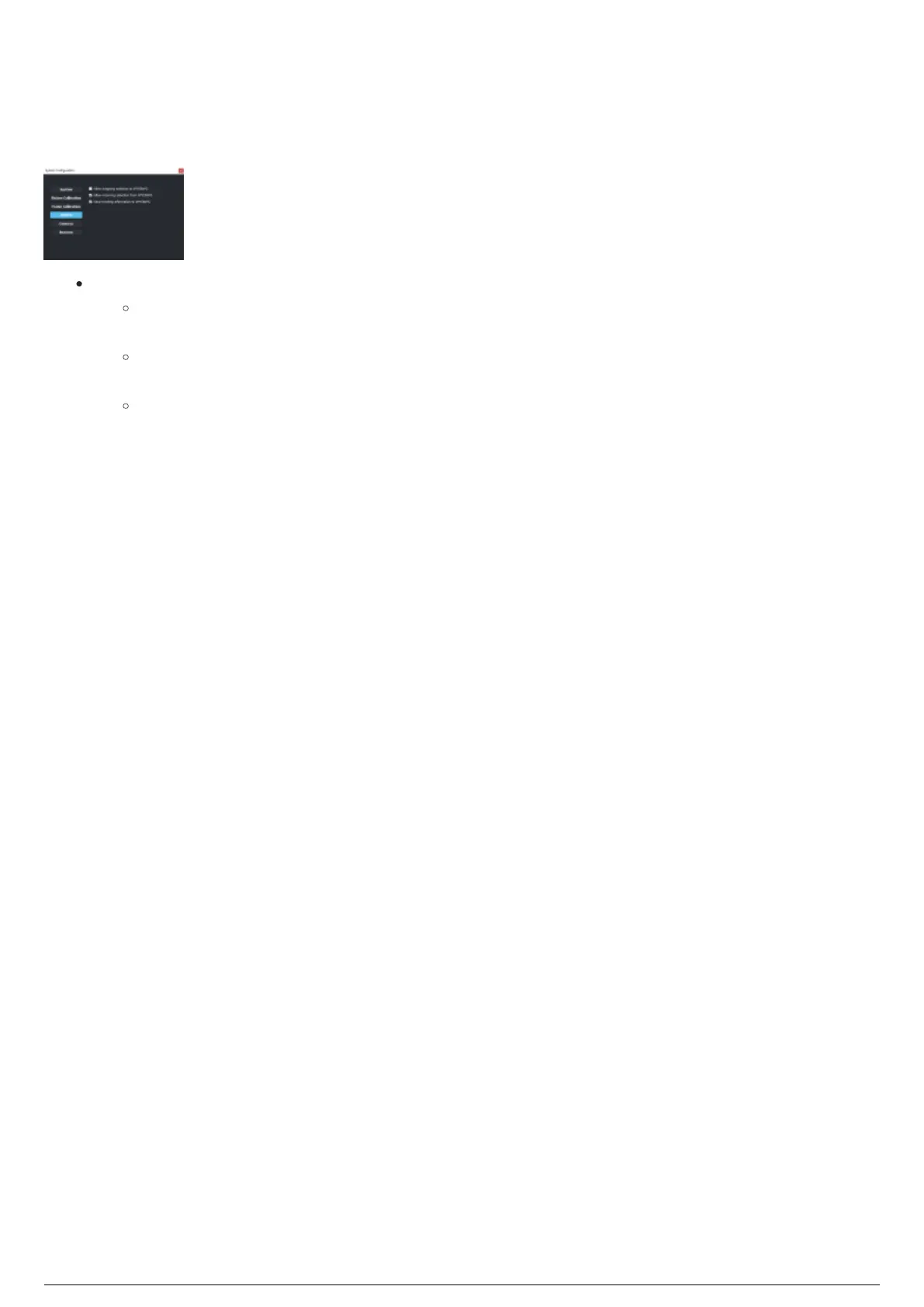
BTWYG Section
The BTWYG section in the System Configuration widget is where the settings that enable the incoming
and outgoing links to BTWYSIWYG can be toggled On or Off.
BTWYG section
BTWYG: Toggle incoming and outgoing links to BTWYSIWYG.
Allow outgoing selection to WYSIWYG: Select this checkbox to enable the selection of fixtures
in WYSIWYG from BlackTrax.
Allow incoming selection from WYSIWYG: Select this checkbox to enable the selection of
fixtures and trackables in BlackTrax from WYSIWYG.
Send tracking information to WYSIWYG: Select this checkbox to send information from
BlackTrax to WYSIWYG.



 To Next Page