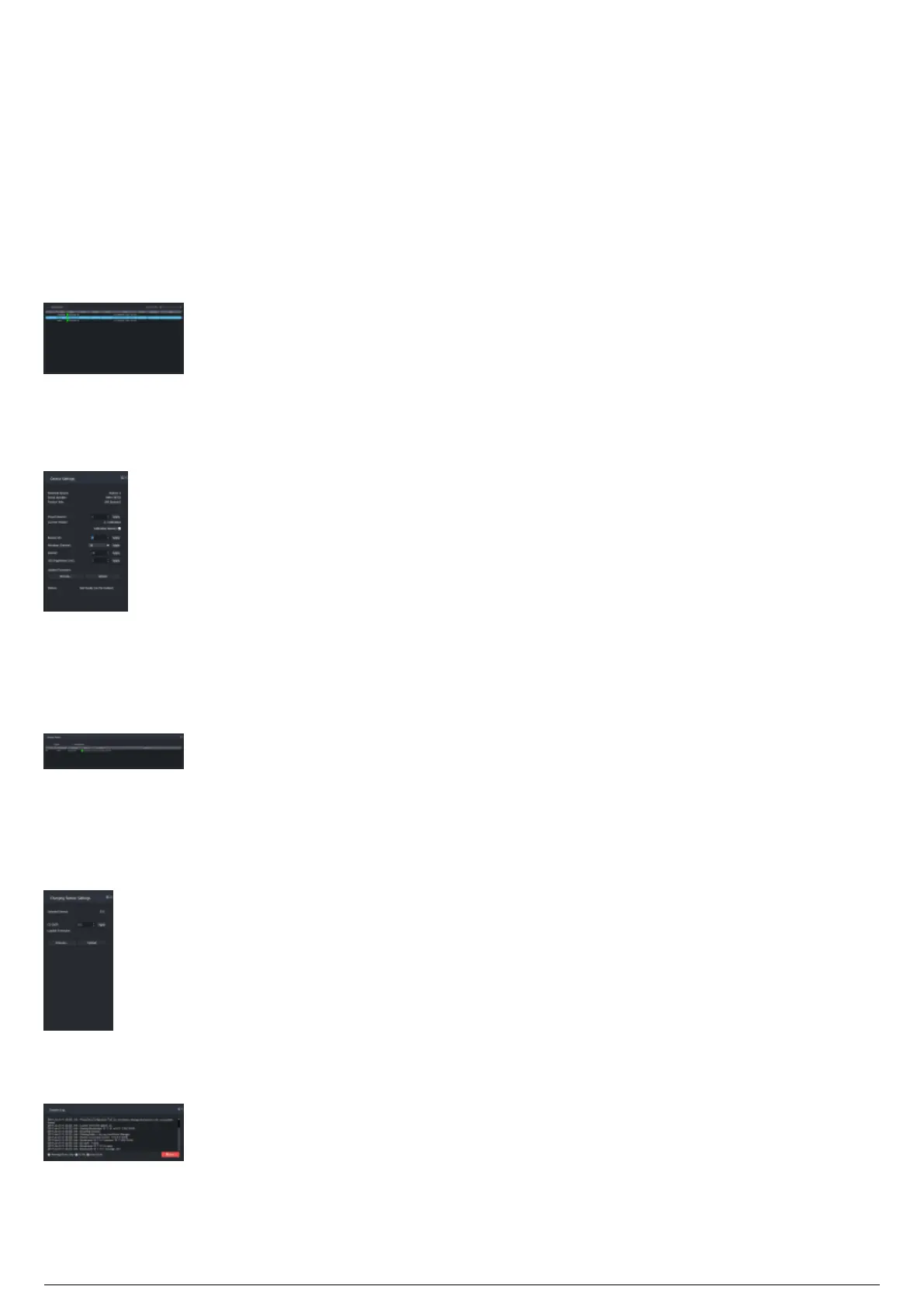
Layout of the BlackTrax Device Manager
GUI
The Device Manager displays the table of connected devices for TimeKeepers, Routers, and Beacons on
the Main panel, the docking widgets for Device Settings, Charging Stations, System Log and the Charging
Station Settings tab.
Main Panel: The Main panel (center area) of the Device Manager displays the table of connected devices
for TimeKeepers, Routers, and Beacons that are connected to the Device Manager.
Device Settings: The Device Settings widget displays the properties and settings for the control of the
devices connected to the Charging Station. Each device type (Beacon, TimeKeeper, Router) has unique
settings and properties. The Device Settings widget for each device type displays the different settings.
Charging Stations: The Charging Stations widget displays identification, firmware information, and status
of all connected remote charging stations for the BTBeacons. In the Charging Stations widget, you can
select and display a charging station, and the settings of the selected Charging Station will be displayed
in the Charging Station Settings widget.
Charging Stations Settings: The Charging Stations Settings widget is where you can configure the
settings of a selected remote Charging Station. When you select a Charging Station in the Charging
Stations widget, the settings of the selected Charging Station will be displayed in the Charging Stations
Settings widget.
System Log: The System Log widget displays the messages and data information from events that occur
in the Device Manager.



 To Next Page