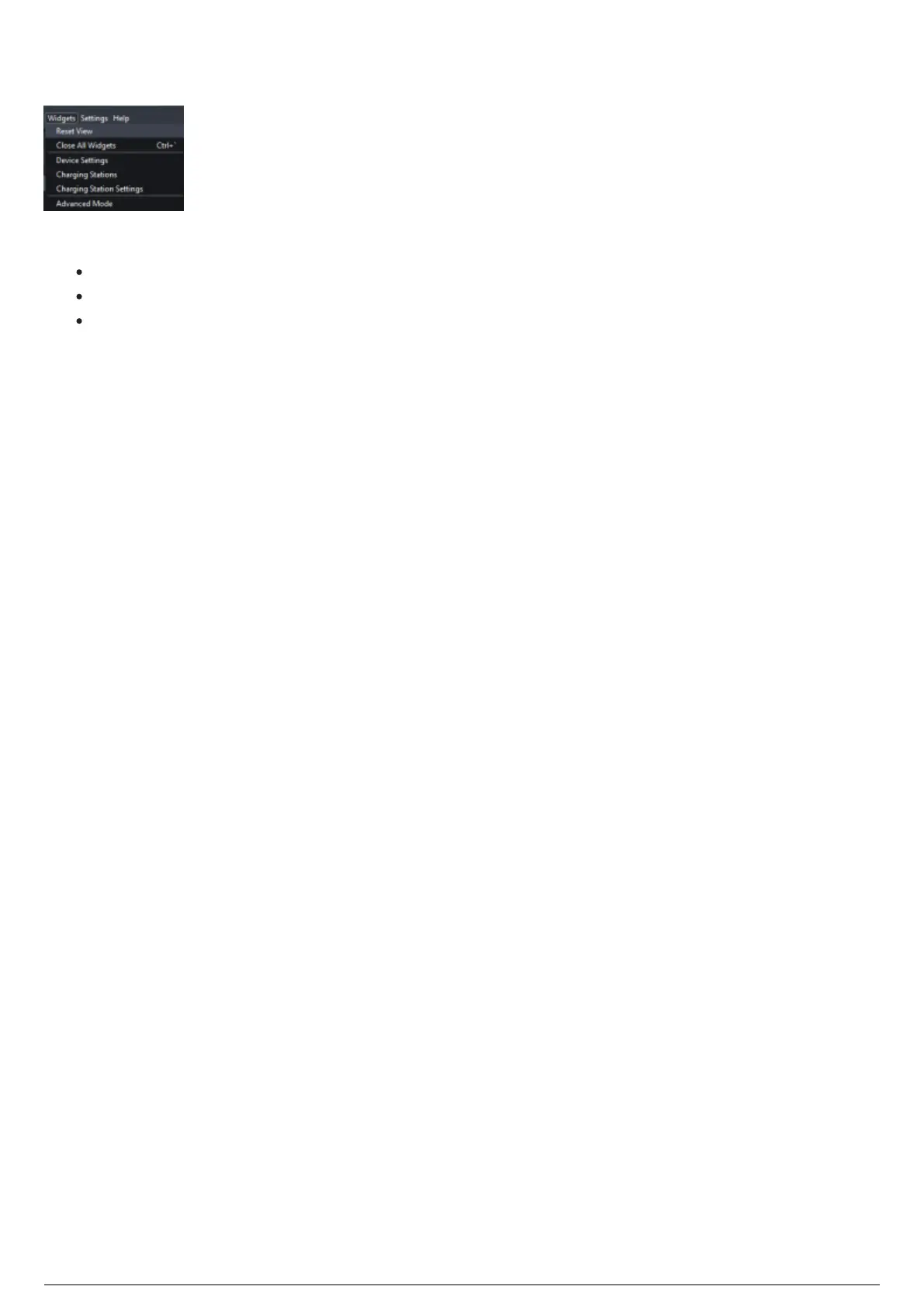
Device Manager Widgets Menu
Device Manager Widgets Menu
The Widgets menu provides:
Access to the dockable widgets: Device Settings, Charging Stations and Charging Stations Settings.
Close and reset functions.
Access to advance mode controls.
The docking widgets comprise of a 'float' and 'close' function. Floating a widget will detach it from the
GUI, and allow you to drag it around the screen, or to another monitor. The close function will close the
widget, at which point you must re-open it from the Widgets menu.



 To Next Page