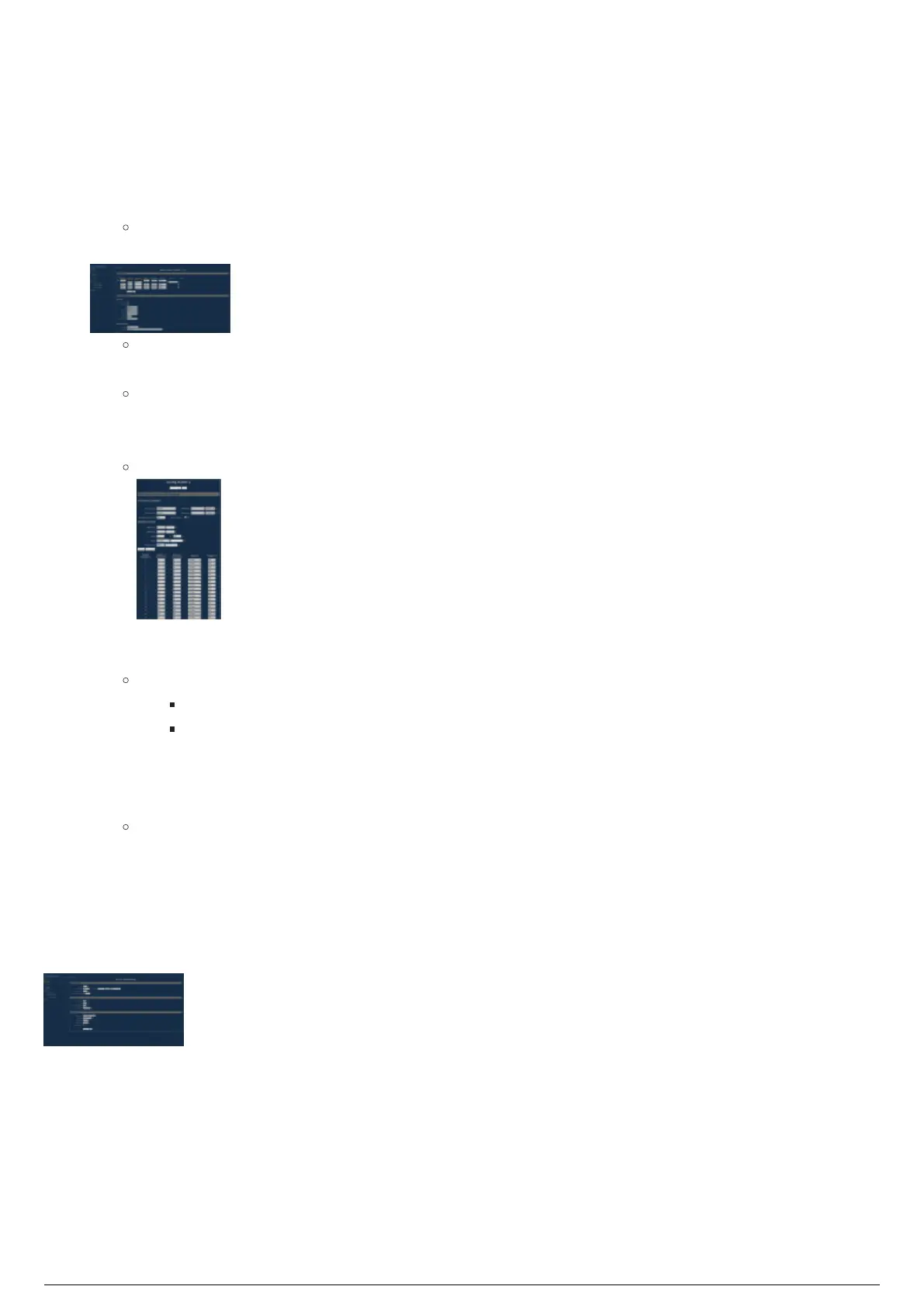
To configure a node to reroute merged data to send to other DMX nodes
Note: It is recommended that the reroute is done to a universe which is different than the universes from
the console and BlackTrax. For example, if you are merging sACN universe 1, with RTTrPL universe 1, you
might re route the merged data to sACN universe 101.
To navigate to the web interface, enter the IP address of the node in your browser window.1.
Under Setup, click on the desired node you wish to configure.2.
Note: The 8 port nodes will appear as multiple 4 port nodes in the interface.
For the desired ports, choose Output as the Reroute, and Custom for IP Merging.3.
Result: A blue box appears beside the number for the output after IP Merging is set
to Custom.
Result: The port will now have an arrow leading to a box to specify the new universe to
reroute the merged data on.
Click on this blue box beside the number for the output.4.
Result: The Config Outlet window for that output appears.
Set the universes you wish to merge. Source one chooses the DMX protocol, with a universe, and5.
source two chooses the RTTrPL universe.
Notes:
RTTrPL universes start from universe 0 instead of 1.
RTTrPL must be source 2.
Change the Mode to be X-Fade, set the trigger channel to be the same as your merging channel,6.
and then click Set default mode.
Click Submit Changes.7.
Result: That output will be configured as expected. If you select Show table, you should see
the channels have all changed to X-Fade, with a trigger of the specified channel.
Repeat the above for all outputs you wish to configure on the node.8.
Click Submit Changes.9.
Navigate to the Global tab under Setup. Set Enable Trigger to DMX, and the universe to whichever10.
universe your Merging Channel is patched to, with the desired DMX protocol.



 To Next Page