Licensing
Licensing Overview
BlackTrax includes a licensing security system to authorize hardware devices on the BlackTrax Network.
Unrecognized devices on the BlackTrax Network are not compatible with the software. An unrecognized
device is any device on the BlackTrax Network that was not sold directly to you by CAST Software.
A BlackTrax License will authorize the use of the BlackTrax system for a restricted number of output
connections based on the type of License that was purchased. The number of output connections allowed
for each type of License varies from a minimum of 1 output connection and up to a maximum of 12
output connections, or the non-restricted Unlimited License.
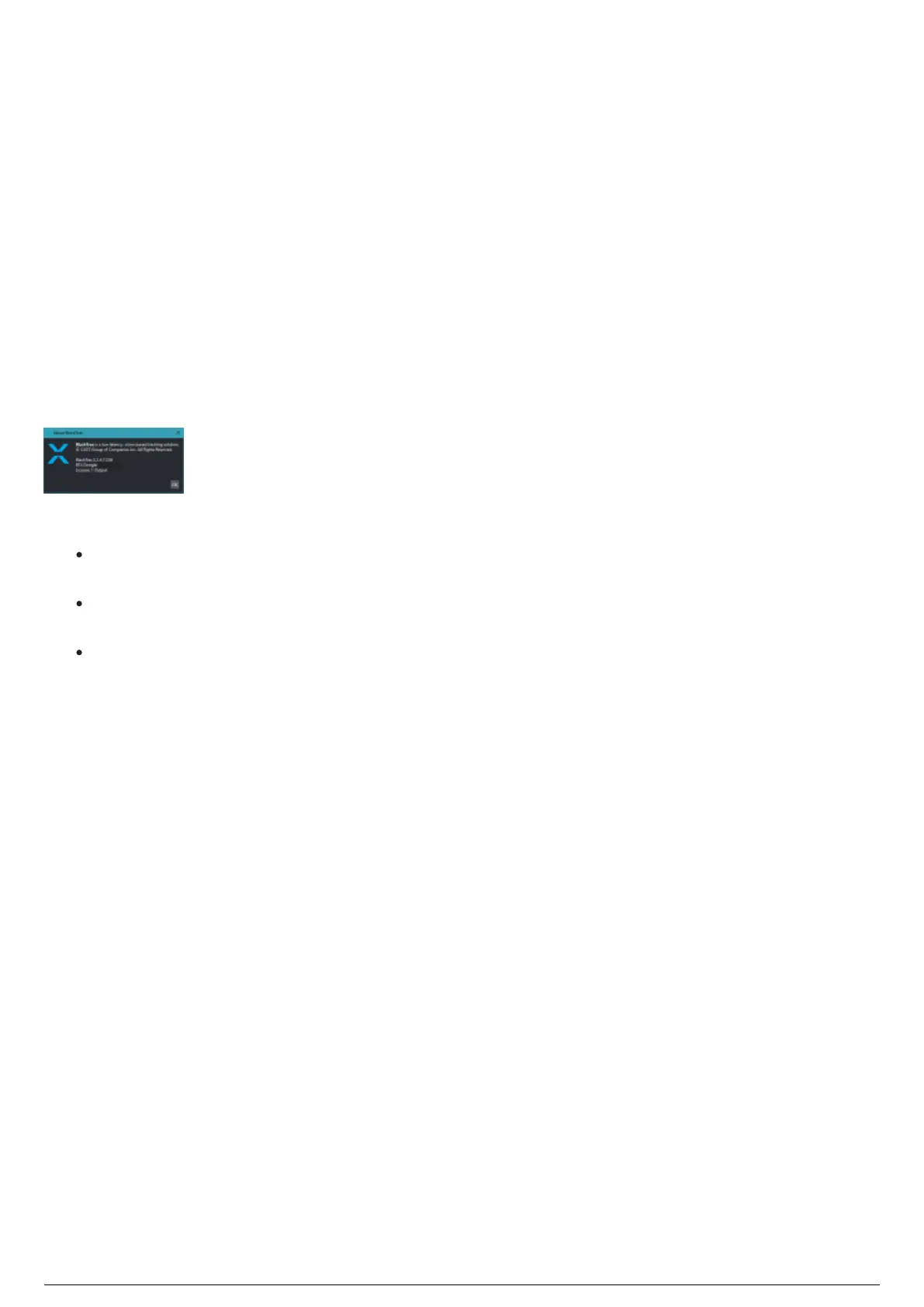
The number of output connections that is authorized with the BlackTrax License is indicated in the About
BlackTrax dialog box.
Notes:
The default License Folder location is: C:\bt_run_time\license. Licenses can be downloaded from the
BlackTrax Members Only Downloader which can be found at this link.
You need to update your license if you have added new hardware devices to the network and
received an error message in BlackTrax.
You need to upgrade your license if you want to add output connections for additional unicast
outputs.
Attention: BlackTrax Licenses purchased before BlackTrax Release Version 2.2.3 will automatically
convert to the Unlimited License.



 To Next Page