Installing a BTSensor Lens
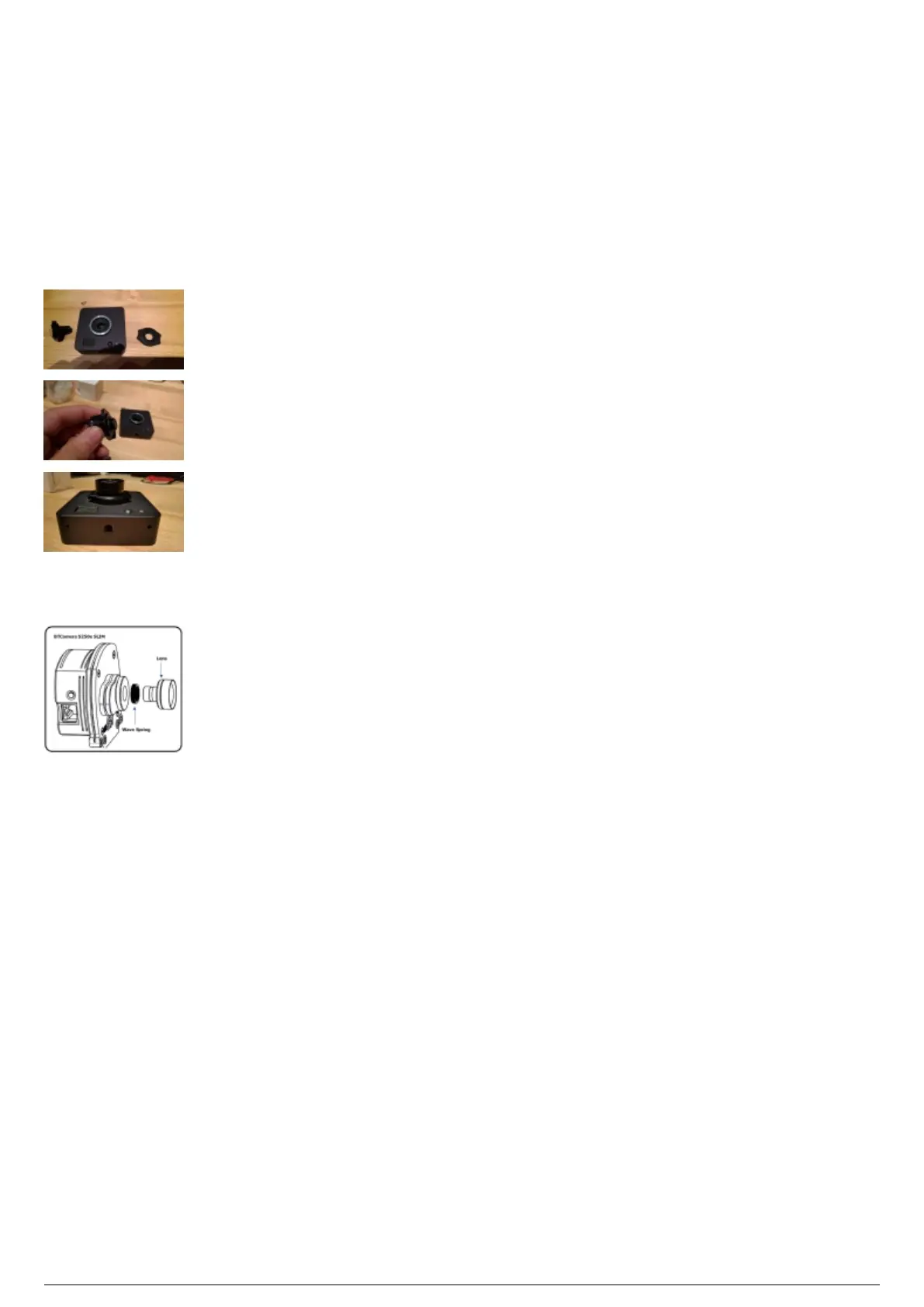
To install a BTSensor lens
Note: Only used on s250e and Slim 13E sensors.
Screw the lens onto the BTSensor with the included plastic lens tensioner between the M12 lens1.
adapter and the lens itself. Tighten until proper focus is achieved.
Once you achieve the desired focus, hold the lens in place while you tighten down the lens2.
tensioner.
Note: The s250e comes with a spring for the lens instead of a tensioner. No tightening is required for
this lens.



 To Next Page