Working with Cut-outs 10-13
To calibrate the cutter
1. On the Main Menu screen, select Setup.
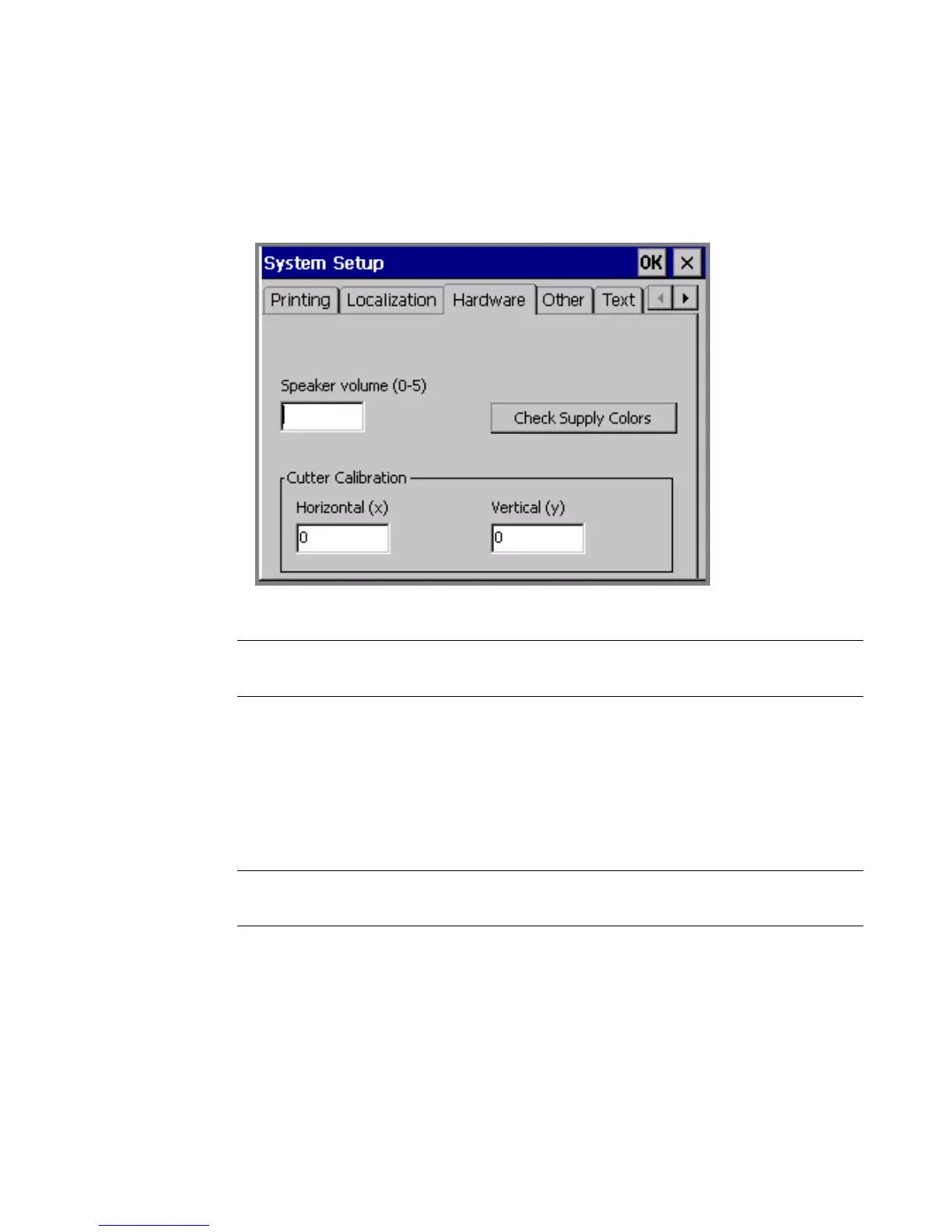
2. On the System Setup screen, choose the Hardware tab:
Figure 10-7. The System Setup Hardware tab
Hint! Write down the values (which were individually set at the factory) before
you change them, in case you want to restore the defaults.
3. Enter a value in the Horizontal (x) field. The value must be a positive or
negative whole number.
4. Enter a value in the Vertical (y) field. The value must be a positive or negative
whole number.
5. Choose OK.
Note: You must close down and restart your printer for new settings to take
effect.



 To Next Page