Technical / Programming Manual
FT128 Rev 2.2
14
2.6 Applications
FT128 is intended for small and medium size installations. The intelligent control unit offers
the system designer and end user a technically sophisticated range of facilities and
functions. Programming (via PC S/W EBLWin) and commissioning is very easy.
2.7 PC software (S/W)
The PC program EBLWin is used for programming and commissioning of FT128, i.e. to:
Autogenerate, i.e. to identify the units connected on a COM loop and make default
settings, which can be edited, saved and used as site specific data (SSD).
Create / download / upload (backup) the site specific data (SSD)
Download new system S/W version, settings, conventions, configurations, control
unit & system properties, etc.
Create / download the user definable alarm text messages shown in the display in
FT128, External Presentation Units (1728) and/or Alert Annunciation Units (1736).
Display the fire alarms, faults and disablements as well as reset, acknowledge and
re-enable, etc.
Configure the Web-server II (1598); create and download / make a backup (upload)
of the configuration data as well as download of Web-server software.
The EBLWin S/W must have the same version number as the system software EBL128
version number, e.g. 2.2.x. Only x may be different, it indicates a small correction and is
not required to be the same.
Old SSD files can be opened in a newer (higher) version of EBLWin, saved, edited and
thereafter downloaded to an FT128 with the corresponding version. If a backup is required,
use the same EBLWin version as the system software EBL128 version.
Notes: EBLWin is not backward compatible with any version of Win128 i.e. SSD files
saved in EBLWin cannot be opened with Win128.
It is highly recommended to backup (upload) the SSD file before the system
software (EBL128) can be downloaded,
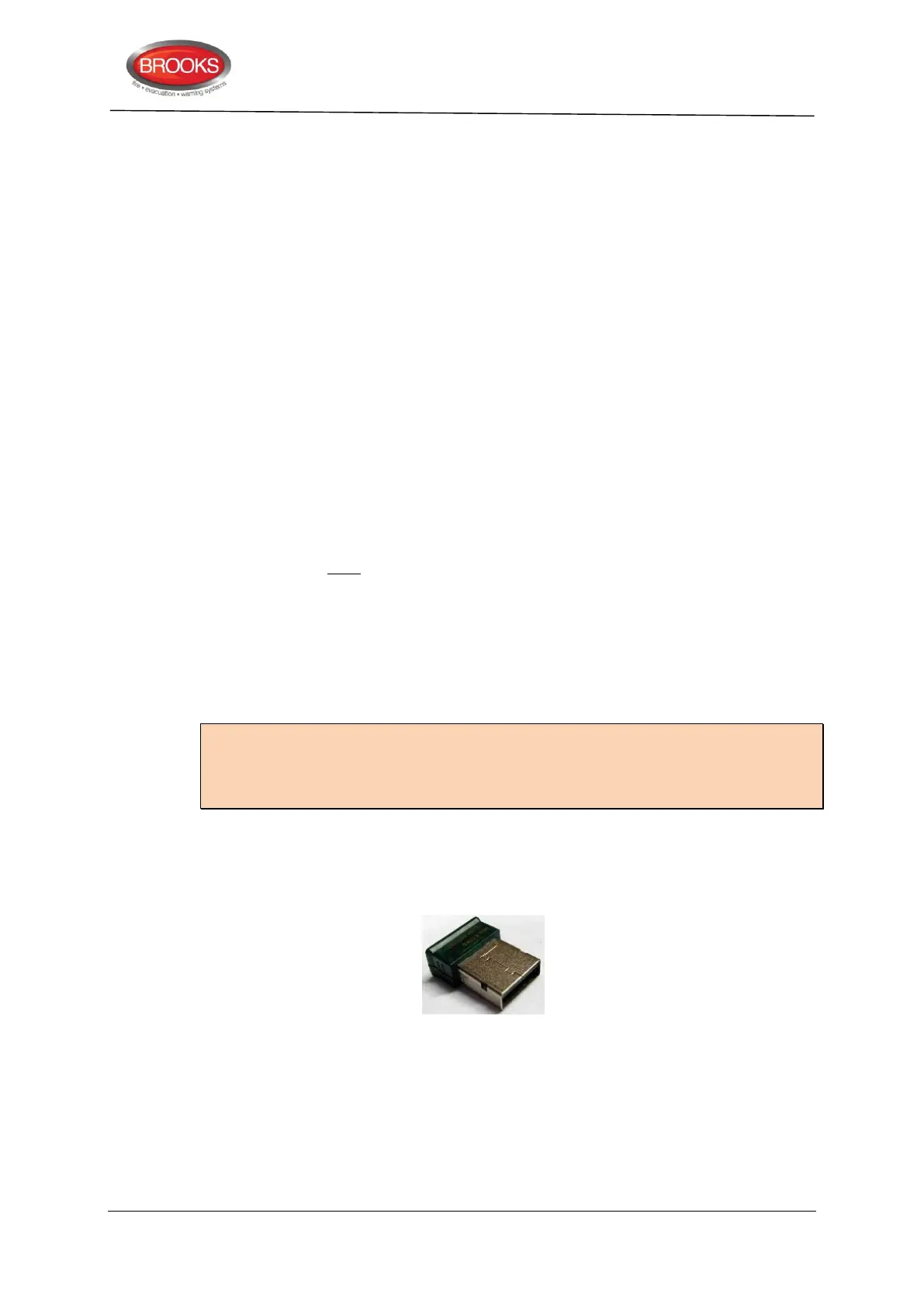
EBLWin key 5094 is a USB dongle that is required on your PC in order to gain access to
log on and download SSD files.



 To Next Page