Technical / Programming Manual
FT128 Rev 2.2
68
6.3 Units Connected To RS232 Interface J5 (On 4556)
6.3.1 Web-servers
1598 Web-server II. This unit can be used in the following applications:
a) for presentation of the actual CIE status in a PC using a web browser such
as Microsoft Internet Explorer. It can also send e-mails in case of pre-warning,
fire alarm, fault, disablement, test mode alarm and/or service signal.
b) for remote control via two-way communication. Up to 10 User names with an
individual password
and three different access levels.
c) as a gateway to other PC systems etc.:
c1) EBL Talk (RS232 or TCP/IP) is an open protocol, used to transmit and
present fire alarm information in a separate PC / system.
c2) Tateco, (RS232) used to transmit and present fire alarm information in
an Ascom Tateco paging system.
c3) SIA, (RS232) used to transmit and present fire alarm information in a
separate PC application.
c4) MODBUS (RS232) used to transmit and present fire alarm information
in a separate PC application.
d) As a gateway to a security management system via EBLnet. (TCP/IP)
EBLnet licence required.
The Web-Server has to be preconfigured with proper TCP/IP protocols using
@CHIPTOOL before setting up the Web-Server SSD configuration in the PC
program EBLWin. The Web-Server SSD configuration is downloaded to the
Web-Server via TCP/IP using an Ethernet cable. The Web-Server software is
also downloaded via the PC program EBLWin.
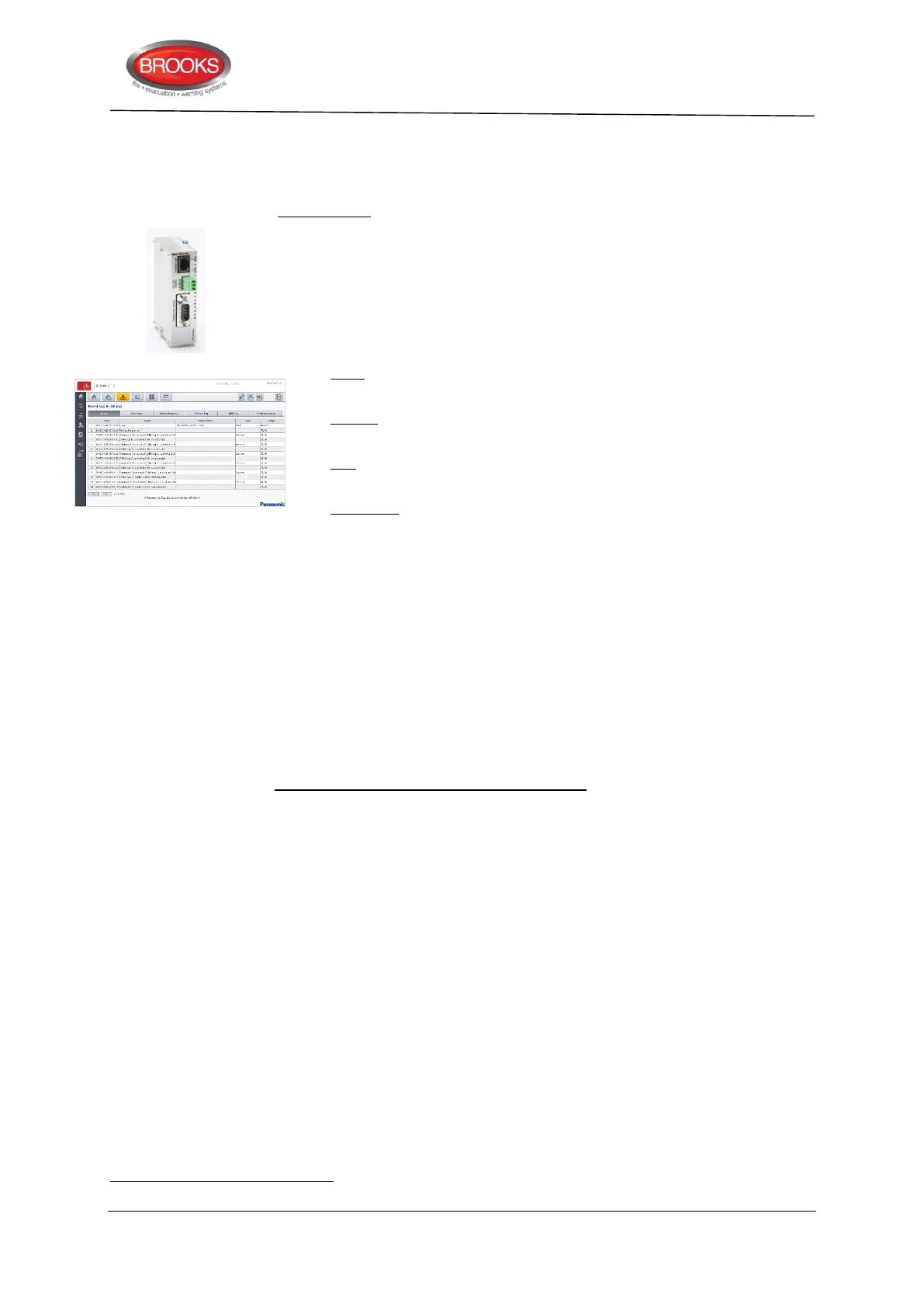
The Web-server II consists of a light grey plastic enclosure (90x25x69.5 mm),
which can be mounted on a 35 mm DIN rail inside the FT128 CIE.
Web-server II has the following interfaces:
RS232 (PLC COM) to connect the web-server to J5 in the FT128 CIE.
RS232 to connect the web-server to other PC / system
RJ45 (10 BASE-T) to connect the web-server to Internet / an intranet (LAN)
Molex 3.5 to connect the web-server to a power supply (24 V
DC
, maximum 65
mA), e.g. to J4 in the FT128 CIE.
Details for setting up the Web-Server is found in MA440 Web Server II Manual
Rev 1.0 for FT1020G3 and FT128.
6.4 Units Connected To RS232 Interface J3 (On 4556)
J3 is a 9 ways female "D" connector. This interface is used only for connection of the
FT128 to a PC with the PC program EBLWin, which is used for download / backup of Site
Specific Data (SSD), etc.
Consists of 6 digits.



 To Next Page