Technical / Programming Manual
FT128 Rev 2.2
161
1. Select a Baud rate (normally 115200) and baud rate (normally 115200. If the
download is not successful, the baud rate might be high, use slower rate and try
again.
2. Set FT128 main board in "boot" mode i.e. on the main board, up to the left, push
on the jumper onto the two pins marked "BOOT" (JP2) and then momentarily short
the pins "RESET" (JP1). The buzzer sounds continuously. The Main board is now
in "boot" mode.
3. Start the download, i.e. click "Start", the buzzer stops sounding. The download
status is indicated in the progress bar.
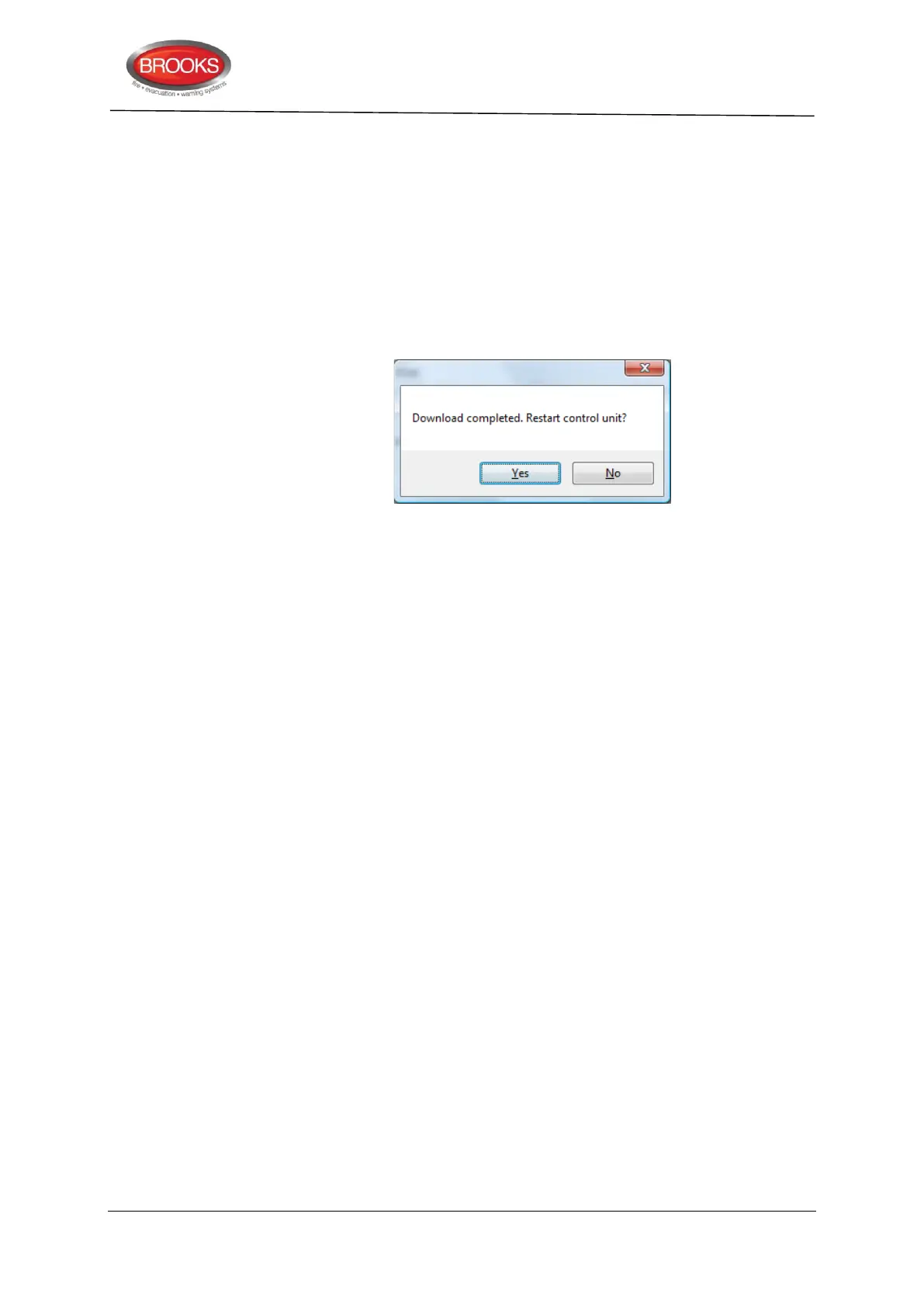
4. When the progress bar changes colour from “red to green”, the download is
completed and the following dialog box opens:
5. Remove the jumper from the two pins marked "BOOT" (JP2).
6. Click "Yes" and the control unit will restart. Regarding the restart, see also the
Operation Manual, chapter "Restart". (Restart code 00.)
LED "Operation" (L5) on the front shall now be turned on
After the restart, fault is acknowledged, all LEDs on the front (except LED
"Operation") should normally be turned off.



 To Next Page