86 Chapter 3: Ventilator Operation Operator's manual
L2786 Rev. M
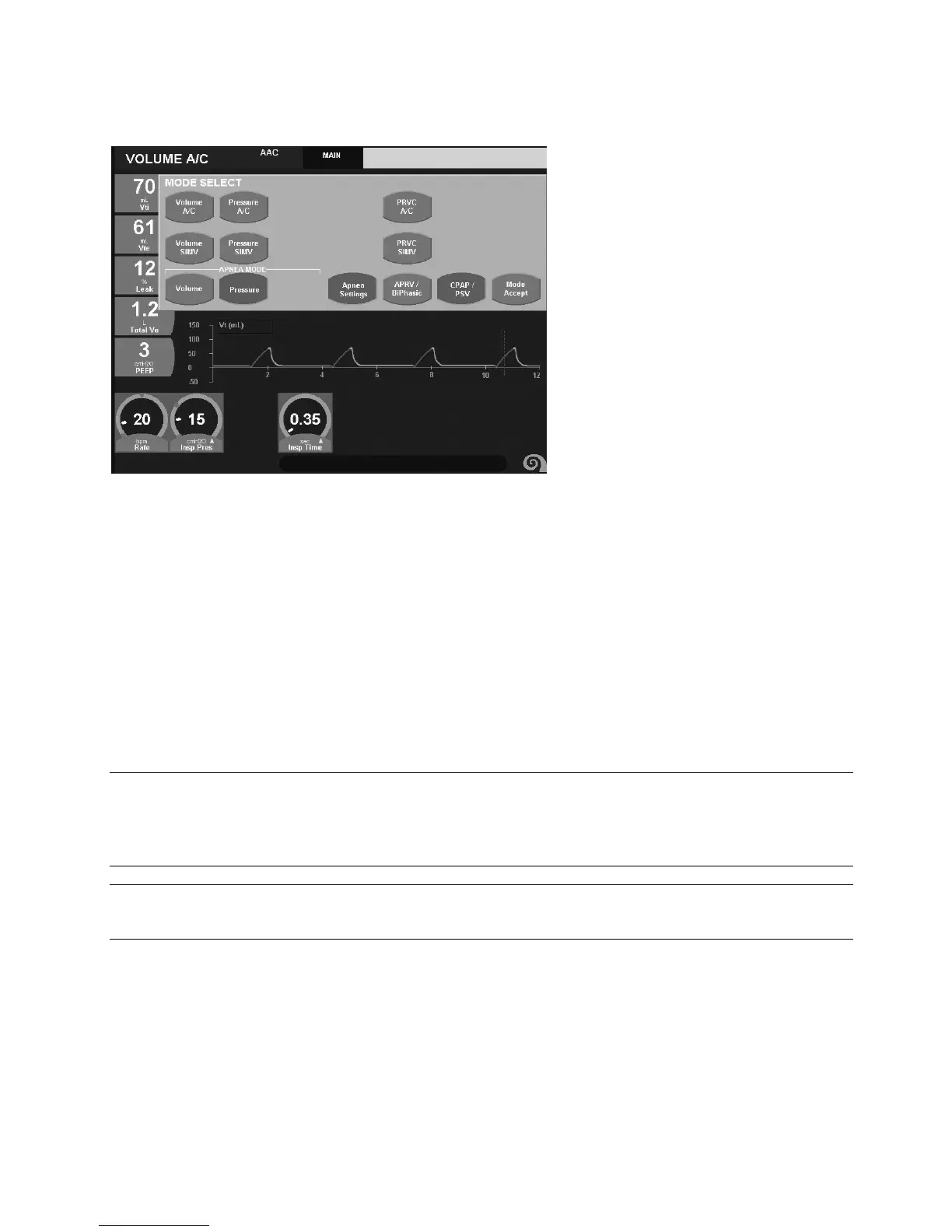
Figure 3–21: Pressure Apnea Backup settings for CPAP Mode
Apnea ventilation will terminate when one of the following criteria are met:
• The patient initiates a spontaneous breath
• A manual breath is delivered
• A timed transition between baseline pressures in APRV / BiPhasic
To review the Apnea backup settings press the Mode button at any time and select APNEA Settings.
Note:
When changing from a controlled mode of ventilation to CPAP/PSV or APRV / BIPHASIC, the default apnea settings
will be the same as those set in the controlled mode. If a New Patient is selected, the default apnea settings are the
same as the factory set default settings for each of the controlled modes.
Note:
The current set FIO
2
is delivered during Apnea ventilation.



 To Next Page