132 Chapter 4: Monitors, Displays and Maneuvers Operator's manual
L2786 Rev. M
Main Screen Monitors
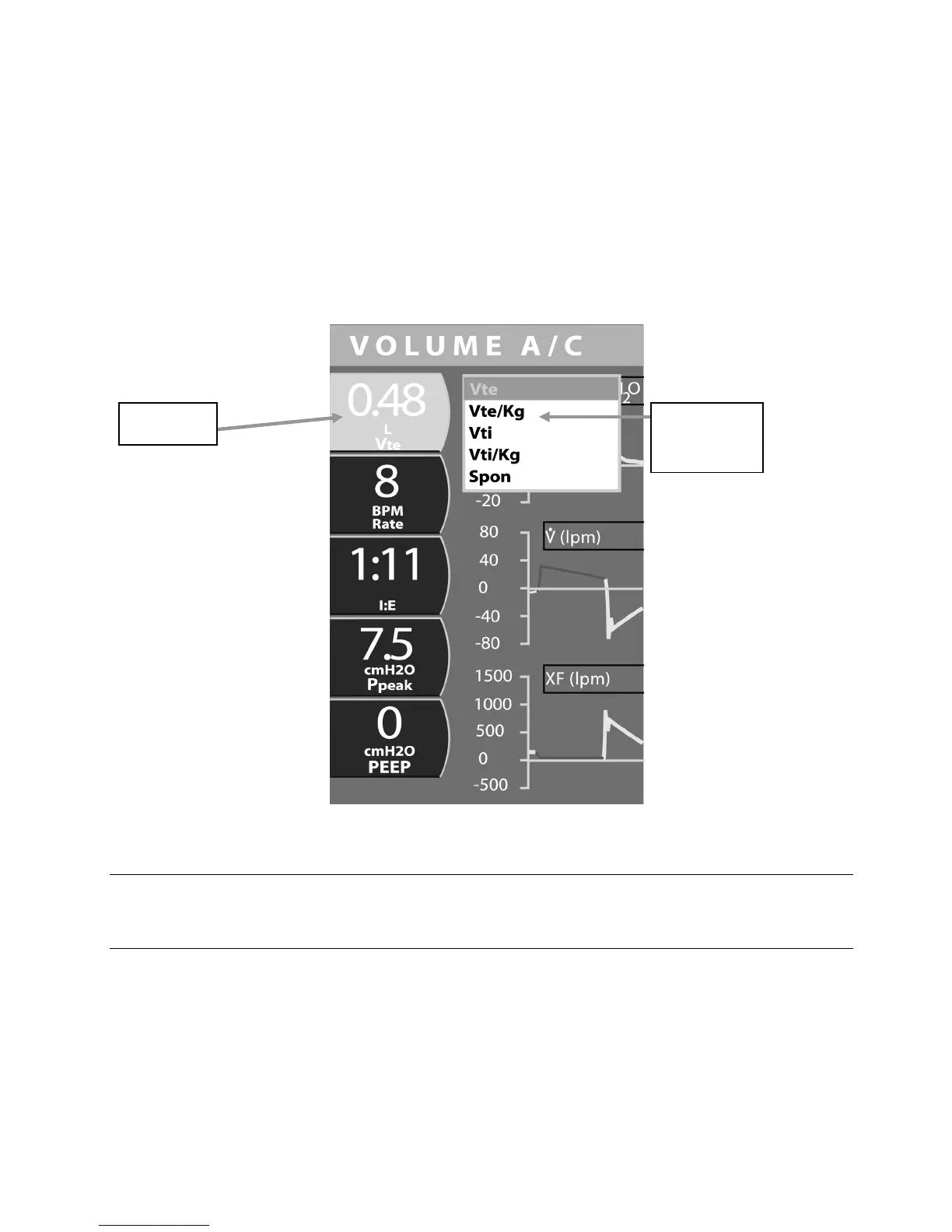
Five monitored parameters are continuously displayed to the left of the graphic displays. These are selected in the same
way as the displays on the Monitors screen.
1. Use the touch screen to select and highlight the monitor you wish to set.
2. Turn the data dial beneath the touch screen to scroll through the menu choices.
3. To accept your selection, either touch the highlighted display or press the accept button adjacent to the data dial.
Figure 4–22: Selectable Monitored Parameters Displayed on the Main Screen
Note:
The main screen monitored parameters may be different than the monitored parameters on the loops or trends
screens.
for Monitored
Parameter



 To Next Page