128 Chapter 4: Monitors, Displays and Maneuvers Operator's manual
L2786 Rev. M
Events
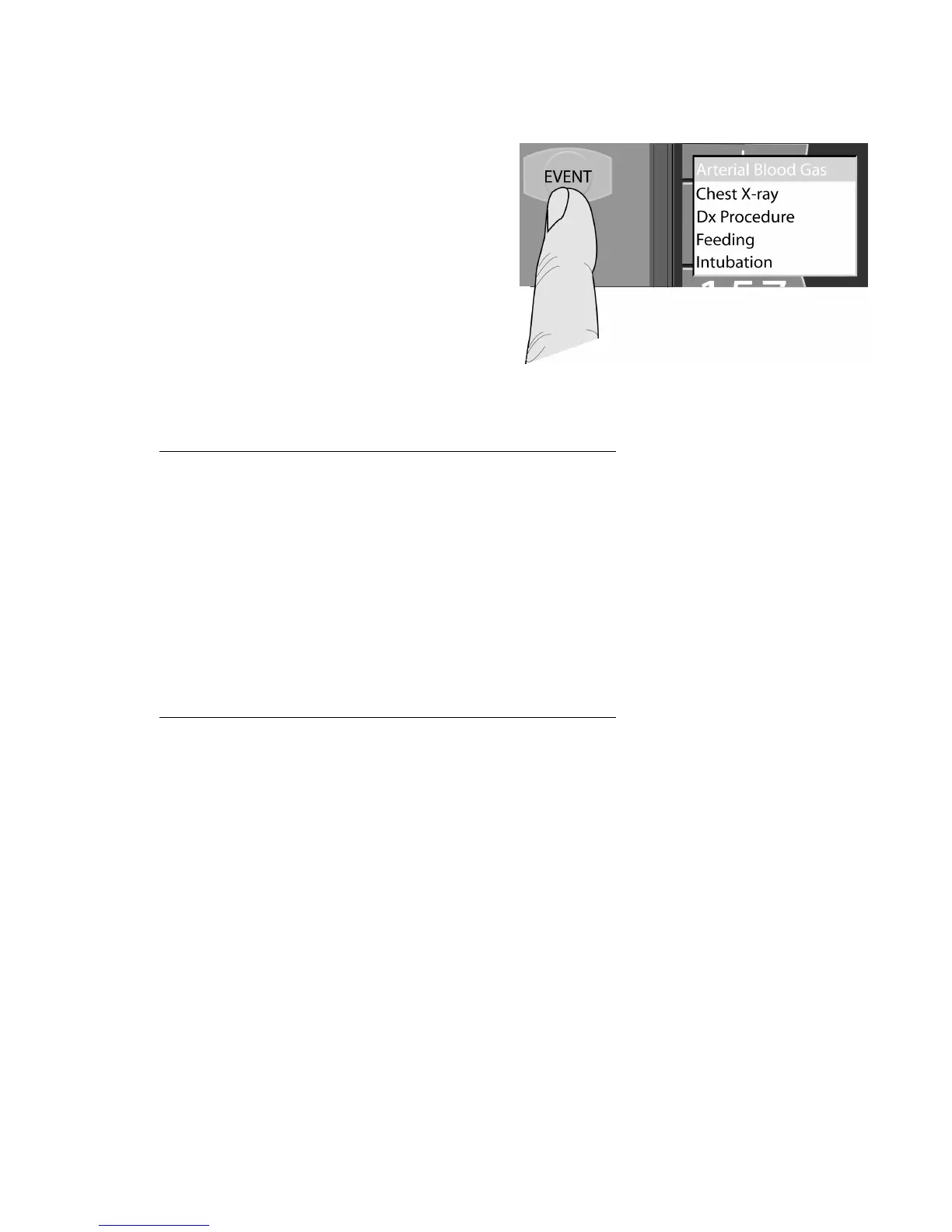
Pressing the EVENT membrane button to the left of the
touch screen opens a scrollable menu of event markers that
are placed in the trend buffer along with the 66 monitored
parameters. To select an event use the data dial to scroll
the event menu and highlight the desired event. Press the
ACCEPT button adjacent to the data dial to place the event
in the trend buffer. Events will appear on the data
spreadsheet in green text with an asterisk next to the time
code (see “Trends” below).
Figure 4–18: The Events menu
Selectable events include:
Chest X-ray
Diagnostic (Dx) Procedure
CXR
Dx
Therapeutic (Rx) Procedure
The following events are automatically recorded in the event log:
Change a primary or advanced control setting Stgs
Powering the ventilator on
Powering the ventilator off
Activation of the nebulizer
Activation of the expiratory hold
Activation of the inspiratory hold
A manual breath Man
Activation of the suction button
Activation of the increase O
2
2
Activation of New Patient
Involuntary Power Loss & Recovery



 To Next Page