AVEA ventilator systems Chapter 5: Volumetric Capnography 143
L2786 Rev. M
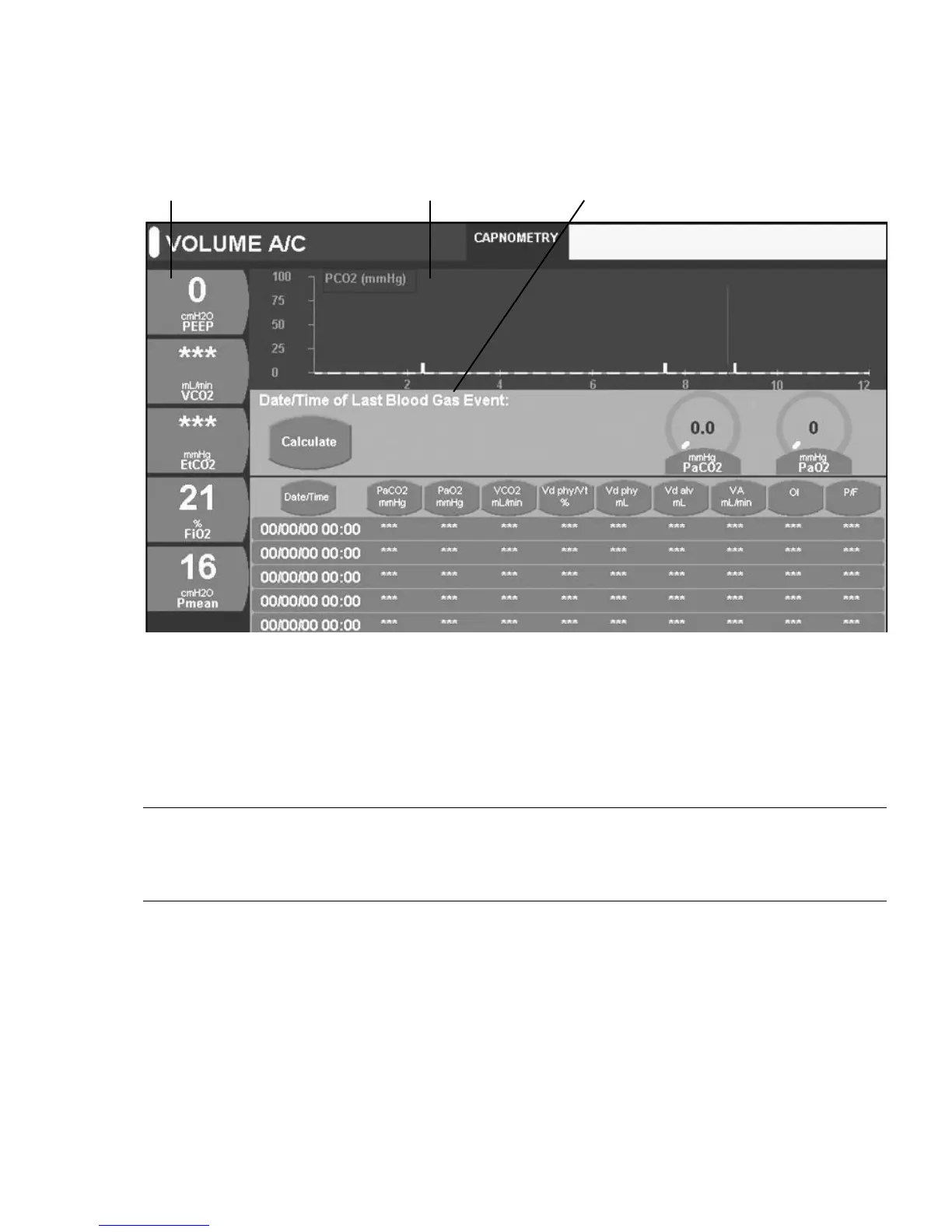
Figure 5–9: Capnometry in Maneuver Screen
When you exit the maneuver screen, the digital displays and waveform return to the original settings.
3. Enter PAO
2
and/or PaCO
2
values using the data dial by touching the appropriate control.
P
AO
2
input range: 0-750 mmHg
PaCO
2
input range: 0-250 mmHg
Note:
If you only enter a PCO
2
value, OI and P/F ratio will not be calculated. Likewise, if you only enter a PAO
2
value, the OI
and P/F ratio will be the ONLY calculations performed. If you do not enter any arterial blood gas values, or you failed to
create an Arterial Blood Gas event, a warning dialog box displays.
4. After you enter the arterial blood gas values, press Calculate.
The screen displays the calculated parameters.
5. Ensure the arterial blood gas values are correct and press Accept.
If you need to make a change, press Cancel and reenter the blood gas values. Once accepted, the new calculations
populate the last row on the capnometry maneuver screen.
Date and time of the arterial blood
gas event



 To Next Page