AVEA ventilator systems Chapter 5: Volumetric Capnography 145
L2786 Rev. M
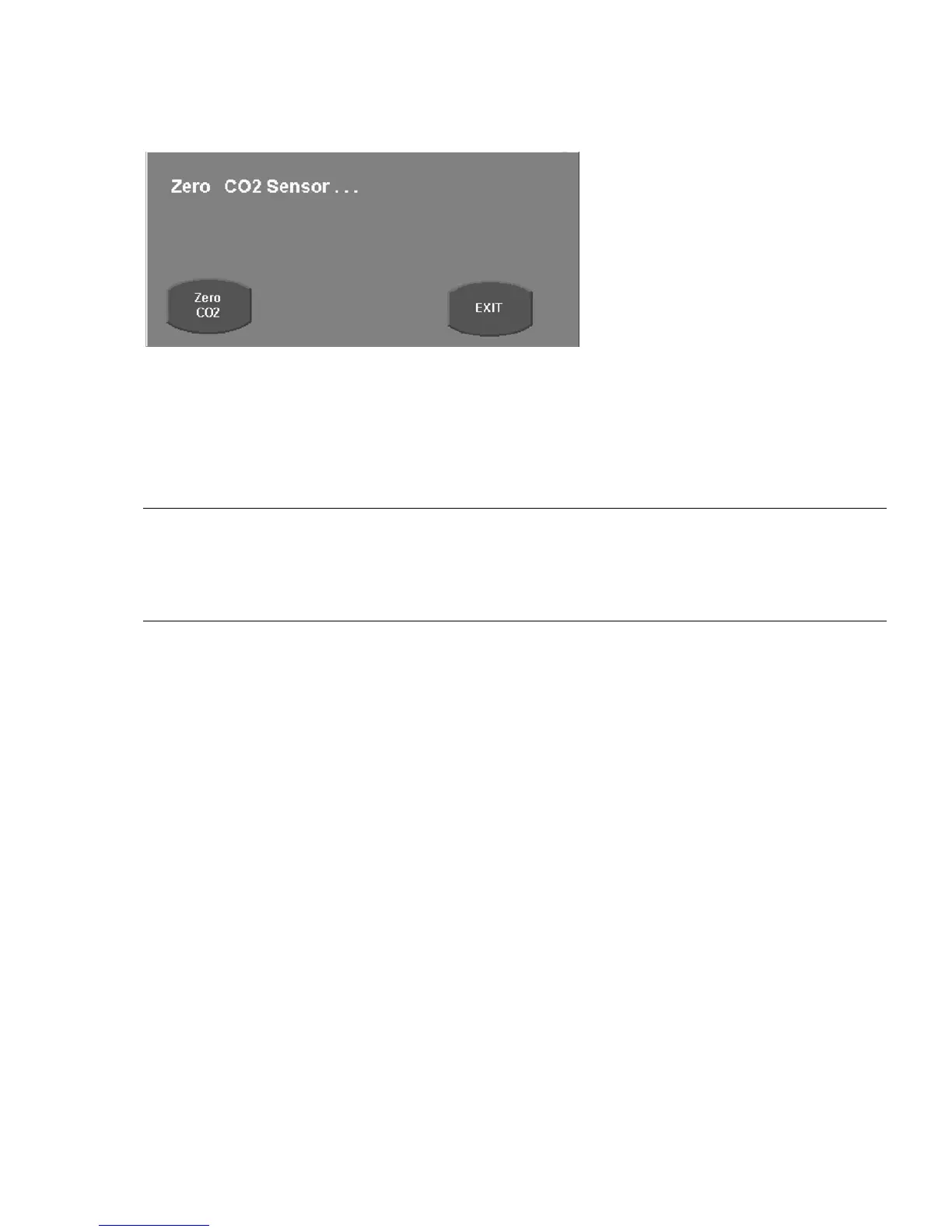
Figure 5–11: Zero CO2 Sensor message
4. Ensure that CO
2
Monitoring is enabled.
5. Press Zero CO
2
and press Continue.
6. If the sensor is ready to zero, a message “Zeroing CO
2
Sensor…” is displayed and a 30 second countdown timer starts.
Note:
If the message “CO
2
Sensor not ready to zero…” is displayed after pressing Continue, a 120 second countdown time
starts. The sensor will not be ready to zero if it is not up to its operating temperature, if it detects breaths, or if there is a
sensor malfunction. When the sensor becomes ready to zero, “Zeroing CO
2
Sensor…” is displayed and a 30 second
countdown timer will start.
7. When the sensor is zeroed, “Zero CO
2
PASS” is displayed.
When the CO
2
sensor sends a Zero Failed message, the timer stops, and a message Zero CO
2
FAIL appears.
When the countdown timer reaches zero without the CO
2
sensor returning a Zero pass or fail, the message Zero CO
2
TIMEOUT displays. Note that in this event, the actual operation of zeroing the sensor may subsequently continue to
completion. If this should occur before activation of the Exit control, the message is replaced by Zero CO
2
PASS or Zero
CO
2
FAIL, as appropriate.
8. Press Exit to close the message.
It is possible to close the CO
2
Zero Popup while the zero procedure is in progress to provide access to other ventilator
functions. In this event, zeroing may then succeed or fail. In the event of failure, the alarm message CO
2
Zero Required
displays.
While CO
2
Zeroing is in progress, all CO
2
alarms are disabled. These alarms are reenabled and all CO
2
monitors are
restarted upon completion of the zeroing procedure.



 To Next Page