88 Chapter 3: Ventilator Operation Operator's manual
L2786 Rev. M
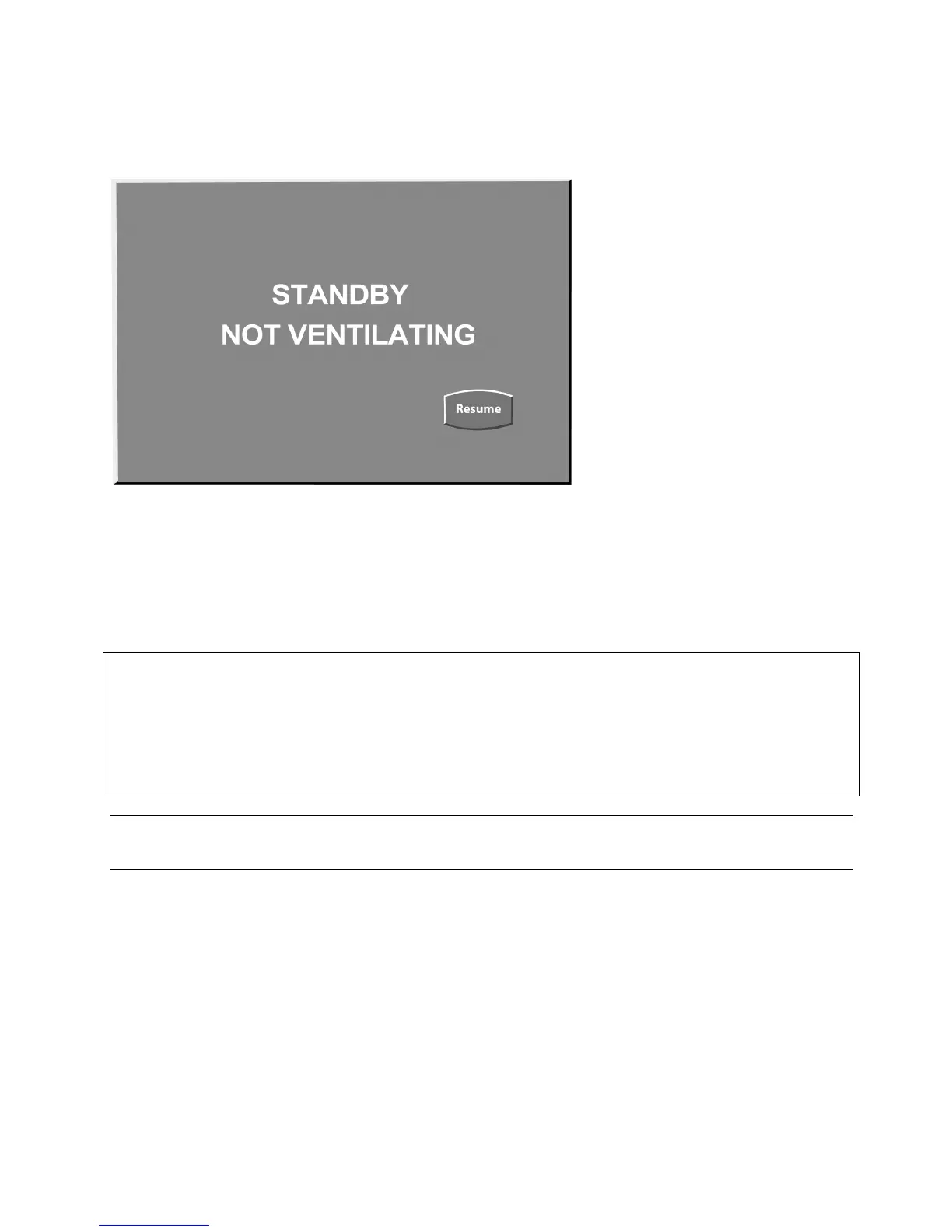
If you select “YES”, the ventilator will stop ventilating, the safety valve will close and the ventilator will supply 2 L/min of
gas continuously to the patient circuit and will display the message shown in Figure 3–24.
Figure 3–24: Standby Screen
To resume patient ventilation, press the Resume button. The ventilator will restart ventilation at the most recent settings.
Do not re-connect the patient to the ventilator until the RESUME button has been pressed and ventilation has restarted.
CAUTION
The 2 liters of bias flow, which is maintained during standby, is intended to reduce the risk of circuit overheating in the
event an active humidifier is in use and left on.
To ensure flow through the entire ventilator circuit, the patient wye should be plugged to direct flow down the expiratory
limb of the circuit. Failure to do this may result in damage to the ventilator circuit if the humidifier is left on. Consult the
circuit manufacturer to confirm that 2 L/min of flow is sufficient to prevent overheating.
Note:
Some alarms such as Loss A/C, Loss of O
2
, Loss of Air, Loss of Gas will be active in Standby.



 To Next Page