AVEA ventilator systems Chapter 7: Alarms and Indicators 171
L2786 Rev. M
Alarm Controls
Setting an Alarm Limit
To set the limits for each alarm, press the red Alarm
LIMITS membrane button on the right of the user
interface marked with the icon shown here.
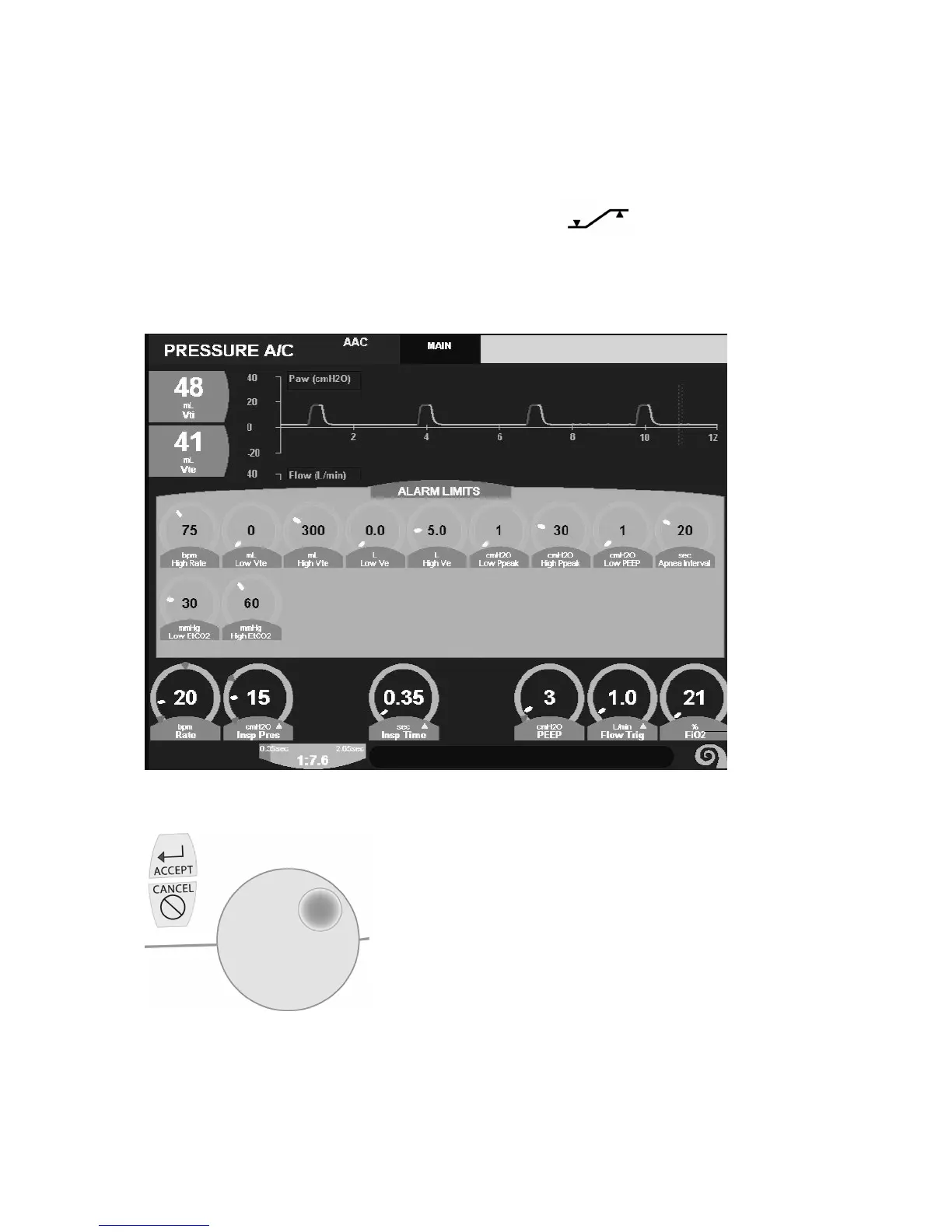
The Alarm Limits screen will appear (Figure 7–2). To set the limits for an alarm, press the touch screen immediately over
the alarm control. The control will highlight (change color) on the screen.
Figure 7–2: Alarm Limits Screen
Figure 7–3: Control Knob and Accept / Cancel Softkeys



 To Next Page