106 Chapter 4: Monitors, Displays and Maneuvers Operator's manual
L2786 Rev. M
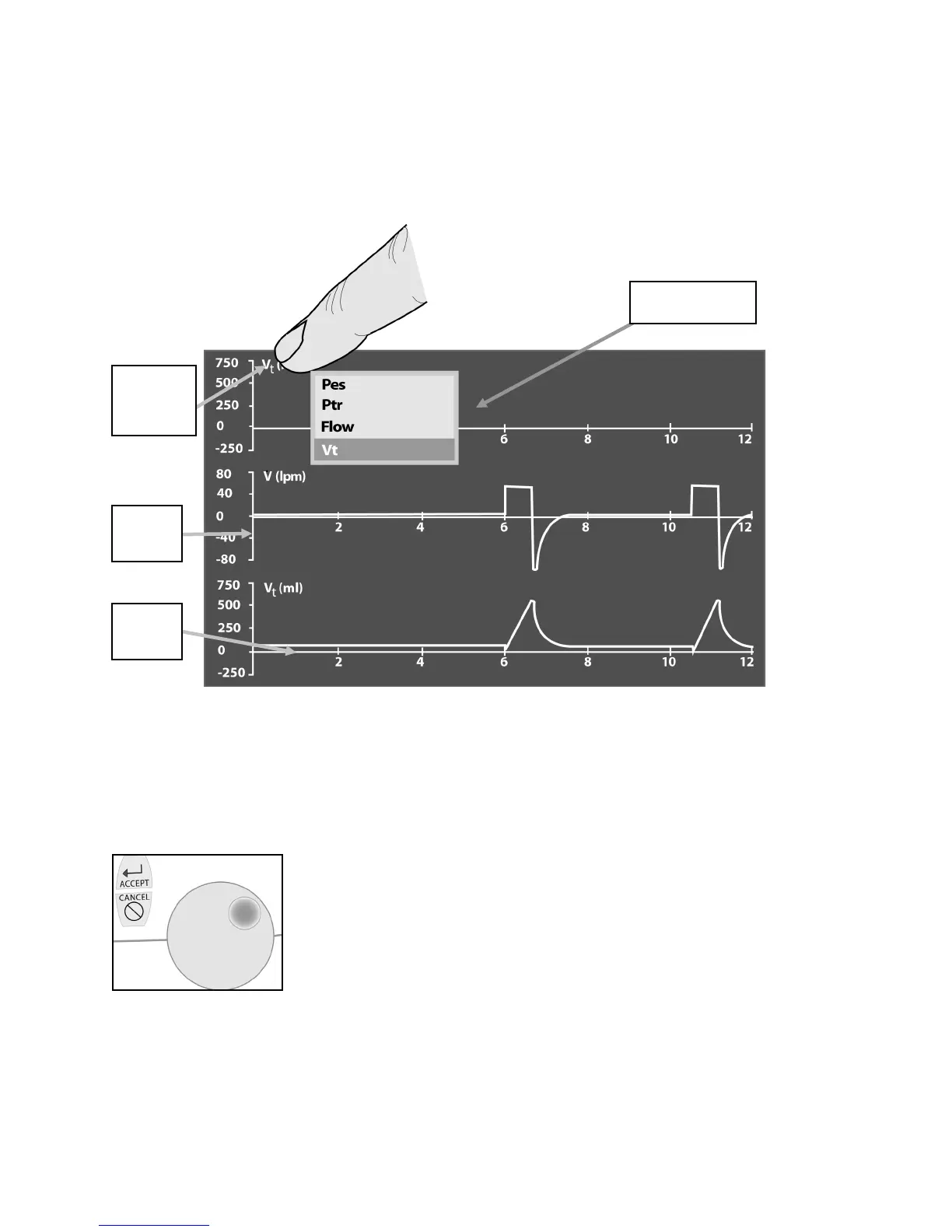
When you press and highlight the waveform heading display on the touch screen a scrollable menu appears showing the
choice of waveforms (Figure 4–2).
Figure 4–2: Waveform Selection
To scroll through the waveform choices, turn the data dial under the touch screen. To make your selection, touch the
touch screen menu again or press the Accept membrane button shown here next to the data dial.
Figure 4–3: Data dial
Waveform
Heading
graph
graph



 To Next Page