28 Chapter 2: Unpacking and Setup Operator's manual
L2786 Rev. M
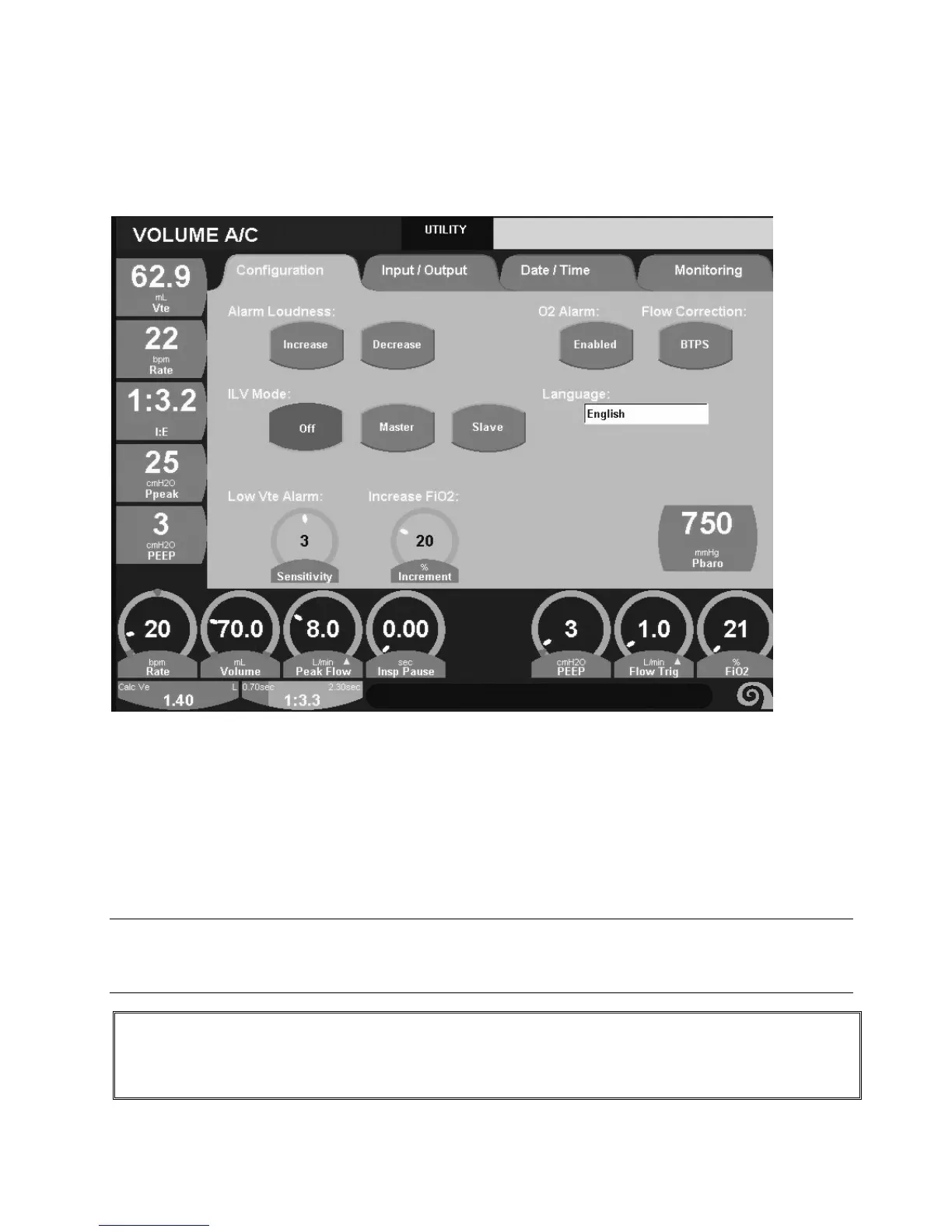
Utilities Screens
Configuration Tab
Figure 2–32: Utilities Screen
Alarm Loudness.
To change alarm sound levels depress and hold the increase or decrease soft keys until the desired level is reached.
The “Alarm Test” banner will appear during the adjustment.
Enable / Disable O2 Alarm.
The High and Low oxygen alarms can be disabled in the event of a failure of the oxygen sensor while the ventilator is in
use. To disable the alarm depress the Enable / Disable O
2
soft key, to re-enable depress the soft key again.
Note:
The oxygen alarms cannot be disabled while heliox is in use. Powering the ventilator off and back on again will
automatically re-enable the oxygen alarms.
WARNING
Although disabling the oxygen alarms will not affect oxygen titration an external analyzer should be placed
in line in the breathing circuit until the oxygen sensor has been replaced.



 To Next Page