82 Chapter 3: Ventilator Operation Operator's manual
L2786 Rev. M
Continuous Positive Airway Pressure (CPAP) Pressure Support Ventilation (PSV)
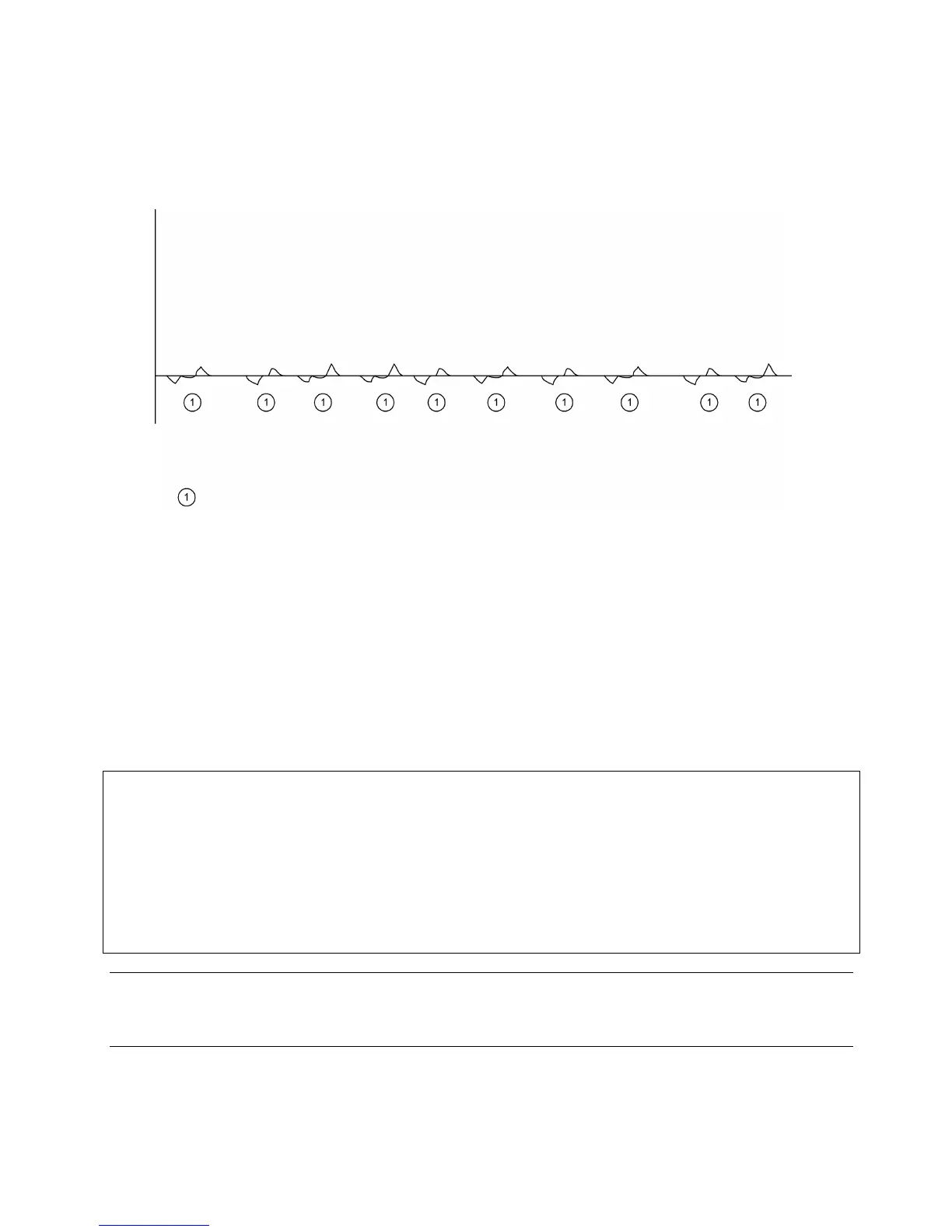
Figure 3–16: CPAP Waveform
In CPAP/PSV mode, all breaths are patient-initiated demand breaths unless the MANUAL BREATH key is pressed or
apnea backup ventilation is activated. When the MANUAL BREATH key is pressed, a single breath is delivered at the
currently selected apnea backup control settings.
Pressure Support is active in CPAP mode (see “Demand Breaths” on page 76).
CAUTION
When CPAP/PSV is selected, you must
1. Select the breath type for APNEA backup mode AND
2. Set the primary controls visible at the bottom of the touch screen, for the selected apnea breath type before
pressing the MODE ACCEPT button. The controls for the apnea breath type will not be visible once the
MODE ACCEPT button has been pressed. Only those controls that are active and required for CPAP/PSV will
remain. To review the settings for Apnea backup ventilation open the mode window, and select Apnea Settings
Note:
IF PSV level is insufficient to meet patient demand, premature termination of the breath may occur with auto-triggering.
In these cases the PSV level should be increased slightly.



 To Next Page