134 Chapter 5: Volumetric Capnography Operator's manual
L2786 Rev. M
Setup
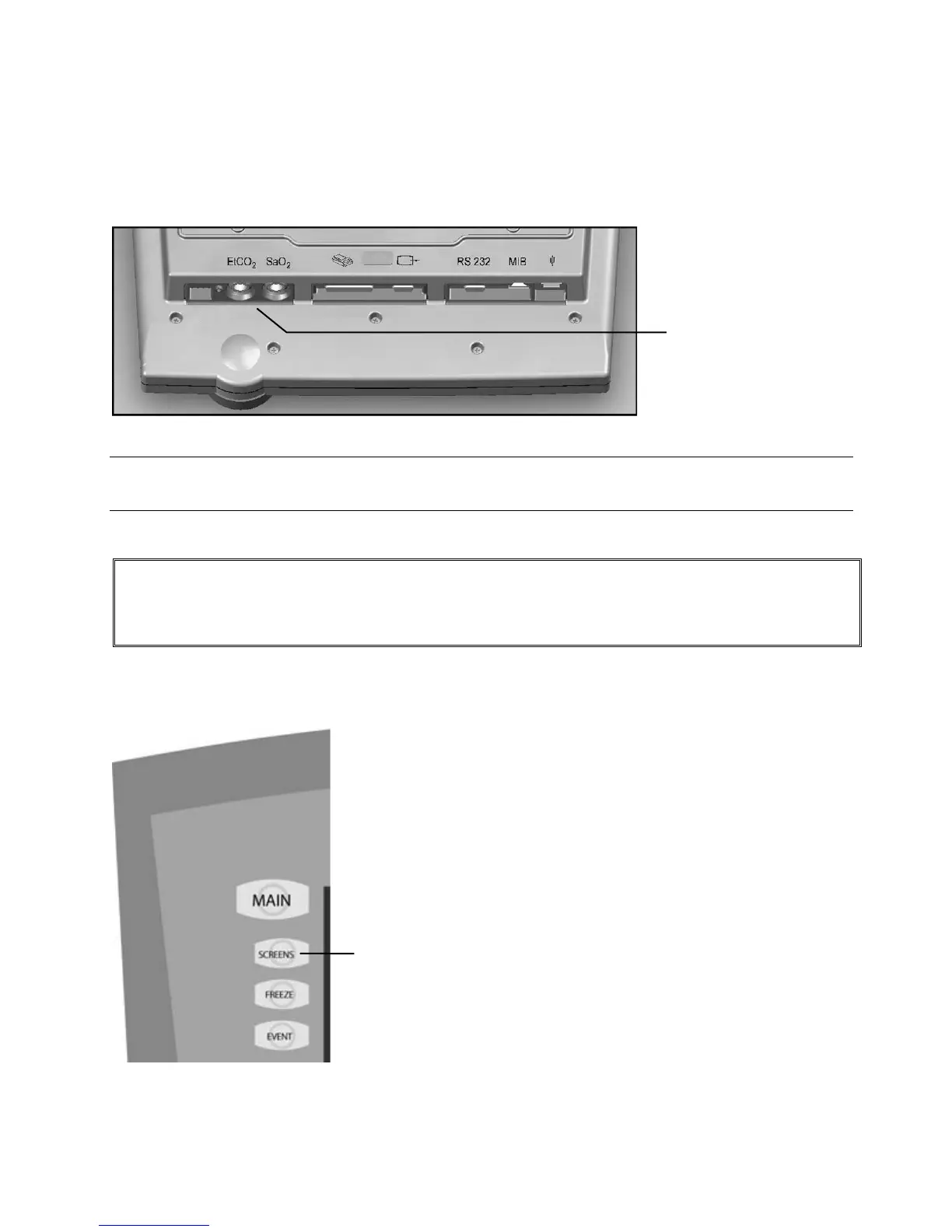
1. Attach the end of the CO
2
sensor cable to the connection on the bottom of the AVEA UIM labeled EtCO
2
.
Figure 5–1: Bottom of AVEA UIM
Note:
Only capnography cables supplied by CareFusion are compatible with the AVEA.
WARNING!
Route the sensor cable so as to avoid risk of patient entanglement or accidental extubation. Clips are
available to secure the cable to the breathing circuit as appropriate.
2. Access the setup and utilities controls by pressing the Screens button, selecting Utility, and selecting the Monitoring tab.
Figure 5–2: Screens softkey
2



 To Next Page