AVEA ventilator systems Chapter 5: Volumetric Capnography 135
L2786 Rev. M
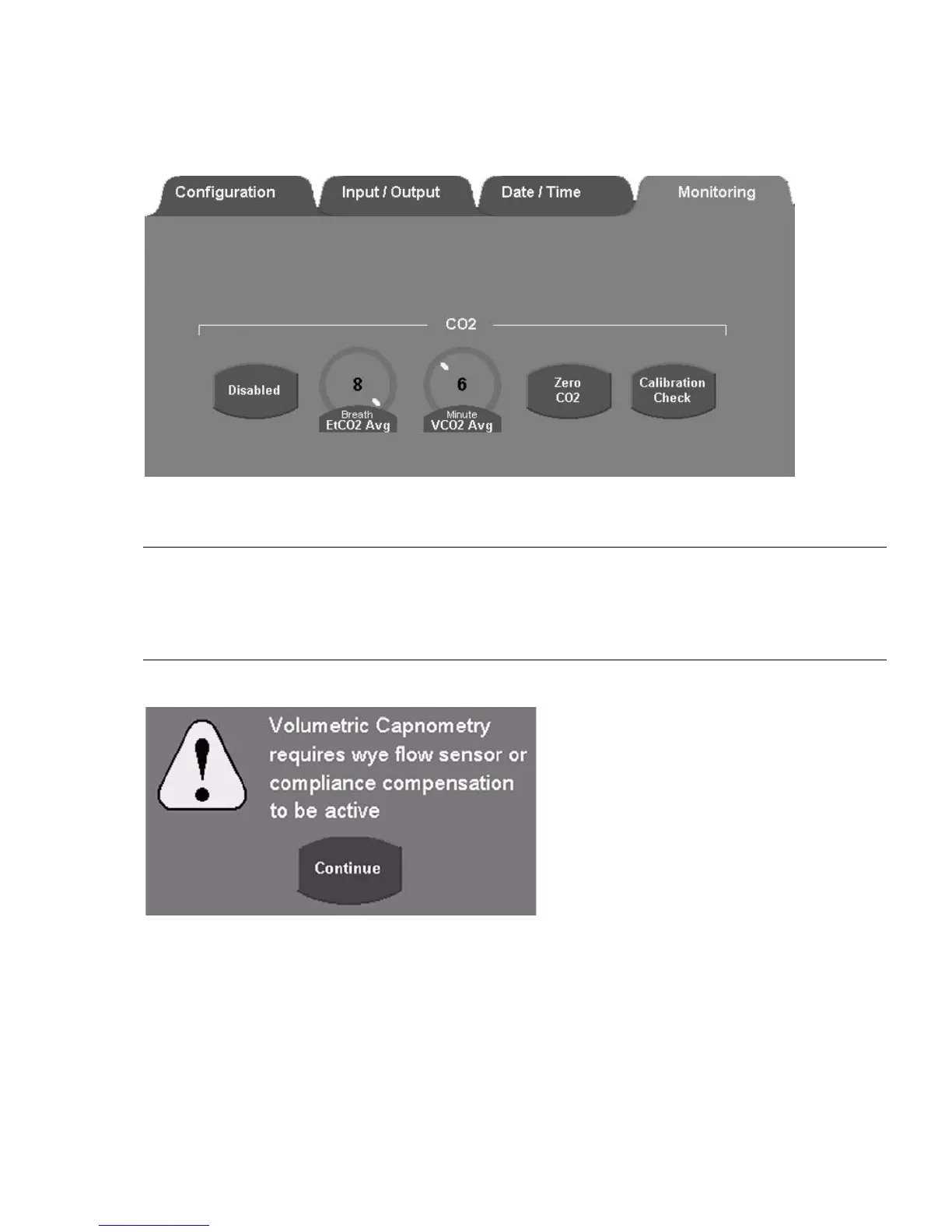
3. Enable CO
2
Monitoring by touching the Enable/Disable button.
Figure 5–3: Monitoring Tab, Utility Screen
Note:
Capnography requires either a proximal flow sensor or circuit compliance compensation to be active.
If CO
2
monitoring is enabled but a proximal flow sensor or circuit compliance compensation is not active, an alert dialog
box appears.
Figure 5–4: Vco2 Alert Dialog
4. If volumetric capnography is required, add a proximal flow sensor or enable circuit compliance compensation (or do
both), and then re-enable CO
2
monitoring as described above; otherwise, only the PCO
2
waveform and End-tidal CO
2
monitor are available.
5. Remove the appropriate airway adapter from its packaging and make sure it is undamaged and ready to use.



 To Next Page