108 Chapter 4: Monitors, Displays and Maneuvers Operator's manual
L2786 Rev. M
Loops
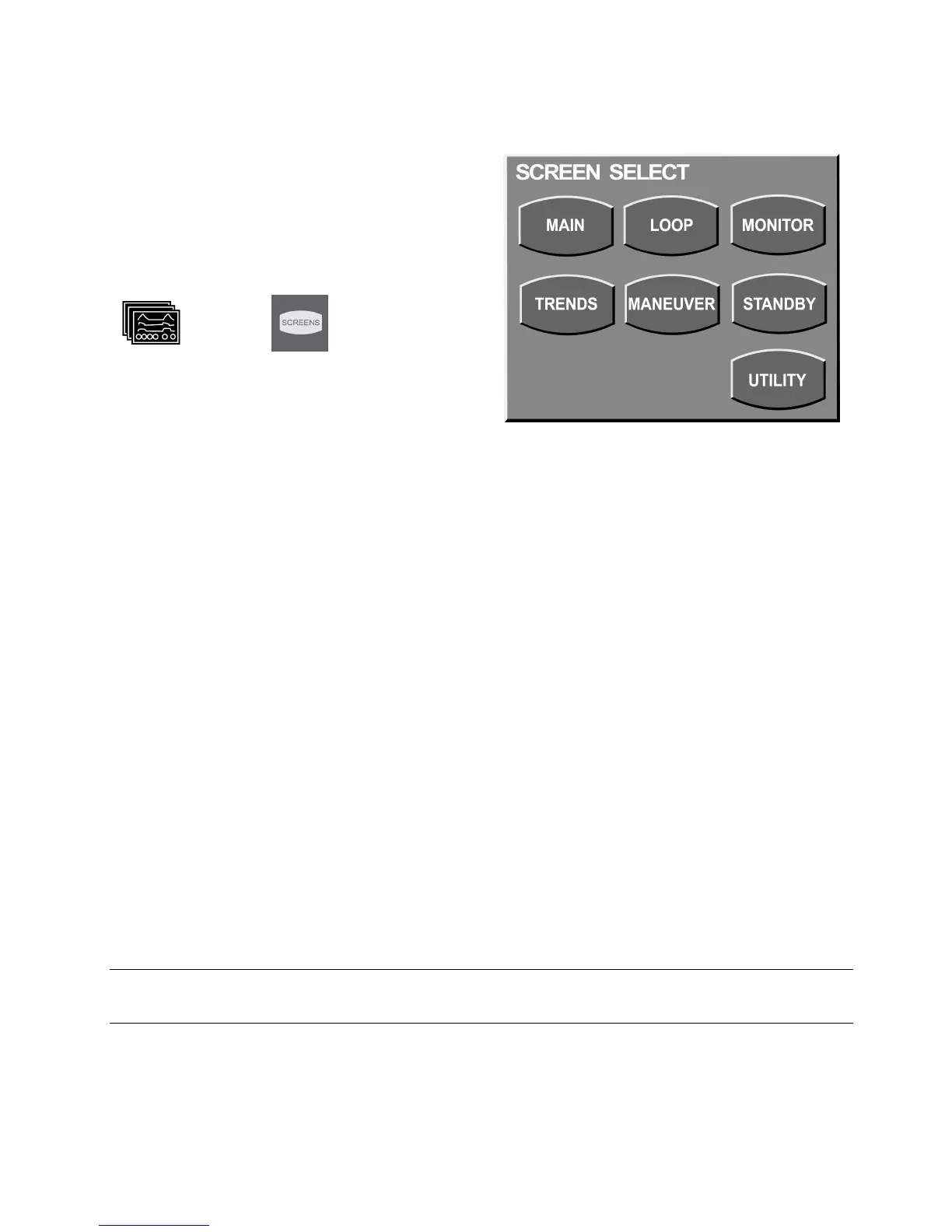
Accessing the Loops Screen
To access the loops screen press the screens
membrane button to the left of the touch screen on
the UIM. The button is labeled with the icons shown
here.
or
International English
Select LOOP from the options that appear.
Figure 4–4: Screen Selection
Choice of Loops
The ventilator displays 2 loops in real time, selected from the following.
• Vt-Flow Flow / Volume Loop. Inspiratory flow / Volume. If proximal flow sensor is used values are
based on proximal flow sensor measurements.
Available for all patients.
• PAW - Vt Airway Pressure / Volume loop. Active for all patients.
• PES - Vt Esophageal Pressure vs. Volume loop. This requires the use of an optional esophageal
catheter and is active for adult and pediatric patients only.
• PTR - Vt Tracheal Pressure vs. Volume loop. This requires the use of an optional tracheal catheter
and is active for adult and pediatric patients only.
• P
INSP
– Vt Inspiratory Pressure vs. Volume loop.
• P
Tp
– Vt Transpulmonary vs. Volume. This requires the use of an optional esophageal catheter and is
active for adult and pediatric patients only.
• PCO
2
/Vte Exhaled CO
2
vs. Exhaled Vt
Note:
Loops are circuit compliance compensated for pediatric and adult patient sizes.



 To Next Page