124 Chapter 4: Monitors, Displays and Maneuvers Operator's manual
L2786 Rev. M
Digital Displays
The Monitor Screen
To access the monitor screen press the Screens
membrane button to the left of the touch screen on the
UIM. The button is labeled with the icon shown here.
or
International English
Select MONITOR from the selection box that appears.
Figure 4–16: Screen Selection
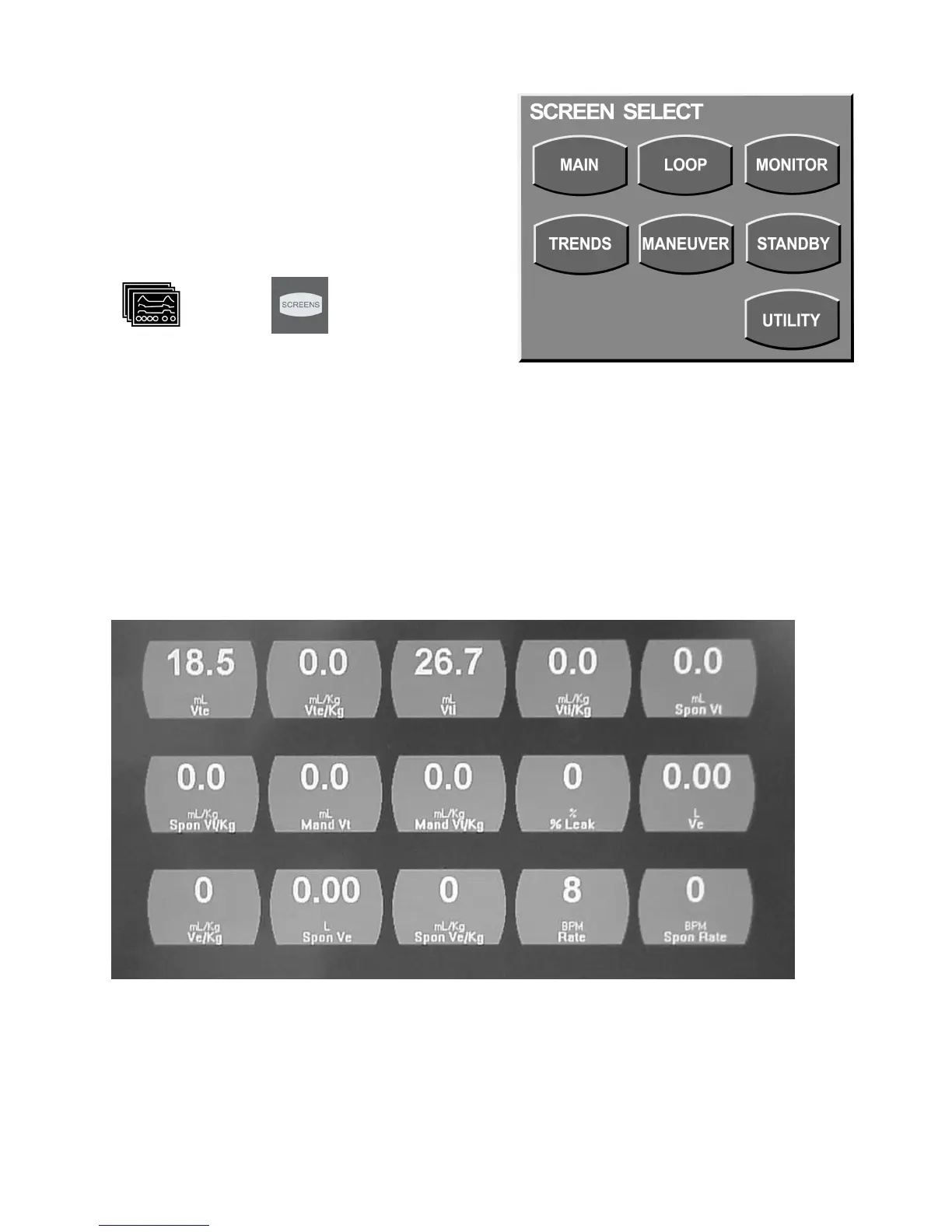
The monitor screen can display a total of 15 different monitored values simultaneously. Monitor Displays are updated at
the start of the next inspiration or every 10 seconds, whichever occurs first. Each value can be independently selected
from the available choices (see Table 4–2).
1. Use the touch screen to select and highlight the monitor you wish to set.
2. Turn the data dial beneath the touch screen to scroll through the menu choices.
3. To accept your selection, either touch the highlighted display or press the accept button adjacent to the data dial (Figure
4–17).
Figure 4–17: The Monitor Screen



 To Next Page