AVEA ventilator systems Chapter 3: Ventilator Operation 87
L2786 Rev. M
Standby
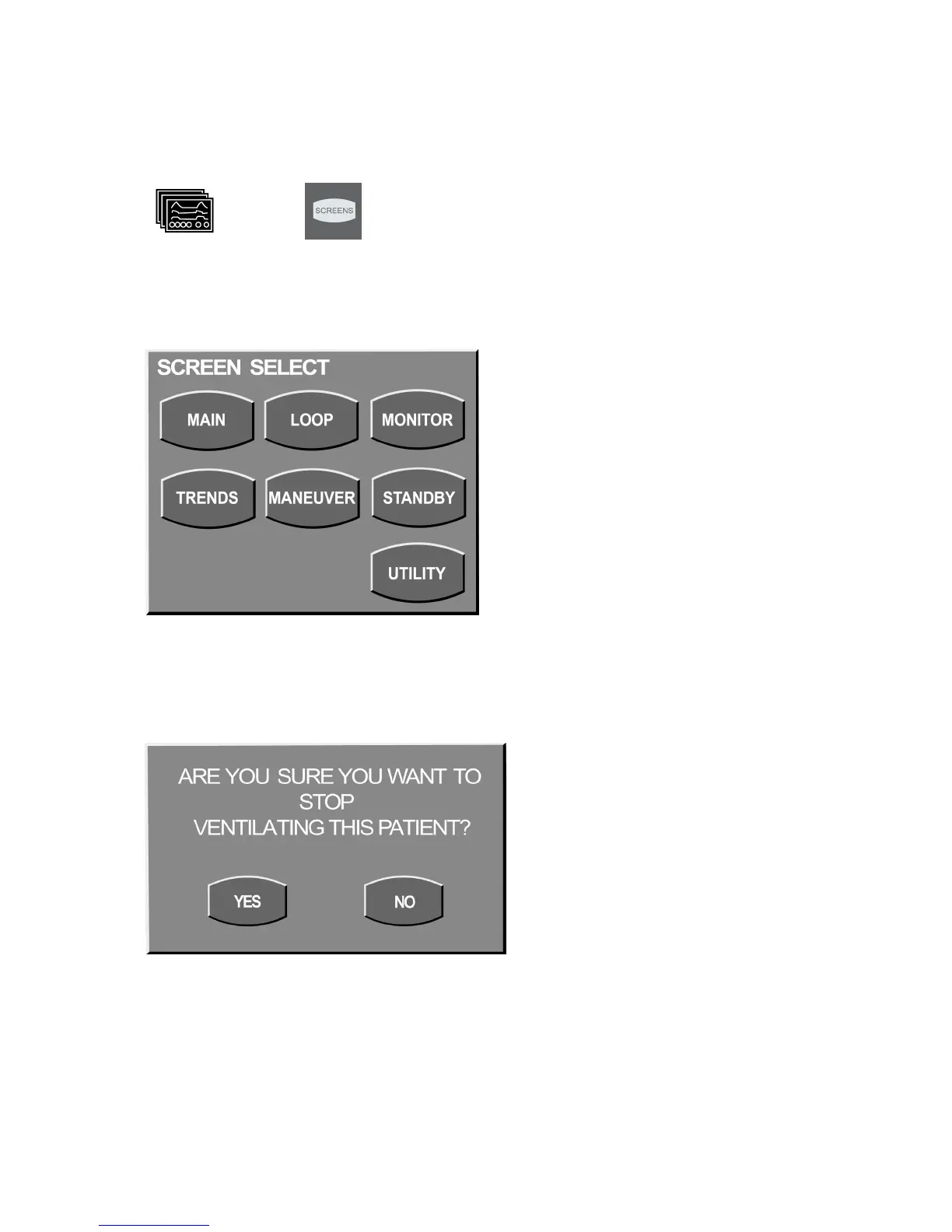
To initiate Standby, press the Screens membrane button on the UIM identified by the icons shown here.
or
International English
The Screen Select box appears (Figure 3–22).
Figure 3–22: Screen Select
Press STANDBY. The following message will display
Figure 3–23: Standby Message



 To Next Page