AVEA ventilator systems Chapter 3: Ventilator Operation 59
L2786 Rev. M
Patient Setup
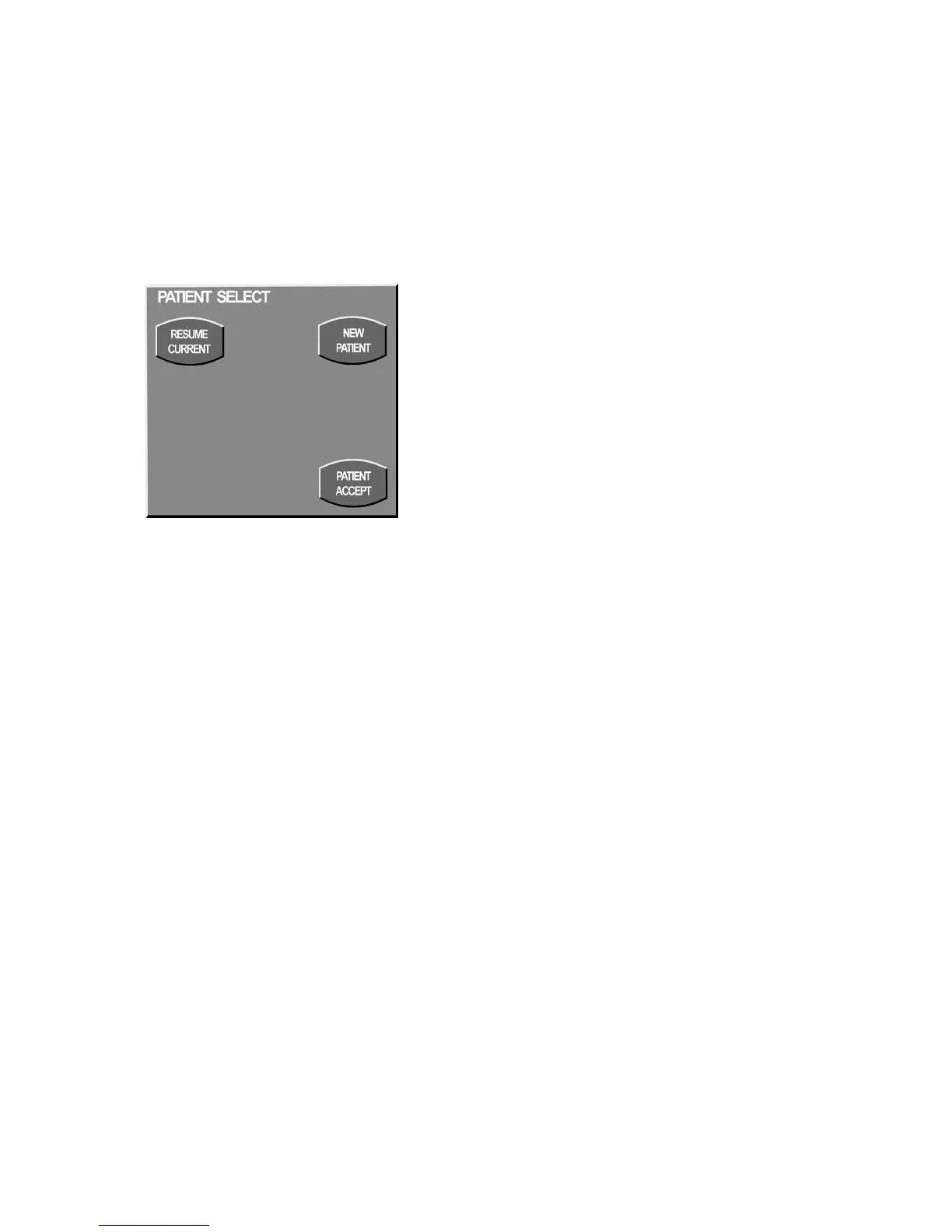
Patient Select Screen
The Patient Select screen allows you to choose to resume ventilation of the current patient (RESUME CURRENT) or
select (NEW PATIENT) to reconfigure ventilator settings.
Figure 3–4: Patient Select Screen
If you press the Resume Current key, the ventilator begins ventilation at the most recent patient settings.
The New Patient key clears loops and trend buffers and resets all settings to default values.
Press Patient Accept to accept your selection.



 To Next Page