58 Chapter 3: Ventilator Operation Operator's manual
L2786 Rev. M
U. Screens
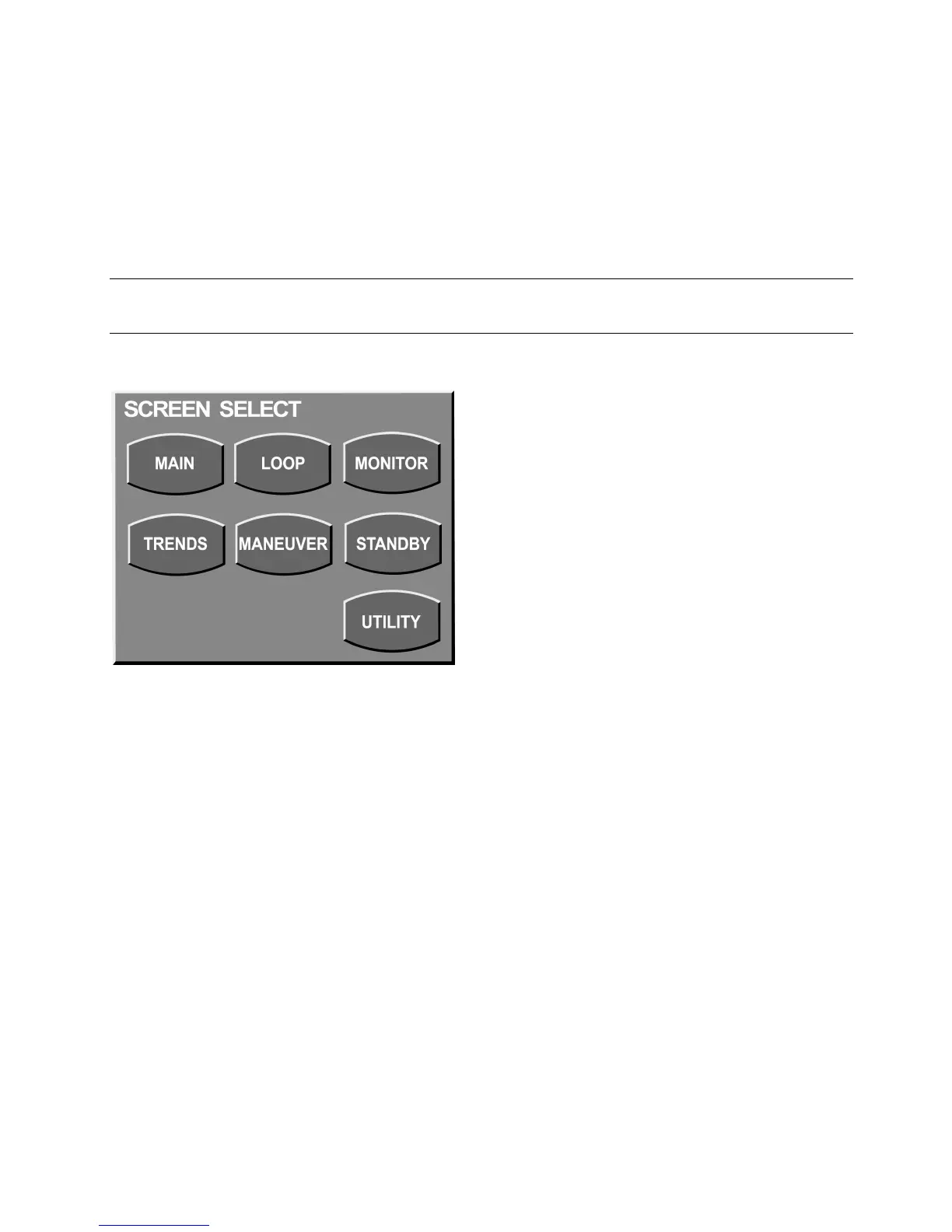
Opens the Screen Selection box (Figure 3–3). You can also open this by pressing the Screen indicator in the top center
of the touch screen.
Note:
Pressing the Screens button a second time closes the window.
Figure 3–3: Screens Selection Box
V. Main
Returns the display to the main screen.
W. Alarm Status LEDs
The Alarm status indicators at the top right of the UIM flash red or yellow to indicate a high or medium priority alarm (see
“Chapter 5: Volumetric Capnography”).



 To Next Page