60 Chapter 3: Ventilator Operation Operator's manual
L2786 Rev. M
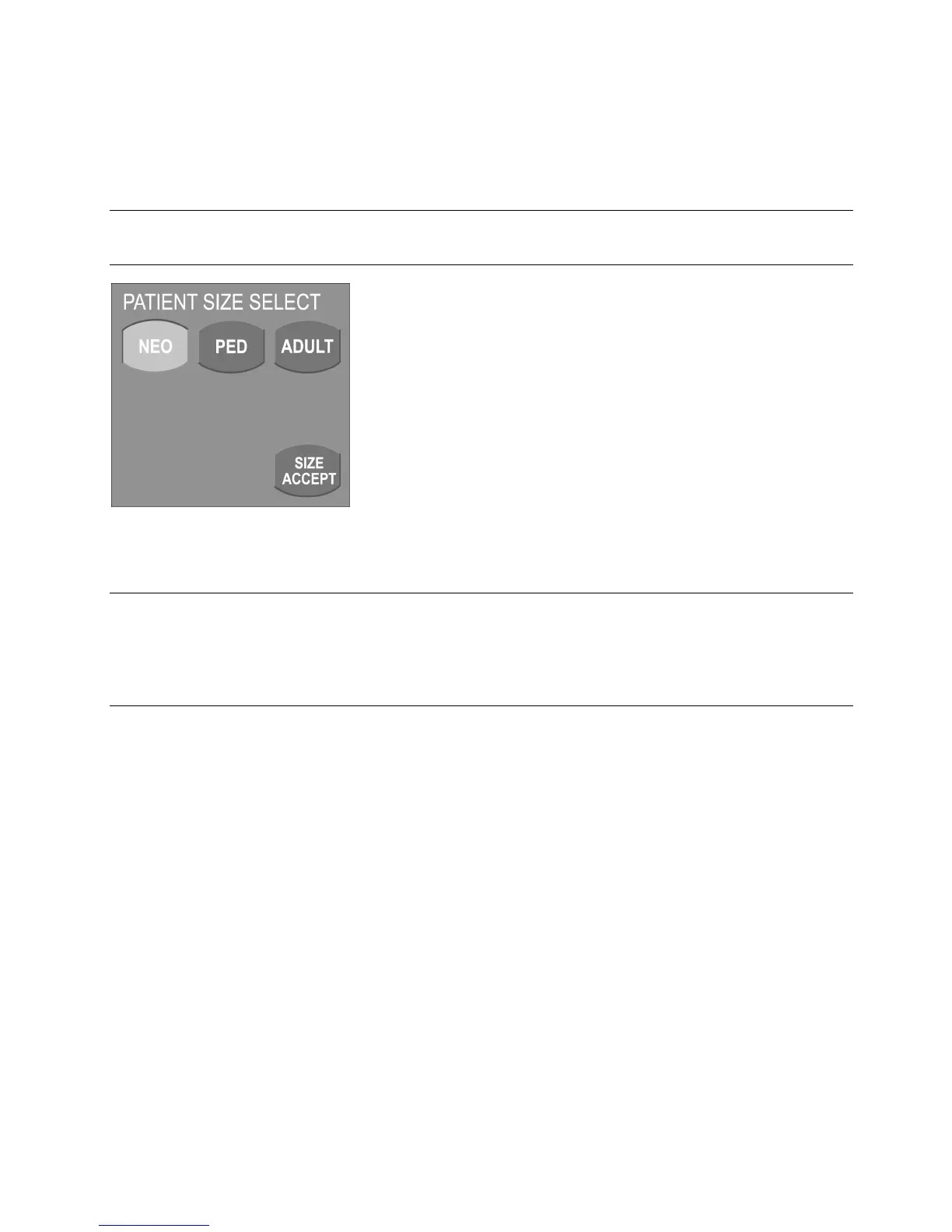
Patient Size Select Screen
The Patient Size Select screen appears as the first step of the new patient setup sequence.
Note:
The new patient size selection will not be active until the on screen SETUP ACCEPT button is pressed.
Figure 3–5: Patient Size Selection Screen
Note:
The ventilator will not allow patient size changes when the active mode of ventilation is not available in the new patient
size selection. The ventilator will display a message instructing you to first change the ventilation mode. For example,
in neonatal ventilation with TCPL active, you cannot change to a pediatric or adult patient size without first changing
the mode to one available for those patients.



 To Next Page