DMD1050TS Satellite Modem Board
Revision 1
Web Browser 7–39 MN-DMD1050TS
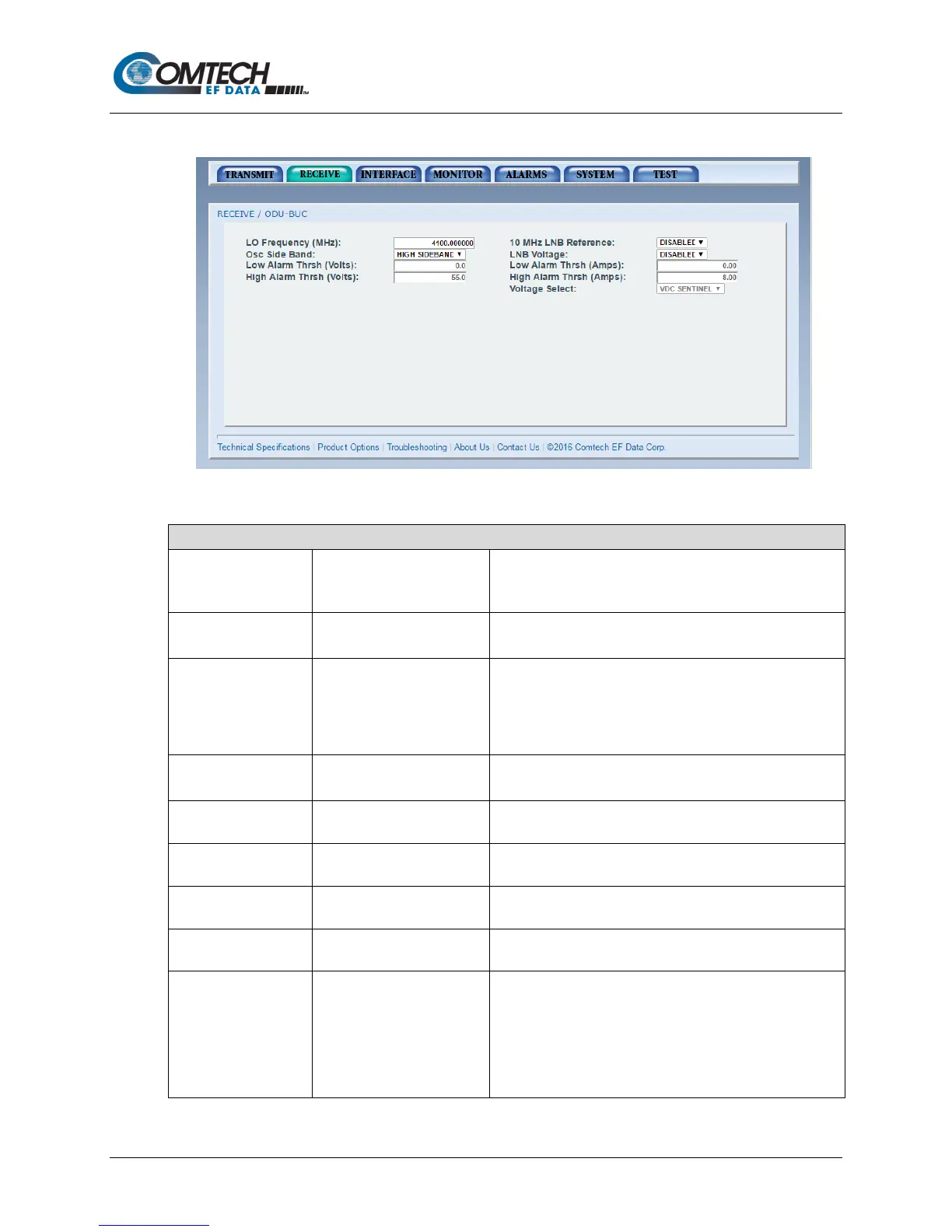
7.7.2.5 Receive |ODU-LNB Page
Figure 7-22. Receive | ODU-LNB Page Example
•
Use to enter the Local Oscillator frequency in MHz to cause
the downlink frequency to show correctly.
Refer to the LNB manufacturer’s specifications.
Reference
•
• ENABLED
Enable or disable the 10 MHz BUC reference clock.
Osc Side Band • LOW SIDEBAND
• HIGH SIDEBAND
Use to select the location of the LNB LO. Enter the location
of the LNB LO to cause the UPLINK FREQUENCY to show
correctly. The LNB LO can be higher or lower in frequency
than the LNB output frequency. If the LNB LO is higher in
frequency, then you must enter HIGH SIDEBAND.
• DISABLED
• ENABLED
Enable or disable the LNB supply voltage.
(Volts)
•
Use to select the lower alarm limit/threshold for the LNB
voltage.
(Amps)
•
Use to select the lower alarm limit/threshold for the LNB
current.
High Alarm Thrsh
(Volts)
• 0.00
Use to select the high alarm limit/threshold for the LNB
voltage.
(Amps)
•
Use to select the high alarm limit/threshold for the LNB
current.
Voltage Select • 13 VDC
• 15 VDC
• 18 VDC
• 20 VDC
• VDC SENTINEL
(optional)
Use to select the voltage required by the LNB.
Refer to the LNB manufacturer’s specifications.



 To Next Page